
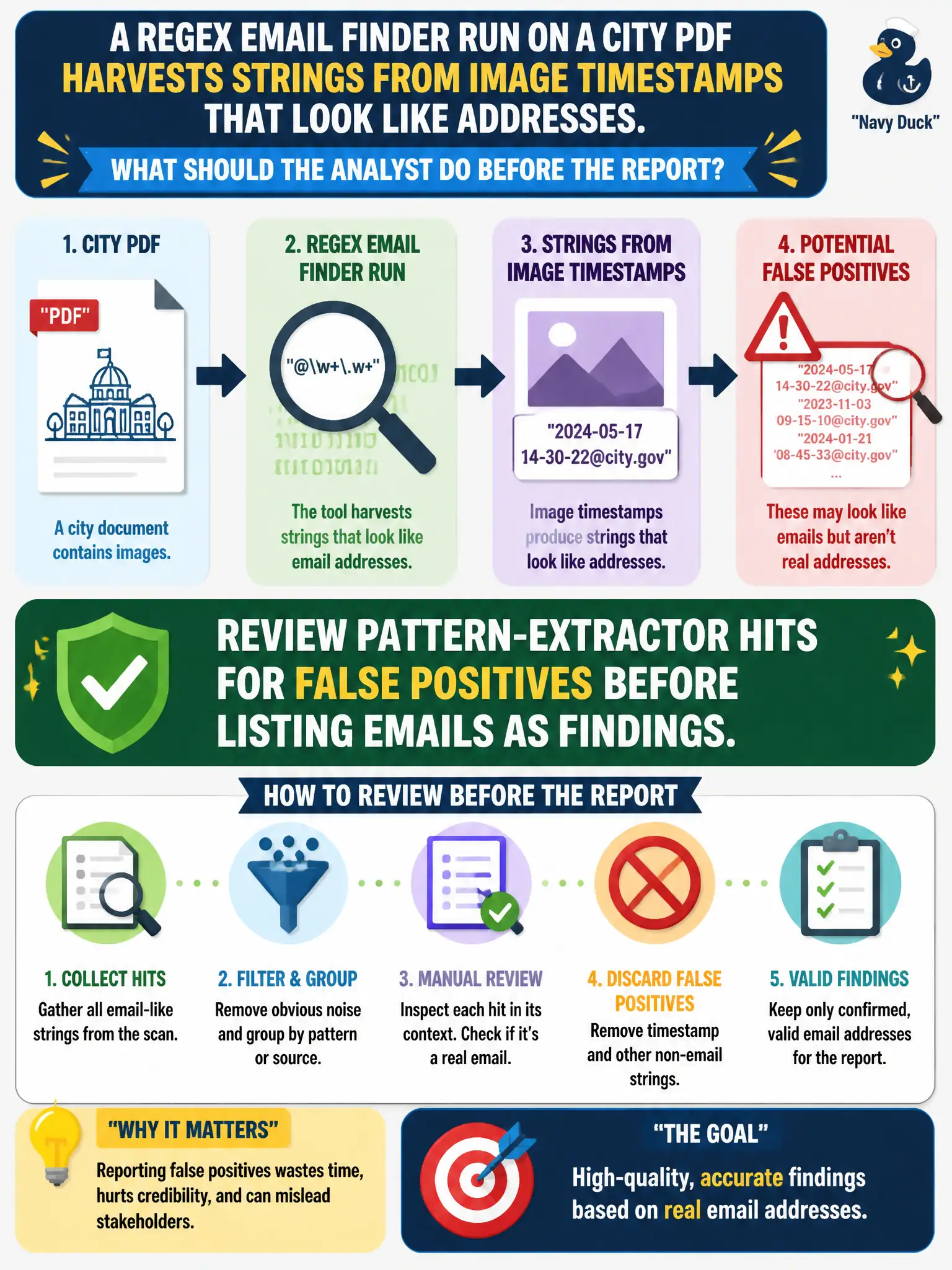
A regex email finder run on a city PDF harvests strings from image timestamps that look like addresses. What should the analyst do before the report?
Select an answer to reveal the explanation.
Short Explanation
A regex is a magnet, not a mailman. It will pick up timestamp junk that only looks like an email. Human review comes before any address goes in the report.
Full Explanation
Automated pattern extractors produce false positives, including numeric strings and timestamps that resemble email local-parts or domains. When a regex email finder run on a city PDF harvests strings from image timestamps that look like addresses, the analyst must review pattern-extractor hits for false positives before listing emails as findings. Human verification turns raw regex output into citable civic evidence.
Pasting every regex hit into the report as a confirmed mailbox publishes junk as fact. Sending mail to each hit to see which addresses bounce is interactive probing that can alert unrelated parties. Treating timestamp-like strings as proof of a hidden webmaster account invents accounts from parsing artifacts.
Exam caveat: even a syntactically valid address must appear as a published address on the source (or a corroborated public page) before it is reported as an email finding.
Operational check: triage regex hits against the PDF context, keep only strings that are genuine published emails, cite page/locator and time, and discard timestamp lookalikes without mailing or overclaiming. Keep municipal wording calibrated to what public sources actually show, and record retrieval dates so peers can re-perform the work.