
The AWS bill jumps in the week cloud scan is enabled, and the new spend is a scanner fleet running in a customer account. Cloud-scan compute should not appear as that line. What should the team conclude?
Select an answer to reveal the explanation.
Short Explanation
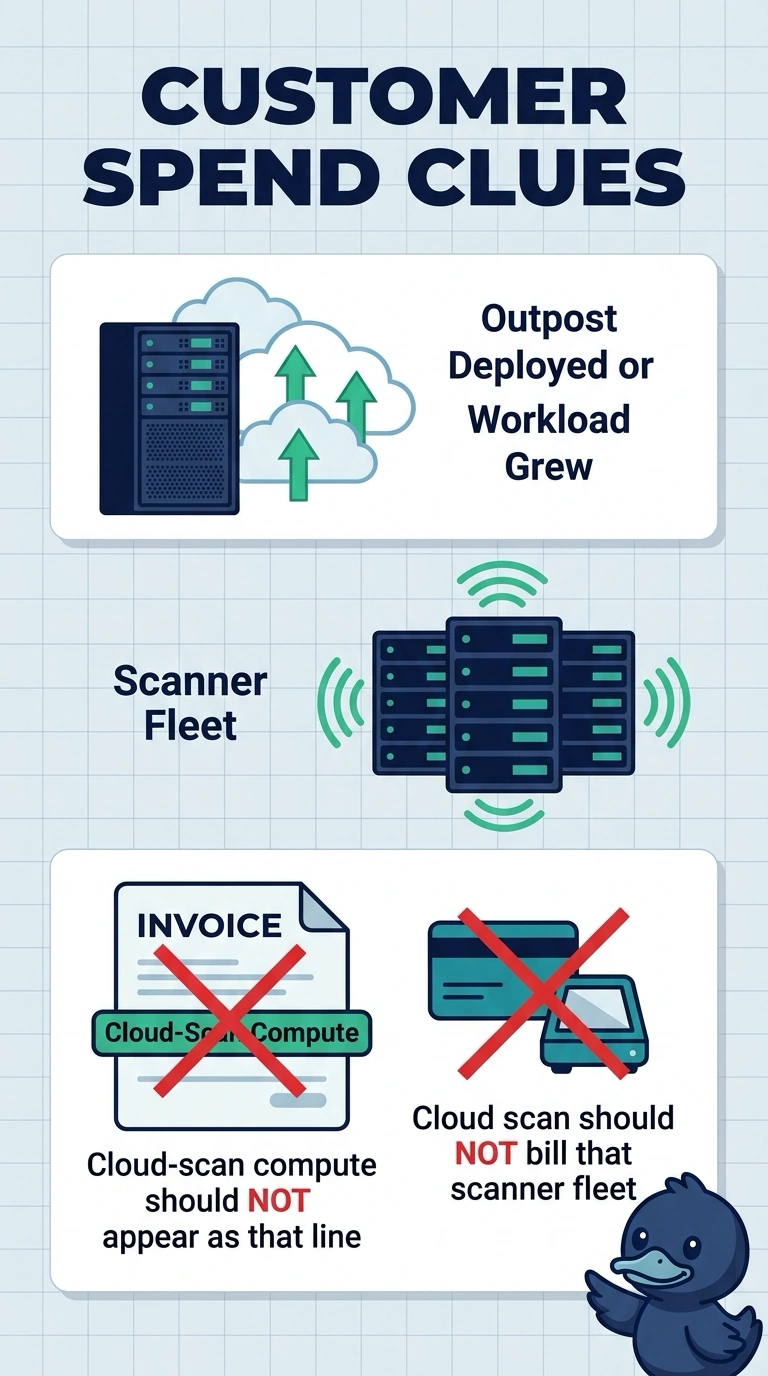
When a charge appears for work the service should carry, you can start by checking who added the new machines. Cloud-scan compute should not appear as a scanner fleet in a customer account, so an outpost deployment or other customer workload growth is the likely explanation. Before buying a larger Cortex license or blaming the plant-network Broker VM, identify the fleet on the bill.
Full Explanation
Cloud-scan compute is mostly Palo Alto Networks’ cost, so a new scanner fleet on the customer’s bill is not the expected charge for enabling cloud scan. An outpost deployment or growth in another customer workload could explain the new spend; outpost compute is supposed to appear on the customer bill. Buying a larger Cortex license does not explain a scanner fleet and skips the account-level investigation needed to understand the cost spike. Agent heartbeats use the documented HTTPS service path. NTP synchronizes clocks separately; the named public NTP defaults are documented for Broker VM, not as a universal heartbeat transport. Blocking UDP 123 can cause clock skew, but it does not create scanner instances or produce a fleet-shaped AWS charge. The Broker VM in the plant network is a closed bridge for routing, logs, and file forwarding; it is not a scanner fleet, and reinstalling it would not address the bill line described. Exam caveat: do not confuse a time-sync issue with the transport used for agent heartbeats. Practical check: inspect the account holding the new instances, determine whether they are outpost scanners or another workload, and confirm cloud-scan accounts have no matching fleet.