
A single-region hospital enabled every region on its outpost, and outpost compute then grew in regions that hold no workloads. What should the team change?
Select an answer to reveal the explanation.
Short Explanation
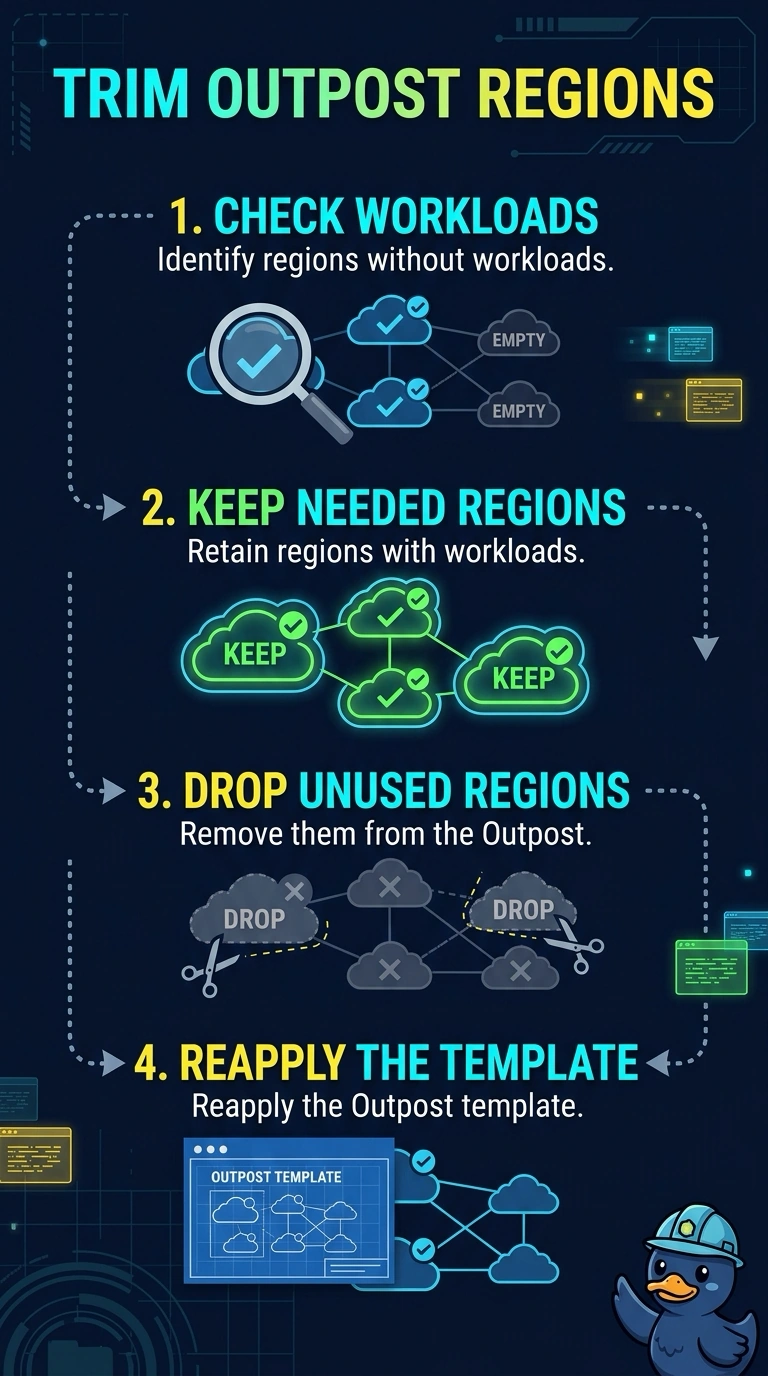
You enabled every outpost region for a hospital that uses only one, so customer-paid compute in regions without workloads is being wasted. The right fix is to drop the unused regions and reapply the outpost template. A larger license, moving the Broker VM, or removing dashboard permissions won’t remove that unused scanner capacity.
Full Explanation
The correct fix is to drop the unused outpost regions and reapply the outpost template, so the deployment no longer includes scanner capacity where the hospital has no workloads. The customer pays for actual outpost resources and consumption; merely enabling a region or increasing an unused service quota is not itself a compute charge, but deployed compute in empty regions is waste. Buying a larger license leaves those regions in place and treats a quota choice as a product-license shortage. A Broker VM bridges a network for endpoint routing, log collection, and file forwarding; moving it into unused cloud regions does not remove outpost scanner capacity or make those regions useful. Removing dashboard permission from hospital analyst roles is an RBAC change that hides a screen but does not change which regions the outpost template deploys. Exam caveat: scanner virtual machines also need egress to the image-source account, so any region you keep must be able to pull the scanner image or scans there stop. Practical check: compare the outpost regions with regions that actually hold workloads, remove the unused regions, reapply the template, and confirm scanner capacity in the empty regions is gone.