
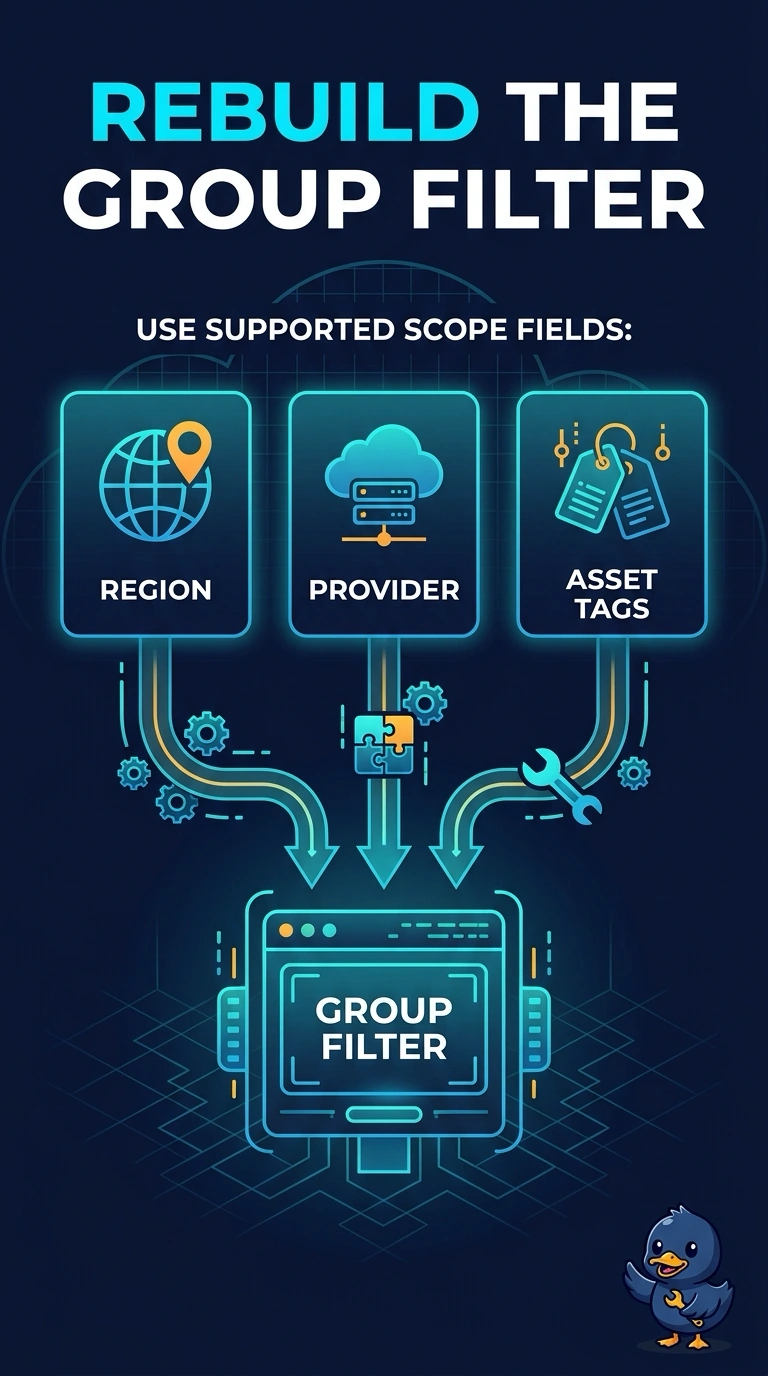
An access administrator builds a dynamic asset group filtered on hostname and then cannot select that group as a scope. A group filtered on region and asset tags can be selected on the same screen. What should be rebuilt?
Select an answer to reveal the explanation.
Short Explanation
A badge reader that only understands certain fields will reject a badge printed with the wrong line, even when the person is real. You filtered on hostname, and scope-based access only accepts dynamic groups built from supported fields such as region and tags. The trap is stripping dashboard permission or reinstalling a CLI when the group itself cannot be a scope.
Full Explanation
Scope-based access control uses dynamic asset groups only, and the group must be built from supported fields. Those fields include Asset Class, Category, Provider, Region, Organization, Account Name, Realm, Business Application Names, Kubernetes Cluster, Kubernetes Namespace, Code Repository and Asset Tags. Hostname is not one of them, so a dynamic group filtered on hostname cannot be selected as a scope. A group filtered on region and asset tags uses supported fields, which is why that group can be selected. Removing dashboard permission changes RBAC for everyone and hides a screen. It does not turn an unsupported filter into a valid scope. The outpost registration callback moves an outpost from Pending to Connected. It does not decide which asset-group fields are legal scopes. The CLI binary consumes application policy on a workstation or in CI. Reinstalling it does not change access-scope attributes. Exam caveat: a static group is also ineligible as a scope, even when its members were picked by hand from the right region. Operational check: rebuild the group on region, provider, or asset tags, confirm the scope picker accepts it, and confirm a user with that scope sees only the matching assets.