
Plant analysts open a healthy dashboard and every widget is empty, while an unrestricted admin still sees rows. The widgets query findings/asset_inventory, dataset permissions match the admin, and scope inspection confirms the plant assets are excluded. An administrator removes dashboard permission from all roles and calls that a scope fix. What actually corrects the empty widgets?
Select an answer to reveal the explanation.
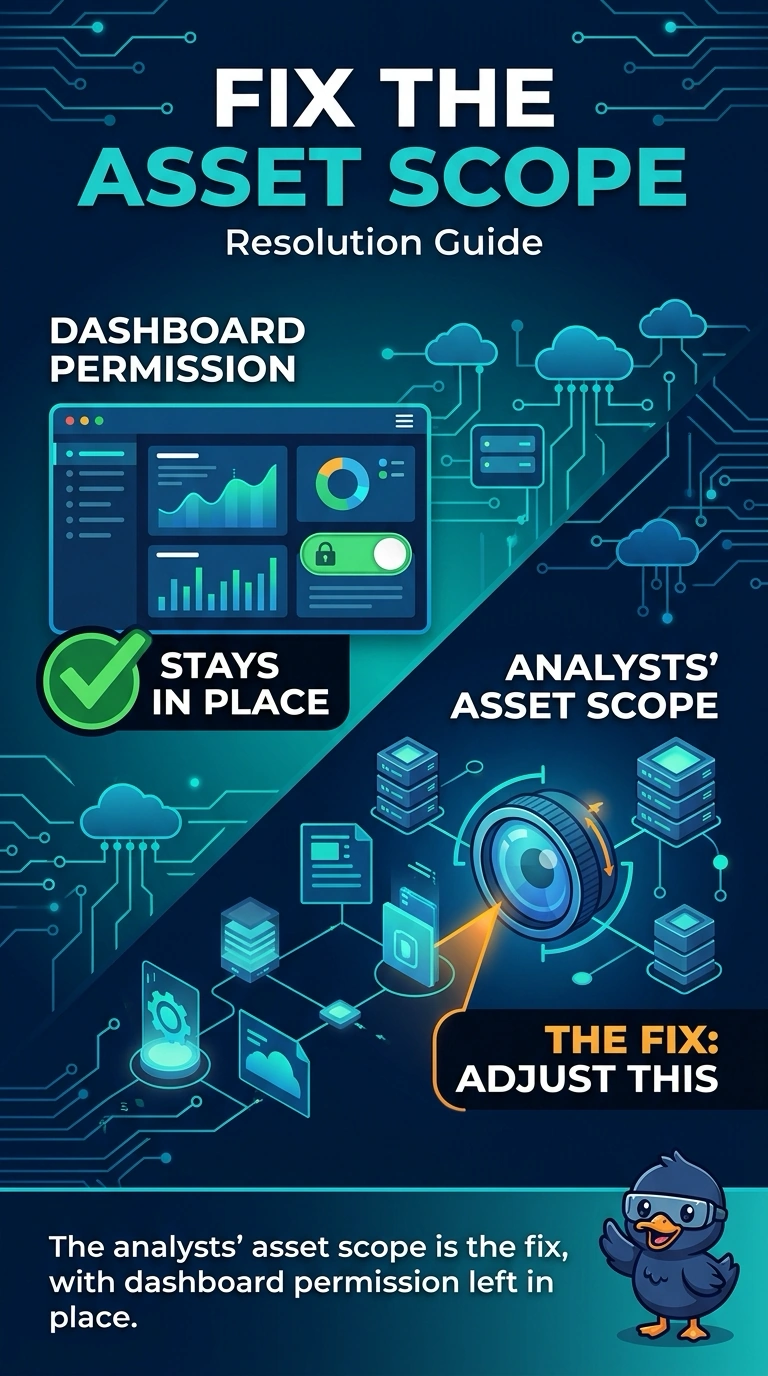
Short Explanation
Blank shelves in one aisle do not mean the store tore down the sign for everyone. You are looking at an asset-scope gap: the admin still sees rows, and the analysts do not. The trap is deleting dashboard permission tenant-wide and calling that a scope fix.
Full Explanation
These verified scope-aware widgets are empty because of the stated scope exclusion; empty dashboard widgets in general can also reflect query, dataset or collection problems. The unrestricted admin still sees rows, so the query and the dashboard are intact. The analysts' scope does not include the plant accounts those widgets count. Restoring the right dynamic asset group on their scope fills the widgets, and dashboard permission should stay so they can open the screen. A query that ignores asset scope on a raw dataset is a different control. Row-level dataset scope is separate from asset scope, and rewriting the widget to bypass scope would show data the analysts are not supposed to see. It does not fix their scope. Reinstalling the Broker VM changes a network bridge. Widgets do not load through that appliance, and a broker reinstall does not add accounts to an asset scope. Removing dashboard permission from every role takes the screen away tenant-wide. That is an RBAC change, and the plant accounts remain outside the analysts' scope, so it is not a scope fix. Exam caveat: a role can be allowed to open a dashboard and still see empty widgets when the scope excludes the data. Operational check: compare one widget as the analyst and as the admin, then add the plant accounts through a supported dynamic group and refresh the widget.