
An automation API key receives HTTP 403 when it tries to create an issue. The same call succeeds with a different key, and rotating the failing key does not change the result. The API denial explicitly reports missing issue-creation permission, and role inspection confirms that action is absent from the failing key role. What should be changed?
Select an answer to reveal the explanation.
Short Explanation
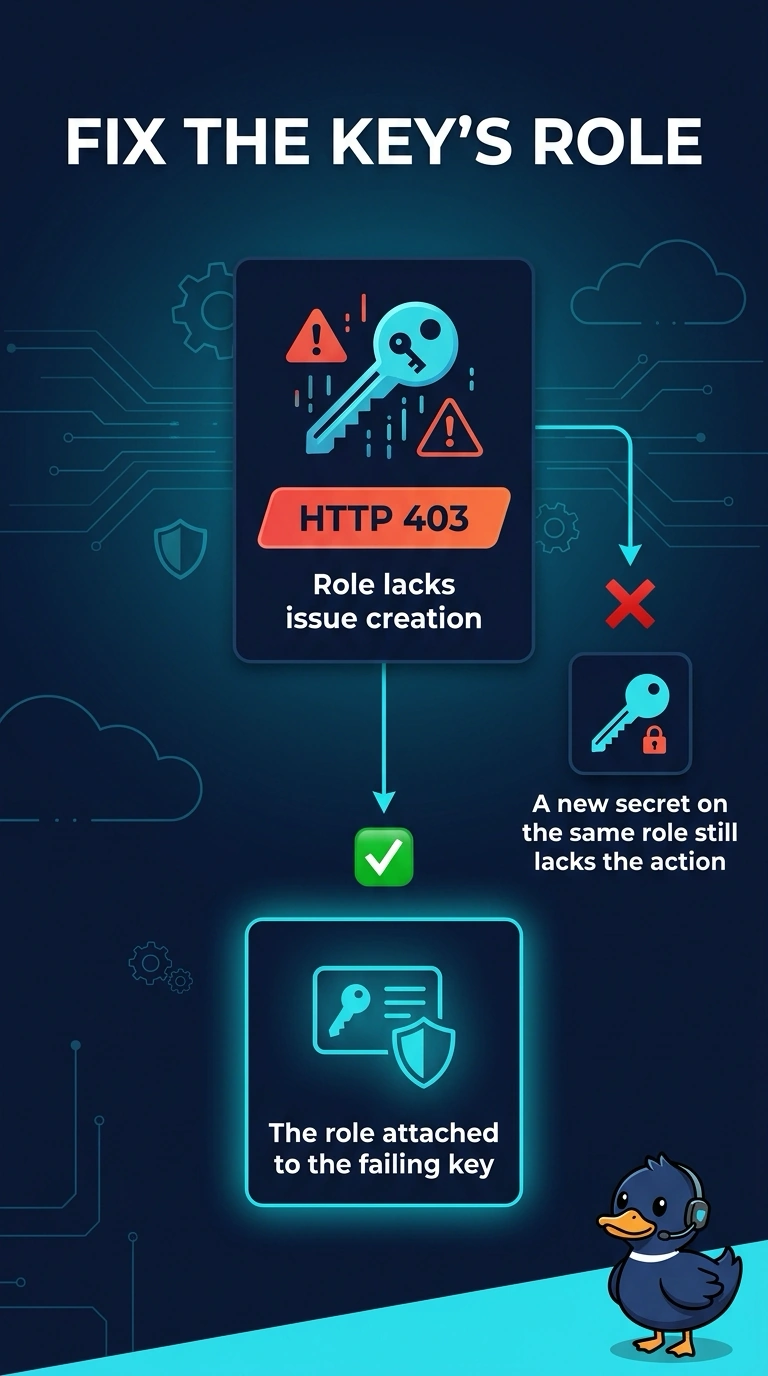
You can think of the API key like a badge: replacing the secret does not change what its role is allowed to do. A 403 is an authorization denial whose specific cause must be read; here the explicit error and role inspection establish the missing action. Other scope or access controls can also deny operations, so 403 alone is not a unique RBAC diagnosis.
Full Explanation
API keys carry a role, and role-based access control determines whether that role can create issues. A 403 is an authorization denial whose specific cause must be read; here the explicit error and role inspection establish the missing action. Other scope or access controls can also deny operations, so 403 alone is not a unique RBAC diagnosis. In this case the denial explicitly reports missing issue-creation permission and inspection confirms that action is absent from the failing key role, while a different key succeeds, so you add the identified permission to the failing role or use a key on the working role rather than rotating the secret again, since a fresh secret on the same role still lacks the action. Asset scope limits which assets, cases, and issues a caller can see; an empty dashboard widget can reflect limited scope, but it does not explain a 403 when creating an issue. The Broker VM certificate does not sign issue-creation calls for an API key, so replacing the certificate does not grant the key permission. The outpost registration callback moves an outpost from Pending to Connected; it does not mint tenant API keys, and a key already calling the API has already been issued. Exam caveat: XQL and dashboards can appear empty under tight scope even when the role is allowed to open them, which differs from a 403 on create. Practical check: compare the failing role with the working role, add issue-creation permission, then retry without rotating again.