
A clinic analyst sees empty dashboard widgets, and that same analyst's XQL against findings and asset_inventory returns no rows. An admin outside that scope sees both the widgets and the rows. Dataset/query permissions are equivalent, and scope inspection shows that the clinic assets are absent from the analyst's asset groups. What is the cause?
Select an answer to reveal the explanation.
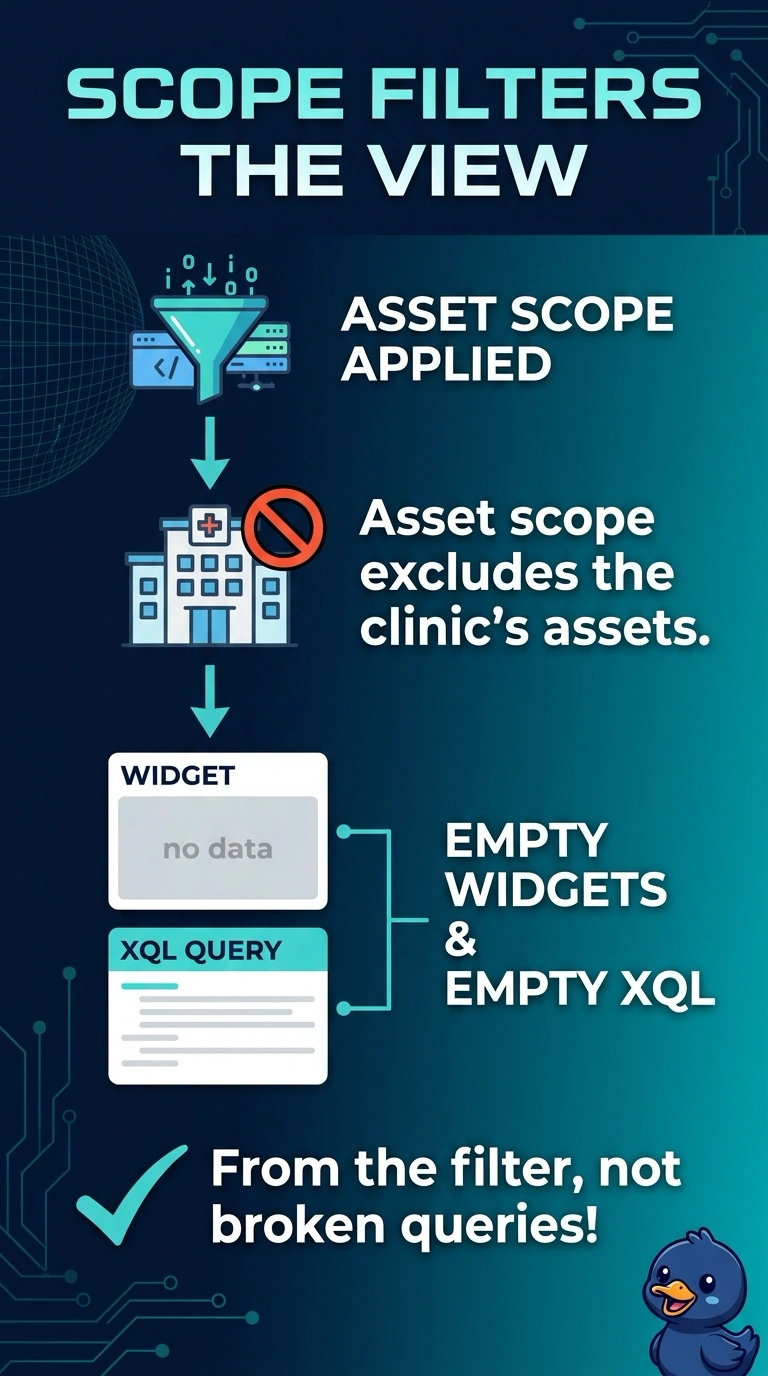
Short Explanation
You’re seeing both widgets and XQL honor asset scope, which does not include this clinic’s assets. Since the admin sees the data, you can check the analyst’s asset groups rather than rewrite a query that is already returning rows for that admin.
Full Explanation
Empty widgets alongside empty XQL results for findings and asset_inventory point to asset scope: these scope-aware datasets return only rows within the user’s asset groups. The admin outside the clinic scope sees both the widgets and the rows, which supports that the query text works and the tenant’s regional name is resolving. An invalid dashboard query would not explain why the same XQL returns rows for the admin, and a wrong regional name would not explain why that admin sees the data. A role that lacks permission to open dashboards would block access to the dashboard; it would not account for empty XQL, and the analyst can see the widgets. Missing RBAC hides an action, while asset scope filters which rows the user sees. Exam caveat: equivalent dataset/query permissions do not by themselves rule out row-level scope restrictions; the stated asset-group inspection identifies the relevant exclusion here. Practical check: inspect the analyst’s dynamic asset groups, confirm the clinic assets are absent, then refresh the widgets and rerun the same XQL after those assets are included in scope.