
A secret is present in raw scanner findings, but no application issue is created. The unified policy Repository File Path condition excludes that directory, while the secret detection rule is correct. What should change first?
Select an answer to reveal the explanation.
Short Explanation
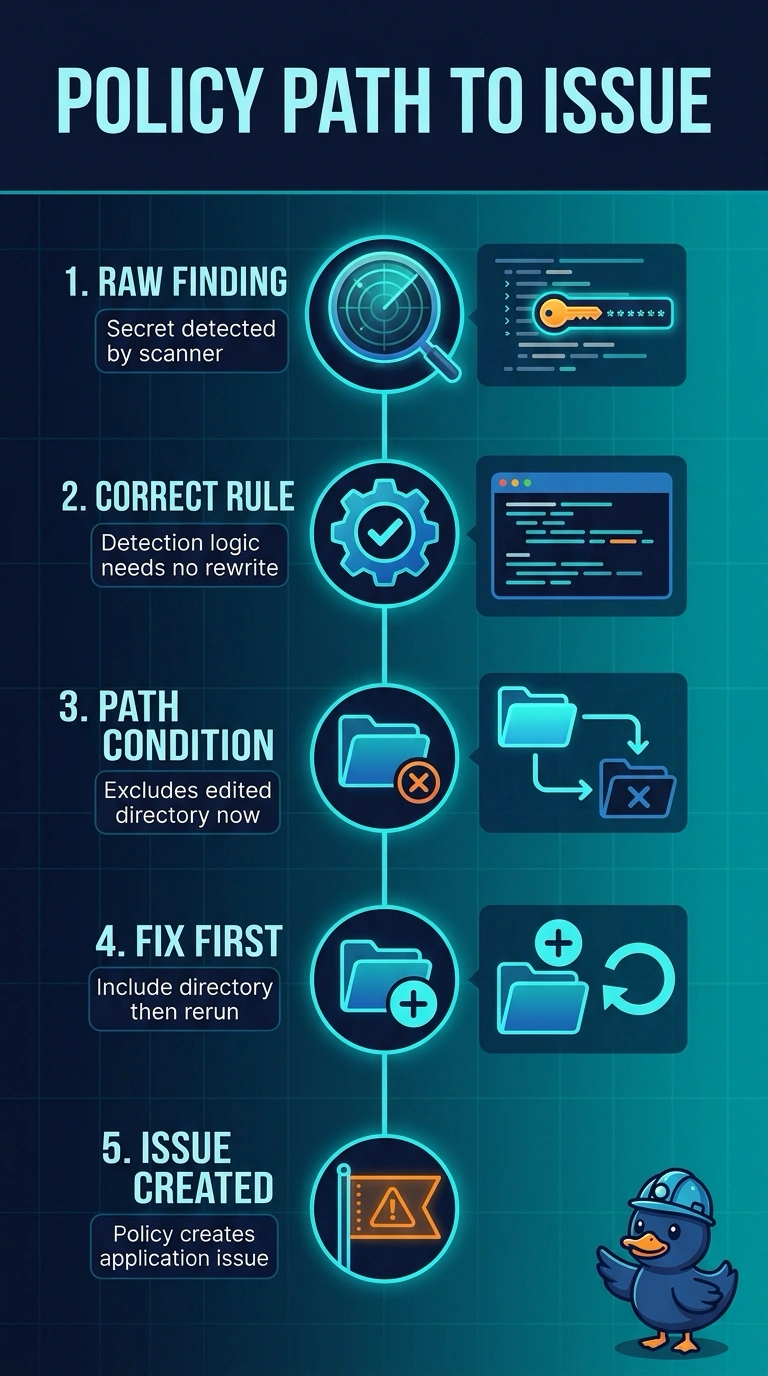
You already have proof the secret detection rule works because the secret appears in raw findings, so you don’t need to rewrite it. First, widen the Repository File Path condition to include the directory you’re editing so policy evaluation can create the application issue.
Full Explanation
Unified application policies evaluate detected findings to decide whether to create issues and enforce them. Since the secret appears in raw scanner findings and the secret detection rule is correct, the missing application issue points to policy evaluation rather than detection. The Repository File Path condition excludes the directory, so change that condition to include the directory; this lets policy evaluation act on the finding. A policy condition can exclude a finding from issue creation or enforcement without preventing the scanner from detecting it, an important distinction when raw findings are present. Replacing the scanner binary does not address the cause: the repository secret scanner can detect committed keys, and changing the binary does not change the policy condition. Changing the editor color theme only affects how underlines look; it cannot make them pull-request failures, which depend on platform enforcement. Changing the outpost image account is also unrelated: it supplies the scanner image to scanner virtual machines and does not scan repository files as disks; an outpost is not the repository secret scanner. As an exam caveat, distinguish a detected finding excluded by policy from a secret missing in scan results. As a practical check, include the directory in the condition, rerun the evaluation, and confirm the application issue appears before changing the detection rule.