
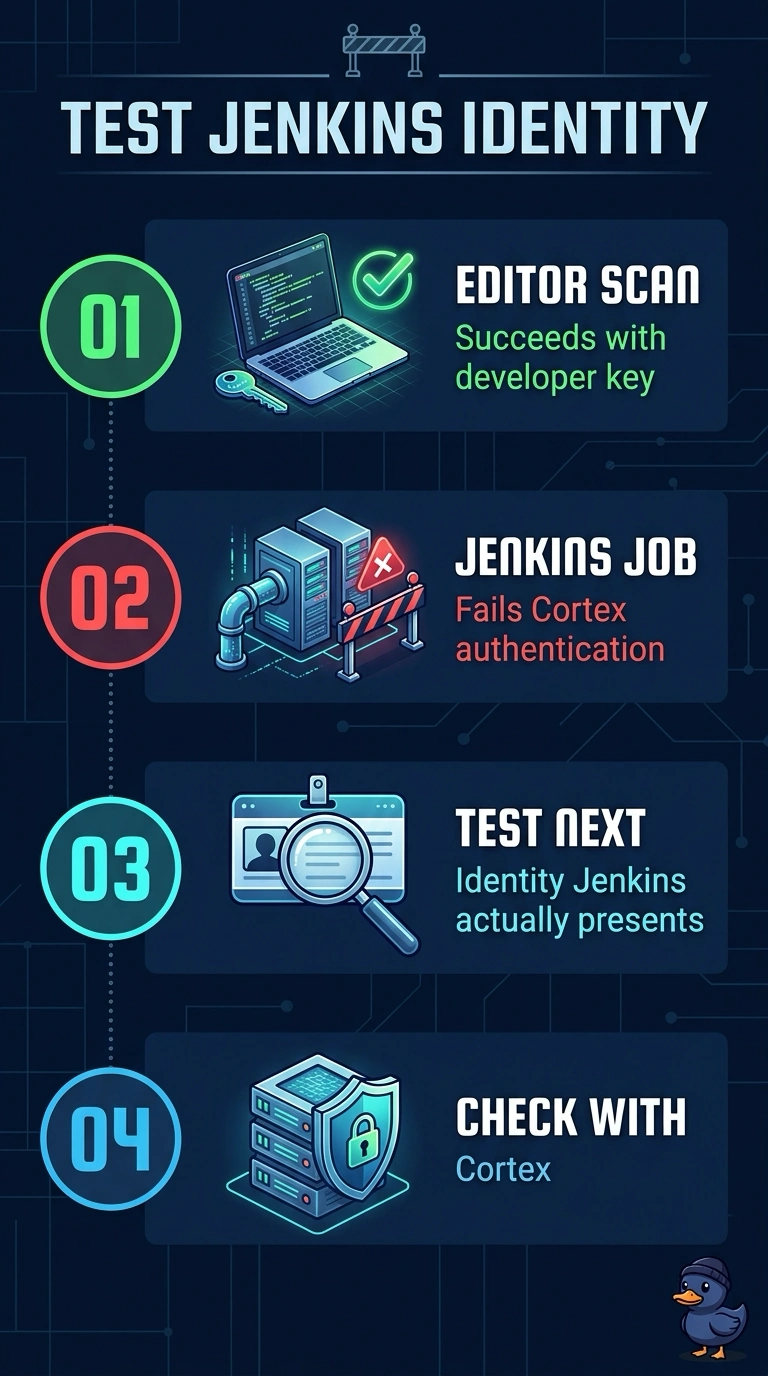
A developer's editor scan succeeds with that person's key. The Jenkins job then fails to authenticate to Cortex. What should be tested next?
Select an answer to reveal the explanation.
Short Explanation
Think of a badge that opens your office and does not open the loading dock. Your editor scan proves that person's key works, and the job is a different identity, so test the credential Jenkins presents. A successful console login is the same trap in browser form.
Full Explanation
A successful IDE scan with a user key does not prove the CI machine credential works. The editor used the developer's key, and the Jenkins job failed to authenticate, so the next test is the pipeline identity that job actually presents to Cortex. The developer's interactive console login is another human session. It can succeed while the job's credential is expired, scoped wrong, or missing, and a browser login does not refresh a machine token. The outpost registration callback moves an outpost from Pending to Connected. It does not rotate editor keys, and an editor success already shows the user key is fine. UDP 123 to the public time pools fixes clock skew. The stem shows an editor authentication success and a job authentication failure, which is Start with the credential and permissions actually used on the Jenkins worker. The editor and worker can have different clocks, proxies and networks, so successful editor authentication does not exclude worker-local time or connectivity faults. Exam caveat: a job can also stay green after it authenticates if the pipeline ignores the CLI exit status, so authentication and the gate are separate checks. Operational check: run the job's credential from the Jenkins worker in a single authenticated call, confirm it is not the developer's key, and confirm a failed job records that identity's error.