
Developers see findings underlined in the editor, and the merge still lands on the protected branch. The editor trigger is on. The pull-request scan is not set to block. Why does the merge succeed?
Select an answer to reveal the explanation.
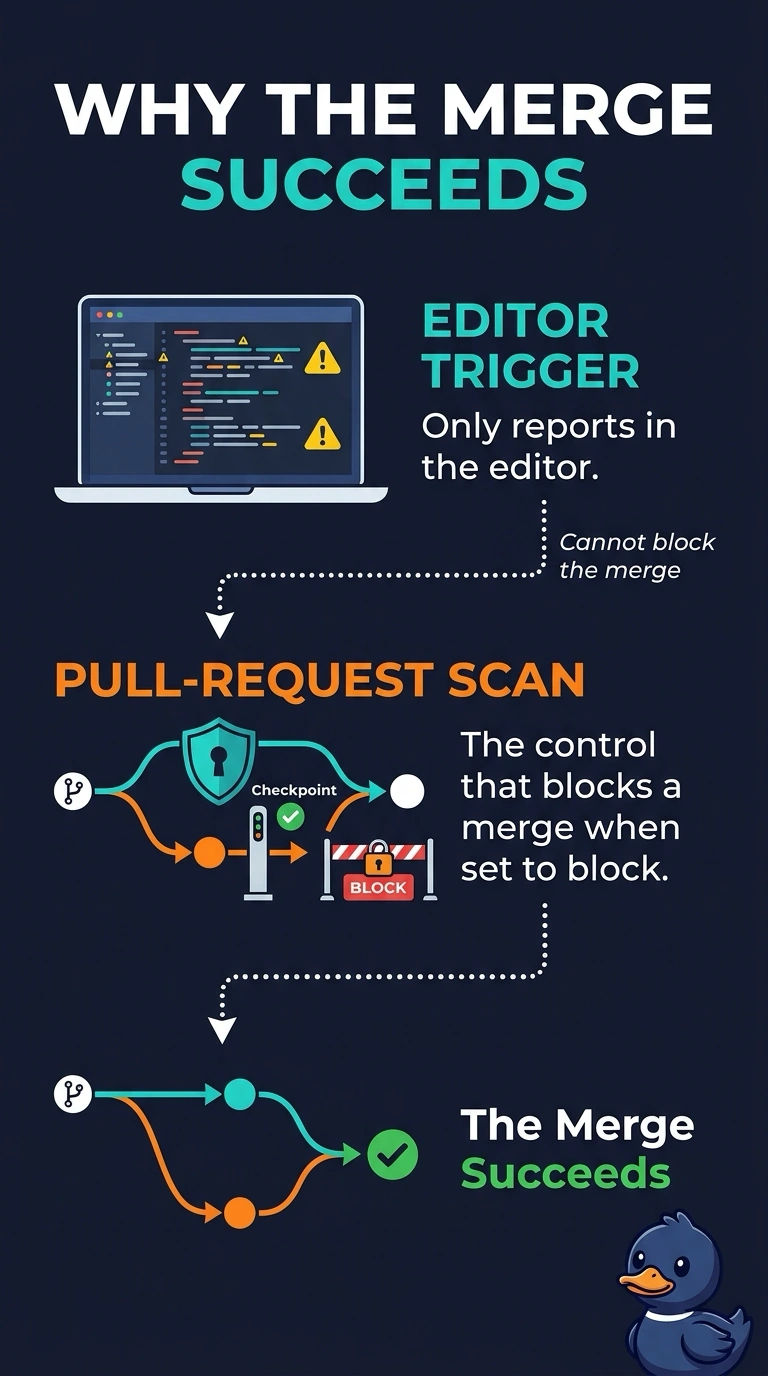
Short Explanation
Think of an editor underline as a helpful warning, not a stop sign—you can still merge while you see findings. You get a blocked merge only when the pull-request scan is set to block, so check that gate if you want findings to prevent merging.
Full Explanation
The editor trigger reports findings in the IDE; it does not control whether a pull request can be merged. The pull-request scan is the merge control, and because it is not set to block, developers can see editor findings while the merge still succeeds. A missing command-line binary does not explain this behavior: the editor is already displaying findings, and the merge outcome is determined by the pull-request scan setting. A vulnerability-policy ignore applies to vulnerability issues; it does not clear the editor underlines described here or make the pull-request scan block a merge. Ignored paths would prevent findings from being reported for files they exclude, so they do not explain why findings are visible in the editor. Exam caveat: an enabled editor trigger and a blocking pull-request scan are separate controls, so seeing findings in the IDE does not prove that merges are protected. Practical check: confirm that the pull-request scan is set to block, then open a test pull request containing a known finding and verify that merging is rejected.