
A university GitHub SaaS integration lists repositories, but no webhook deliveries are subscribed. The installed GitHub App can read repository code, but its permissions/events do not allow the required webhook delivery. What is the defect?
Select an answer to reveal the explanation.
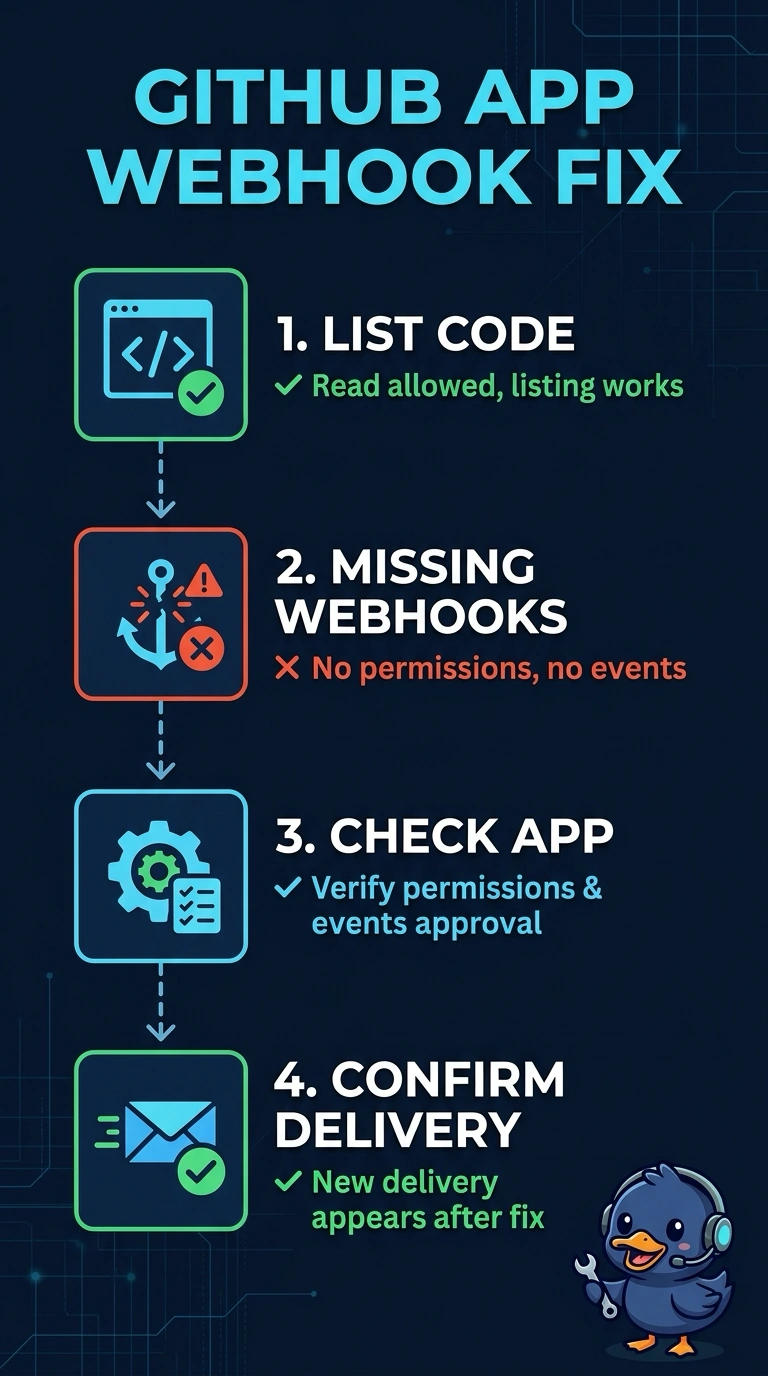
Short Explanation
Think of an App badge that lets you browse the library but not get mail alerts: you can list code because reading is allowed, yet deliveries never arrive without the right webhook permissions and events. Check your shared or customer-owned GitHub App installation to confirm its permissions, events, and approval.
Full Explanation
GitHub SaaS onboarding uses an installed GitHub App, and webhook deliveries require both the correct App permissions and subscribed events. The installed GitHub App can read repository code, but its permissions/events do not allow the required webhook delivery, so the installation lacks the required webhook permissions or event subscription and deliveries are never created. Forcing verdict requests to the tenant region concerns the endpoint-verdict path; verdict routing does not grant or deny App webhook permissions and does not explain missing subscriptions when repository listing succeeds. Blocking the agent heartbeat name would affect agent check-in on TCP 443; successful repository listing shows the SaaS integration can reach GitHub, which points away from heartbeat connectivity. Leaving the cloud audit trail unselected would leave cloud audit ingestion empty; it does not remove webhook rights from the source-control App installation. Check the selected shared/customer-owned GitHub App permissions, subscribed events, installation approval and delivery status. Follow the specific GitHub onboarding model; do not replace SaaS installation tokens with a PAT.