
A pipeline prints code findings, and the job still finishes green. The command-line binary runs. Which cause fits?
Select an answer to reveal the explanation.
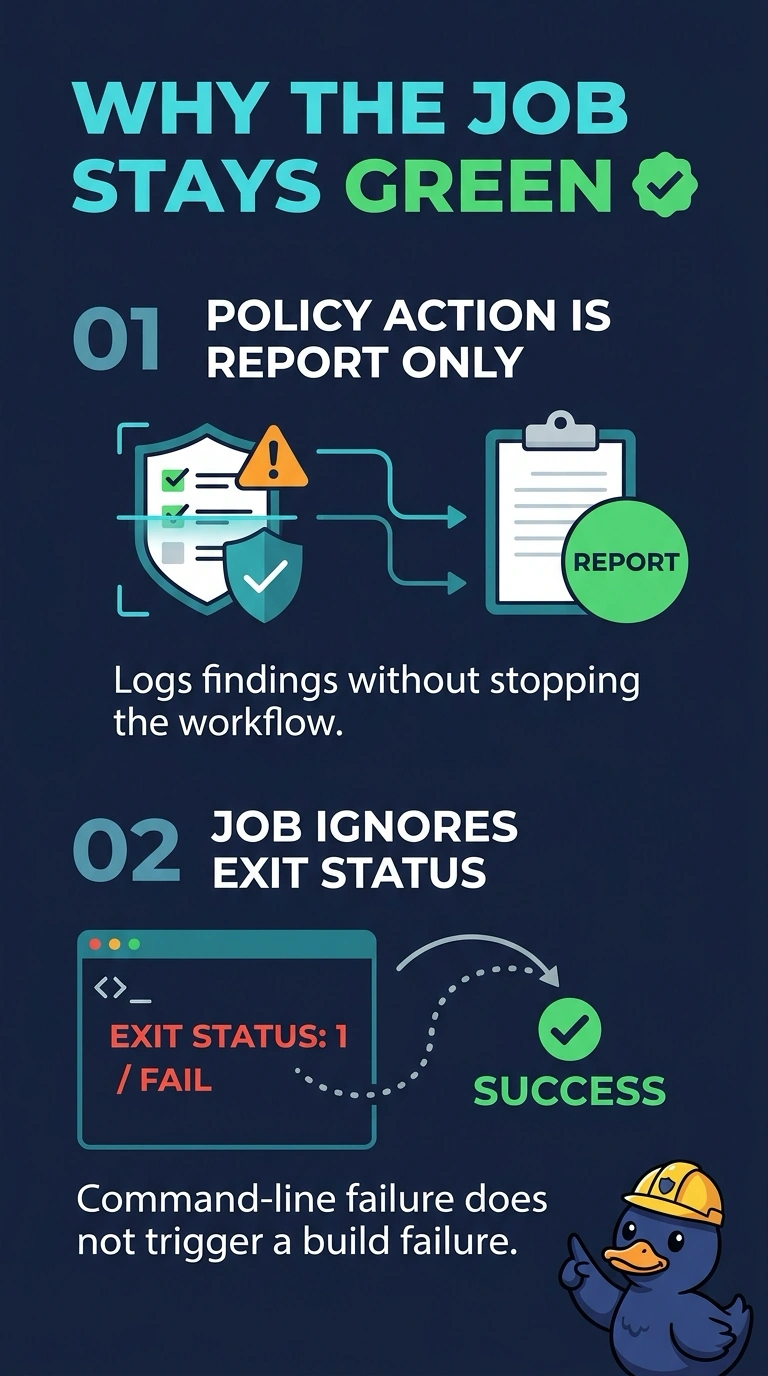
Short Explanation
Think of a smoke alarm that announces the beep and is not wired to the sprinklers. You can see findings and a green job at the same time when the policy only reports, or when the script archives the output and ignores the exit status. The editor trigger never fails the Jenkins job, even when it is on.
Full Explanation
The command-line tool enforces a gate only when the pipeline treats a non-zero exit status as a failure, and the policy action has to be a fail rather than report-only. Findings on a green job mean the scan ran and the gate did not: either the unified policy action is report only, or the job ignores the command-line exit status. The editor trigger reports in the IDE. It does not fail a Jenkins job, so turning it on does not explain or repair a green pipeline. A Broker VM bridges agents, logs, and files. Its heartbeat does not paint a CI job red or green. A vulnerability-policy ignore affects vulnerability issue creation. It is not the unified application policy that the code scan is enforcing, and it does not print code findings while leaving the exit status unused. Exam caveat: a policy can fail the build for one category and report on another, so the green job might still be correct for the category that printed if that category is report-only. Operational check: read the policy action for the printed finding type and confirm the pipeline step fails when the command-line status is non-zero.