
The GitHub App installation is authorized and has the required webhook permissions. GitHub webhook deliveries fail with connection refused. What is breaking delivery?
Select an answer to reveal the explanation.
Short Explanation
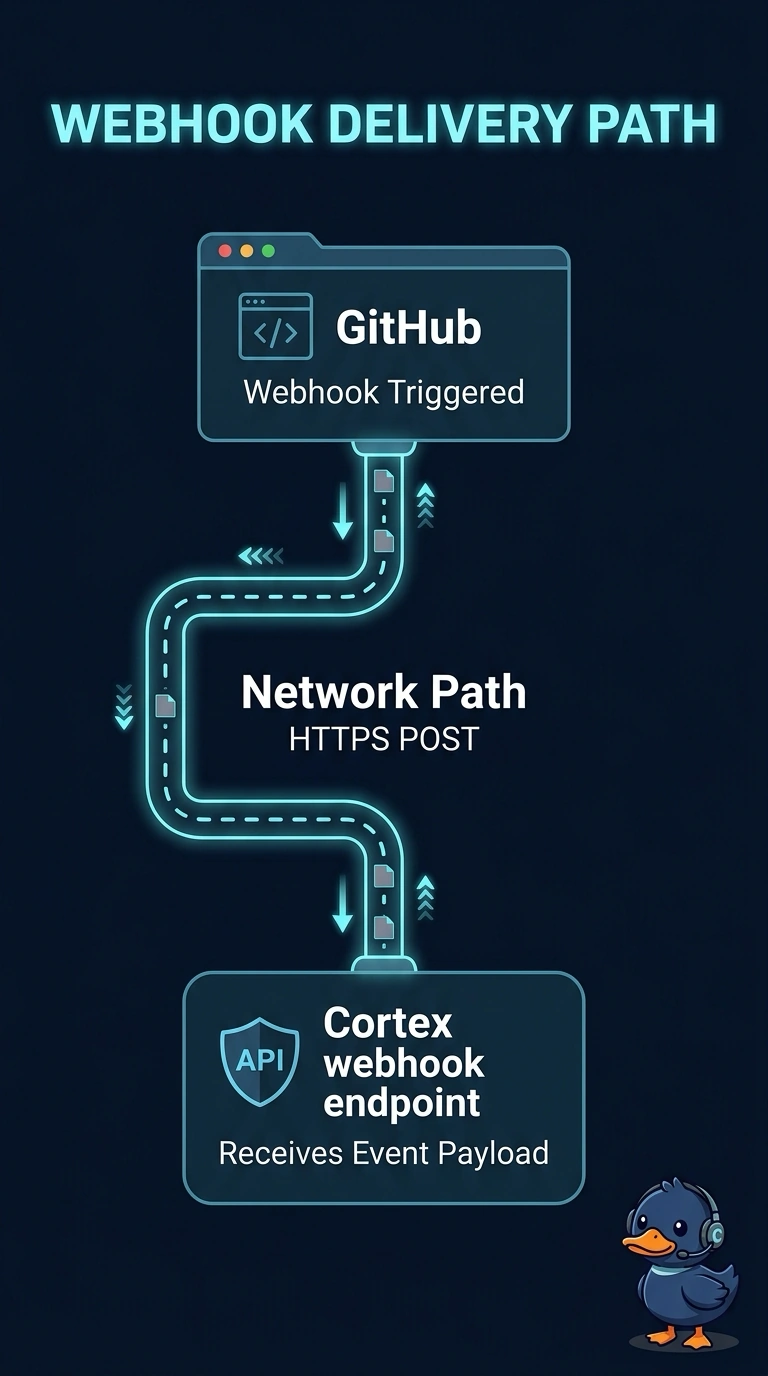
You can think of a letter returned because the street is closed, not because your signature was wrong. The GitHub App installation is authorized and has the required webhook permissions, but connection refused means the network path to the Cortex webhook endpoint is blocked.
Full Explanation
Connection refused means GitHub’s delivery attempt did not complete a connection to the webhook endpoint. The GitHub App installation is authorized and has the required webhook permissions, so this is not an OAuth or scope failure: the break is the network path from GitHub to the Cortex webhook endpoint. A missing webhook scope would prevent subscriptions when a token cannot create hooks, but this installation is already authorized to create them, so scope is not what refuses the connection. An expired editor key on a laptop authenticates an IDE scan for a person; GitHub’s webhook client does not use that laptop key to open the delivery connection. Jenkins credentials belong to a separate integration and do not determine whether this GitHub TCP connection succeeds. A matching Jenkins secret does not cause GitHub to refuse the connection, and this delivery is from GitHub rather than Jenkins. Exam caveat: after the network path is open, a wrong webhook secret can still cause the payload to be rejected, so connectivity and signature validation are separate tests. Practical check: from a network that represents GitHub’s path, confirm the webhook endpoint accepts a connection, then verify that a new delivery succeeds instead of reporting connection refused.