
The GitHub Cloud App installation lost authorization; Cortex console login still works. What restores the integration?
Select an answer to reveal the explanation.
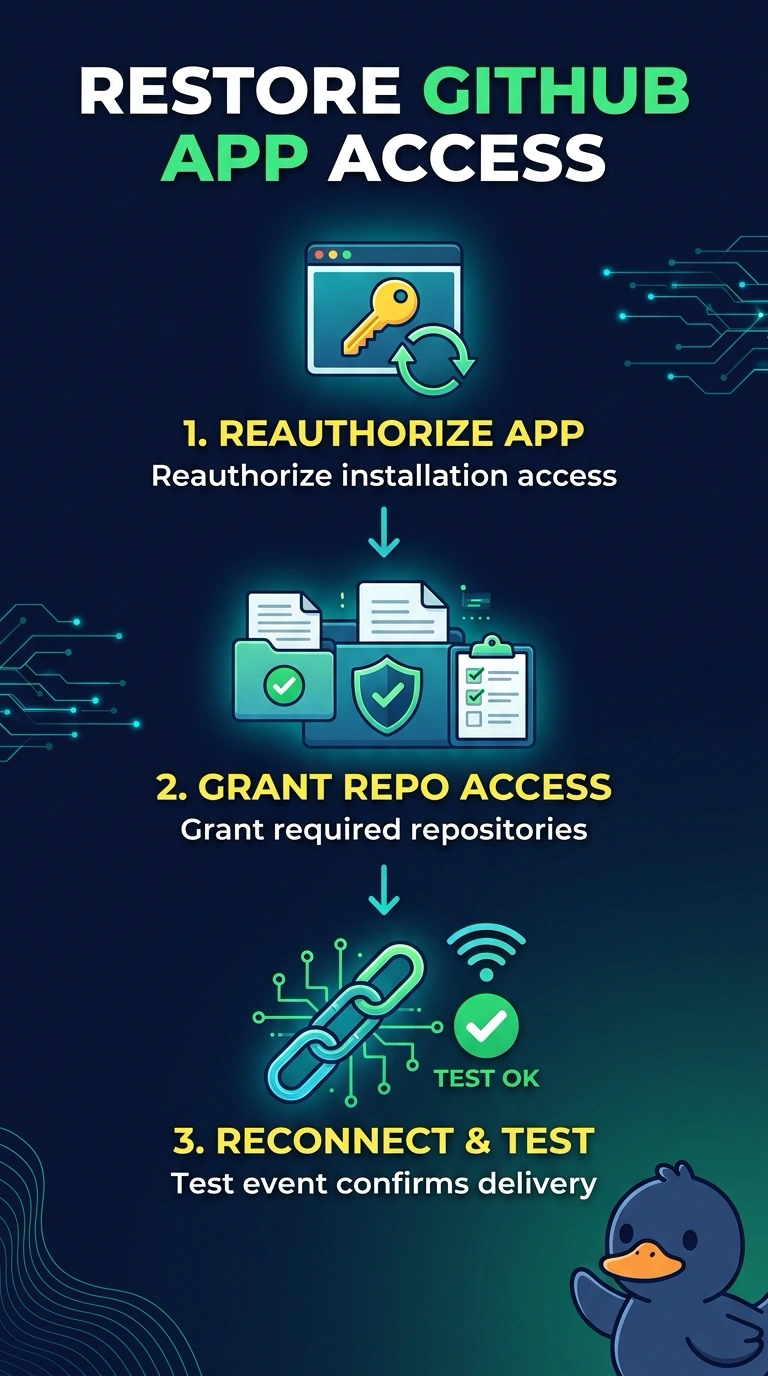
Short Explanation
Think of it like your badge to the side door stopped working while the lobby still recognizes you. GitHub Cloud onboarding uses a shared or customer-owned GitHub App and installation tokens. A human Cortex console session does not restore the App authorization.
Full Explanation
GitHub Cloud onboarding uses a shared or customer-owned GitHub App and installation tokens. A human Cortex console session does not restore the App authorization. When the installation loses authorization or repository access, Cortex cannot receive deliveries even though console login still works, so restore the installation authorization with required repository access, then reconnect and send a test event to confirm receipt. A fresh browser login to Cortex only proves human console access and creates a new user session; it does not re-authorize the GitHub App installation or reissue installation tokens. Creating a cloud-scan outpost in a GitHub billing account confuses version control onboarding with public cloud scanning, where an outpost assumes an AWS account to scan rather than a development system granting App access. Rebuilding a Broker VM on developer laptops confuses network bridging for endpoint routing, log collection, and file forwarding with integration authorization; laptops hosting a broker do not repair repository authorization. Operational check: verify installation, repository scope, and successful test delivery in Cortex without requiring another console sign-in.