
Agentless scans in one cloud region stopped after that region was removed from the outpost. Agents in the region still send heartbeats. What should be restored before anyone replaces those agents?
Select an answer to reveal the explanation.
Short Explanation
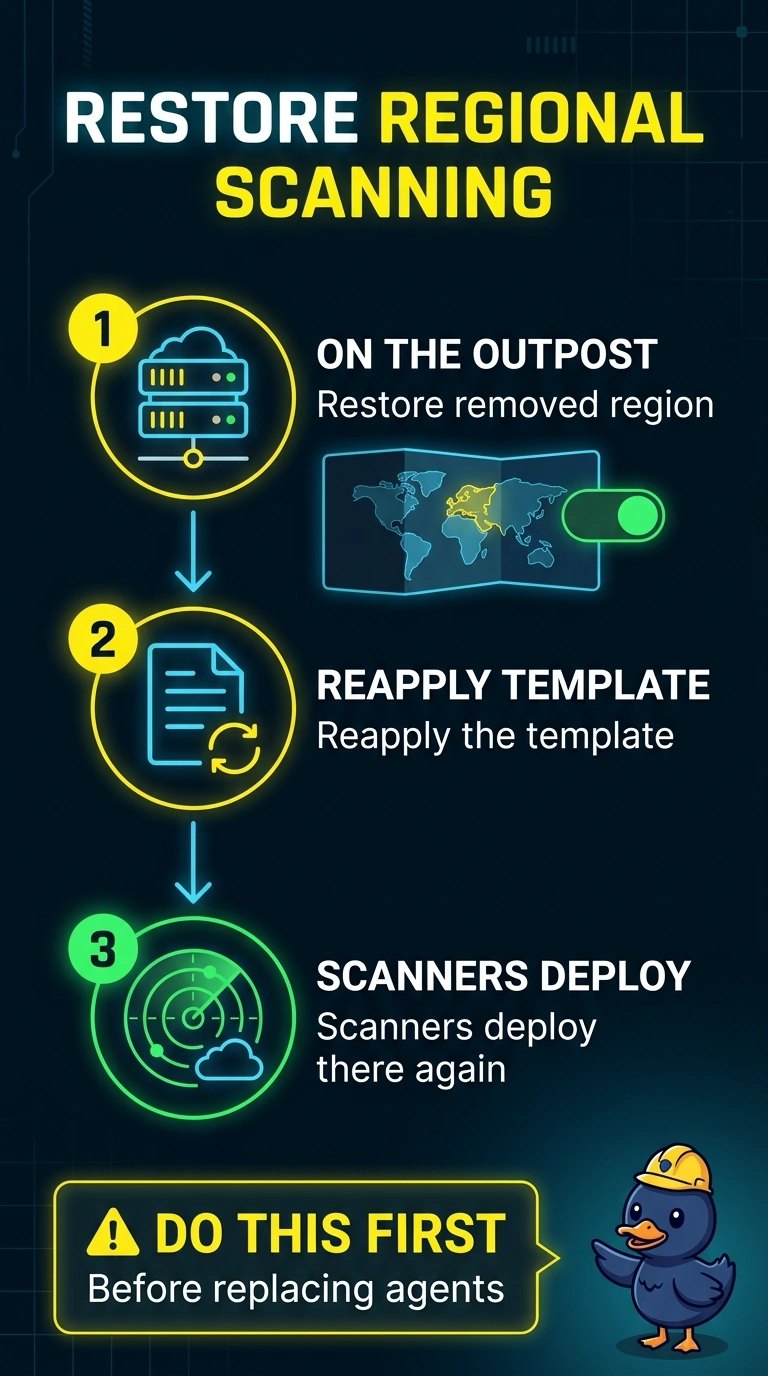
Think of the outpost’s region list as the work order for where scanners are allowed to stand. You removed that region from the work order, so scanners there stopped while your agents kept calling home. Restore the region and reapply the template before replacing a healthy agent.
Full Explanation
Outpost scanner virtual machines exist where the outpost is deployed. Removing a region from the outpost removes those scanners, so agentless scans in that region stop even though the agents still send heartbeats. Restore the removed region on the outpost and reapply the template to deploy scanner virtual machines there again. The heartbeats show that the agents’ path to the regional Cortex hosts is working; replacing agents will not restore the scanners. The Broker VM in the application VPC does not schedule outpost scanners. It bridges endpoint routing, log collection, and file forwarding, so reinstalling it is not the fix. Inbound TCP 443 from Cortex to the agents reverses the agent connection: agents use outbound TCP 443, and outpost scanners—not inbound sessions to agents—perform agentless image scans. A second tenant binding conflicts with the one-tenant binding and does not recreate scanners in a removed region. Exam caveat: if scanners are deployed but idle, check image-source egress next; a missing region is the fault only when the outpost no longer includes it. Practical check: confirm the region is present on the outpost, reapply the template, and verify scanner virtual machines appear in that region before replacing agents.