
The Jenkins CI/CD System Scan plugin reports authentication failure after its generated Cortex JWT was replaced, while the plugin still uses the old token. What is mismatched?
Select an answer to reveal the explanation.
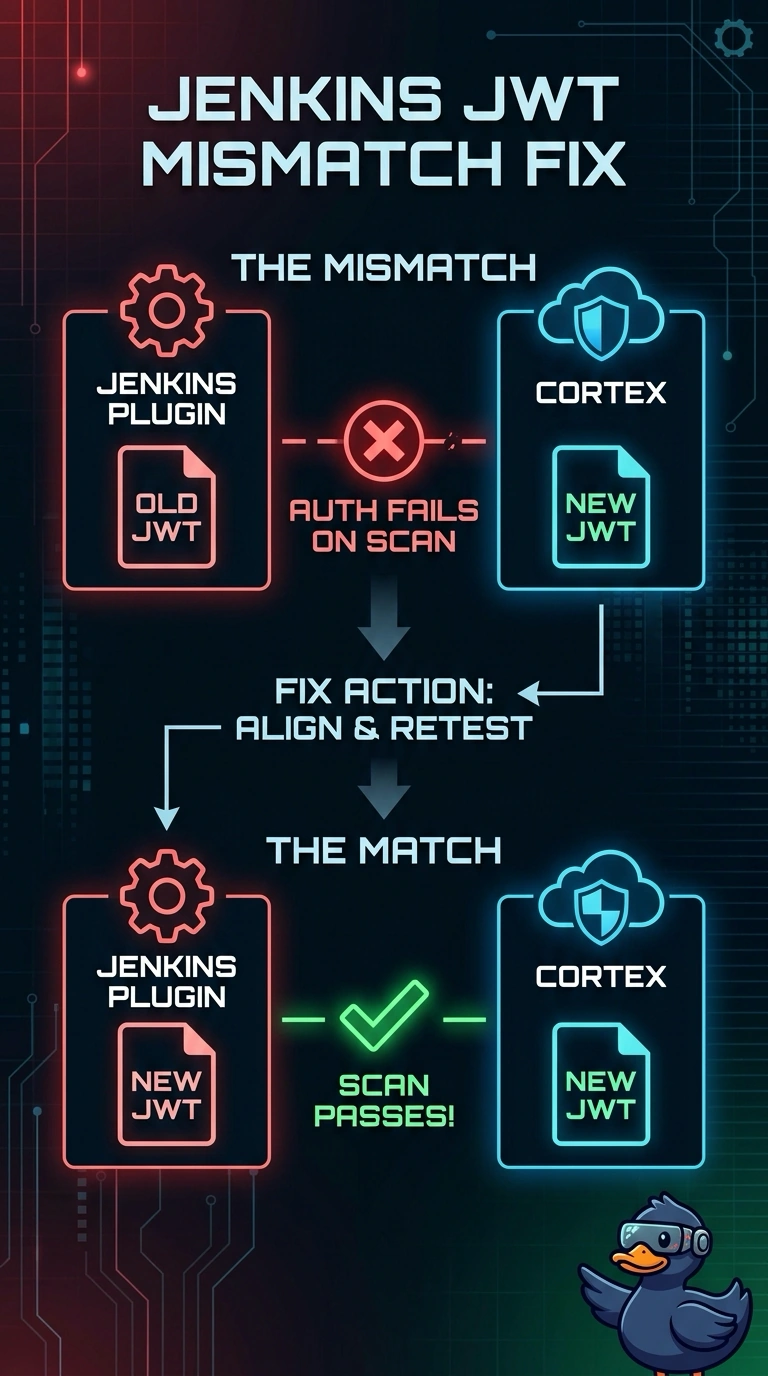
Short Explanation
Think of the JWT as your entry badge that just got reissued. You are still showing the old badge in the Jenkins plugin while Cortex expects the new one, so authentication fails. Update the plugin to the current token and you will reconnect cleanly.
Full Explanation
The Jenkins System Scan integration authenticates with a generated Cortex JWT stored in the HPI plugin configuration. When that token is replaced on the Cortex side, the plugin continues to present the old value, so the authentication failure reflects that the JWT configured in the Jenkins plugin and the current token generated for that integration no longer match. Updating the plugin to the current value restores trust without changing jobs or infrastructure. The cloud-account audit trail and the name of the Jenkins job that failed concern cloud ingestion records and CI identification, not CI/CD scan authentication, so reconciling those records will not fix a token rejection. The outpost registration callback moves a standard outpost from Pending to Connected, which is unrelated to the Jenkins agent label and cannot resolve a JWT mismatch. An endpoint prevention profile and a blocked binary hash are runtime controls on a host that can stop a process on a build node, but they do not validate the scan report authentication to Cortex. Use the documented Jenkins HPI plugin and generated JWT configuration; align the valid token and test report delivery.