
A blood-center field laptop has the XDR agent installed and it never heartbeats. What should be tested before anyone rebuilds the Cortex tenant?
Select an answer to reveal the explanation.
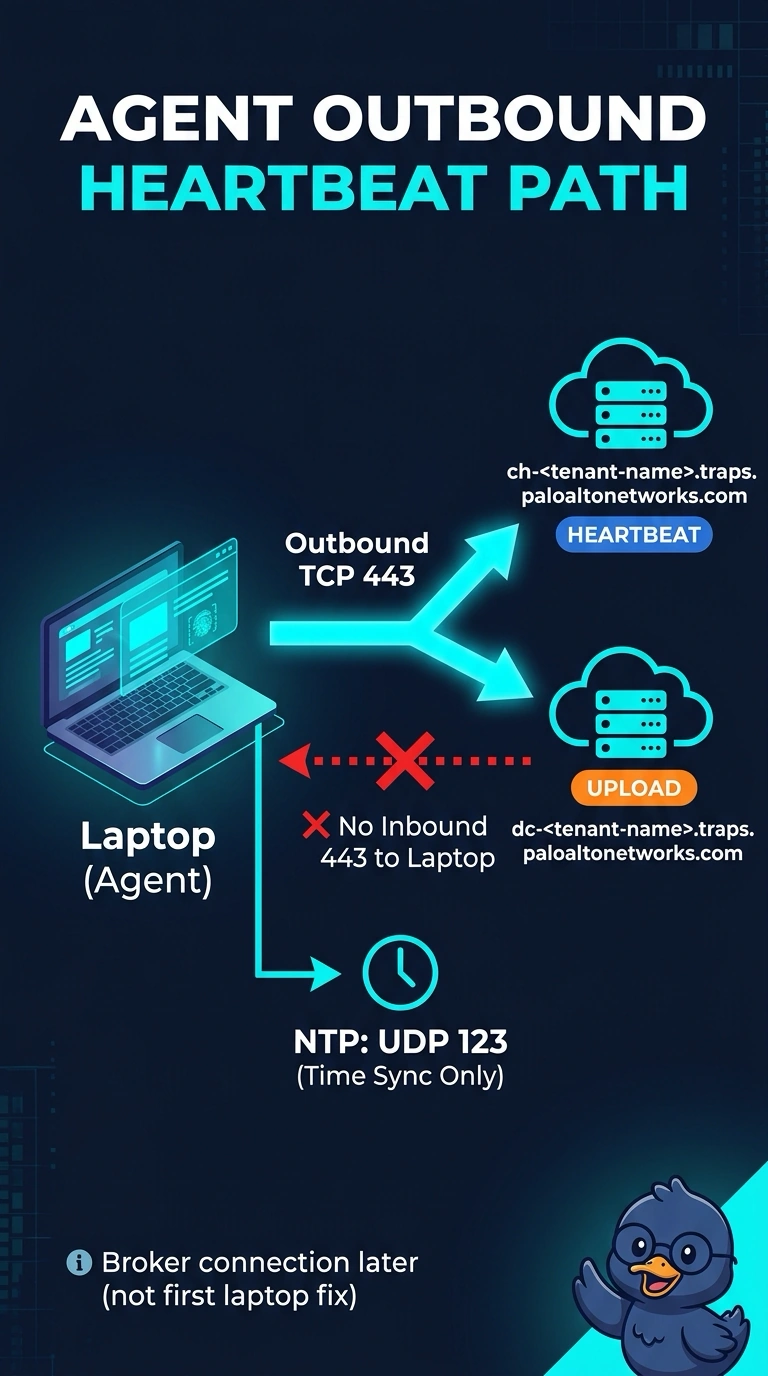
Short Explanation
Think of the heartbeat as a phone that has to dial out, not a door you open inbound. Before rebuilding the tenant, you should test outbound TCP 443 from the laptop to ch-<tenant-name>.traps.paloaltonetworks.com and dc-<tenant-name>.traps.paloaltonetworks.com. Opening inbound 443 to the laptop aims the rule the wrong way, and a Broker VM reinstall does not address this laptop’s connection path.
Full Explanation
Agents reach Cortex over outbound TCP 443: heartbeats use ch-<tenant-name>.traps.paloaltonetworks.com, and endpoint data upload uses dc-<tenant-name>.traps.paloaltonetworks.com. Test that path from the field laptop before rebuilding the tenant; a tenant rebuild cannot create a route the laptop cannot open. Inbound TCP 443 from the internet to the laptop is the wrong direction because the agent dials out and the firewall rule would be aimed at the wrong side of the connection. UDP 123 is NTP to the actually configured time source, not the heartbeat service; time.google.com/pool.ntp.org are documented Broker defaults. Reinstalling a Broker VM is also the wrong repair for this single-laptop symptom: a broker bridges networks that need one, but it does not fix the laptop’s outbound path. Exam caveat: verdict lookups go to the region closest to the endpoint, which can differ from the tenant region, so the allow list must include that path too. Practical check: test outbound 443 from the laptop to ch-<tenant-name>.traps.paloaltonetworks.com and dc-<tenant-name>.traps.paloaltonetworks.com, confirm the agent service is running, and only then consider a proxy allow for the agent identity.