
Workload issues from a medical research cluster stopped after the Kubernetes connector upgrade failed. An operator reinstalls the Broker VM in the data center. Why does that reinstall miss the fault?
Select an answer to reveal the explanation.
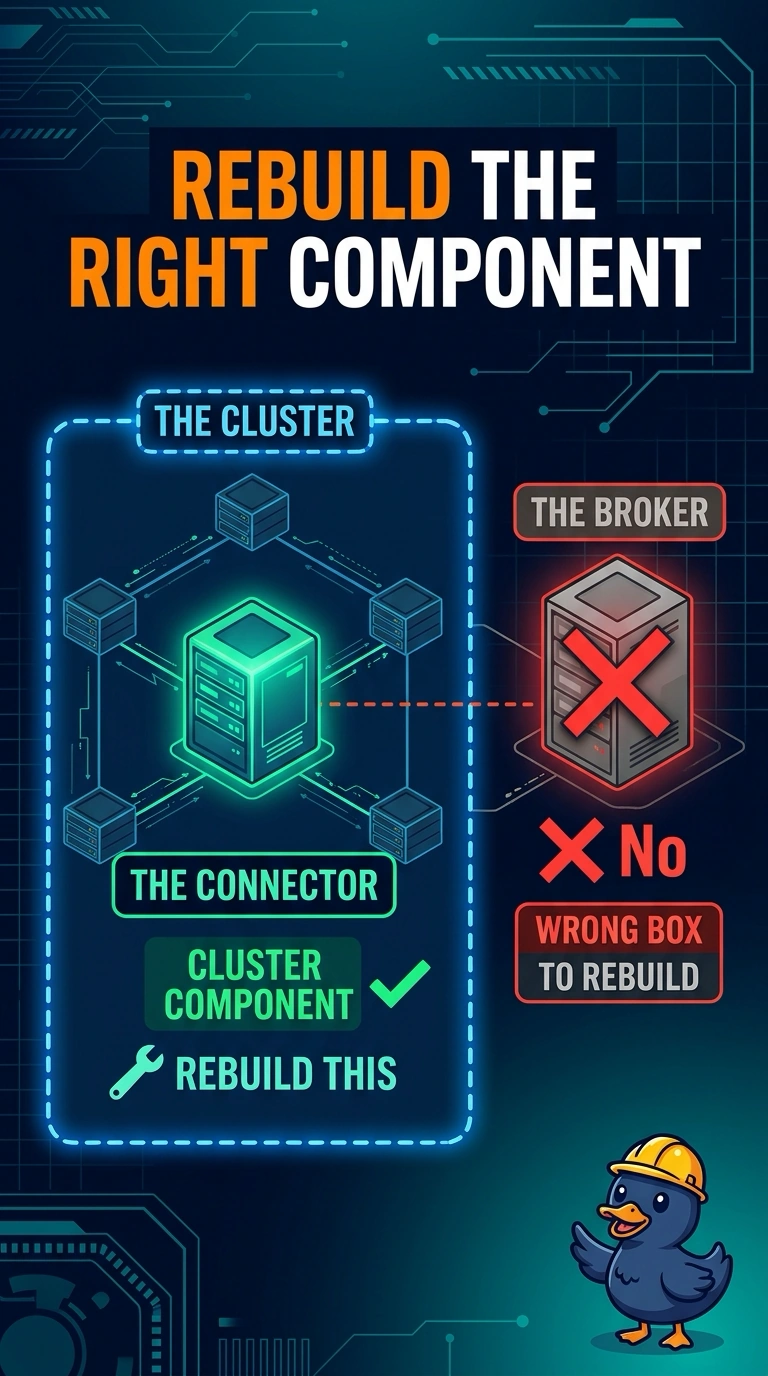
Short Explanation
When workload issues stop after a cluster connector upgrade fails, you should inspect the cluster component rather than reinstall the Broker VM. The connector is the relevant component, so replacing the broker won’t repair this fault.
Full Explanation
The Kubernetes connector runs in the cluster, so a failed connector upgrade interrupts the workload feed; reinstalling the Broker VM targets a different component and misses the fault. A broker image that is too old to scan the cluster container registry would affect image scanning, not explain a workload issue caused by the connector upgrade. Outpost scanner virtual machines are not a prerequisite for a connector to report workload issues, so rebuilding them would not address this failure. Scope-based access can affect which assets a person sees, but it accepts dynamic groups rather than requiring a static asset group; creating one would not resolve a connector upgrade problem. Exam caveat: distinguish a connector upgrade failure from a Broker VM failure—the question identifies the connector as the failed component, so rebuilding the broker is not the remedy. Practical check: inspect the connector and its upgrade state in the research cluster, and rebuild the Broker VM only if the broker itself is the component that failed.