
A platform team deployed the Kubernetes connector into a clinic cluster and confirmed the resource feed is arriving. Custom connector checks were saved in the tenant, yet no workload issues appear for that cluster. What is missing?
Select an answer to reveal the explanation.
Short Explanation
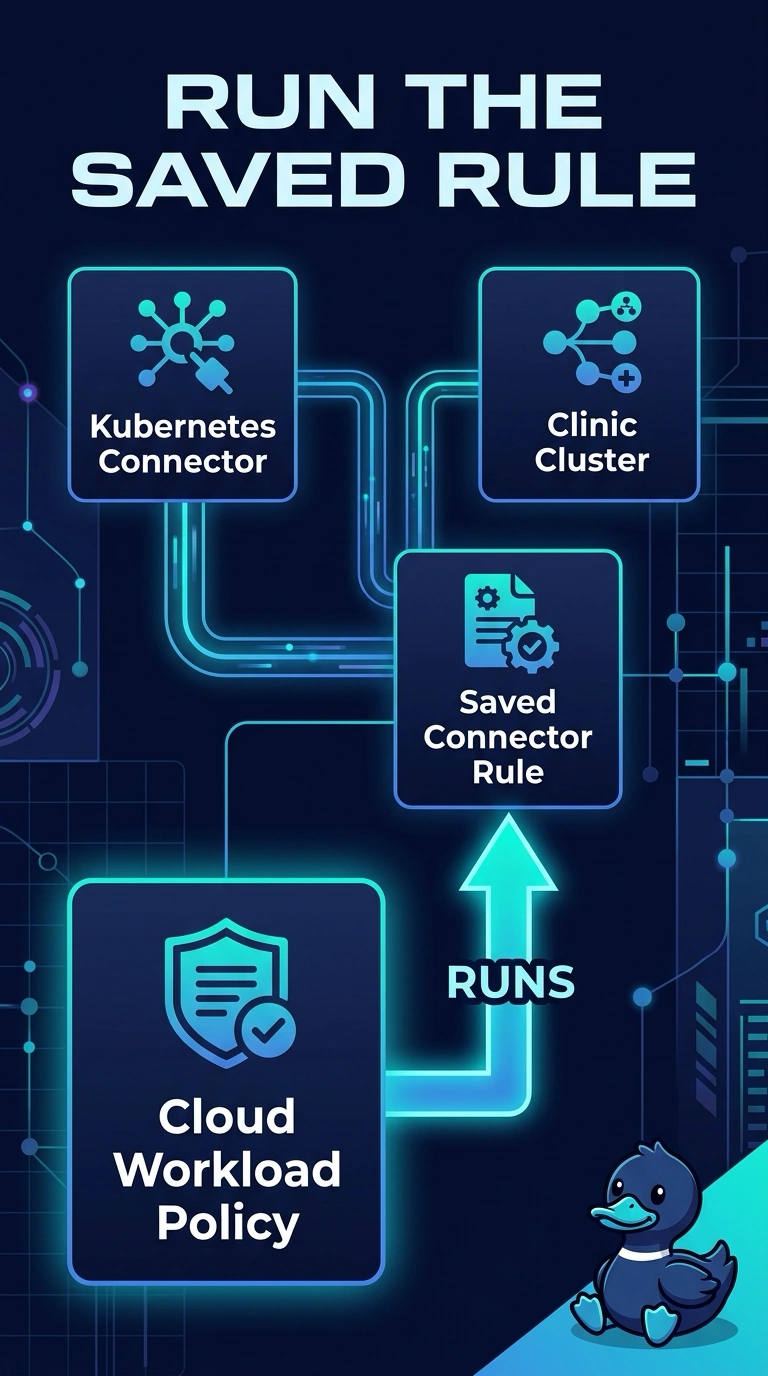
Think of the connector as a camera and the workload policy as the switch that records. You already have a picture of the cluster, and a saved rule still does nothing until a Cloud Workload policy runs it. The trap is rebuilding the broker or the cloud account while the rule was never put on a policy.
Full Explanation
Deploying the Kubernetes connector supplies the cluster resource feed, and the team already sees that feed. A custom connector rule still creates no workload issues until a Cloud Workload policy runs it. Saving the rule in the tenant is not the same as attaching it to that policy. A second Broker VM would bridge a customer network for agents, logs, or files. The connector is a cluster component, and reinstalling or adding a broker does not attach a rule to a workload policy. A new cloud-account stack for the node role repeats onboarding. It does not execute a connector rule that was left off every policy. Office 365 onboarding is a SaaS data source for mail and files. It does not evaluate Kubernetes kind, metadata, and spec, and it will not fill workload issues for this cluster. Exam caveat: The posture feed, admission enforcement and real-time agent are distinct capabilities of the connector deployment; running this custom posture rule does not by itself provide process prevention. Operational check: open the Cloud Workload policy aimed at this cluster and confirm the saved connector rule is on it, then recheck workload issues after the policy runs.