
Nursing-station PCs have the agent and an extension profile, but their effective Windows malware profile has ransomware protection disabled. What must change to meet the ransomware-blocking requirement?
Select an answer to reveal the explanation.
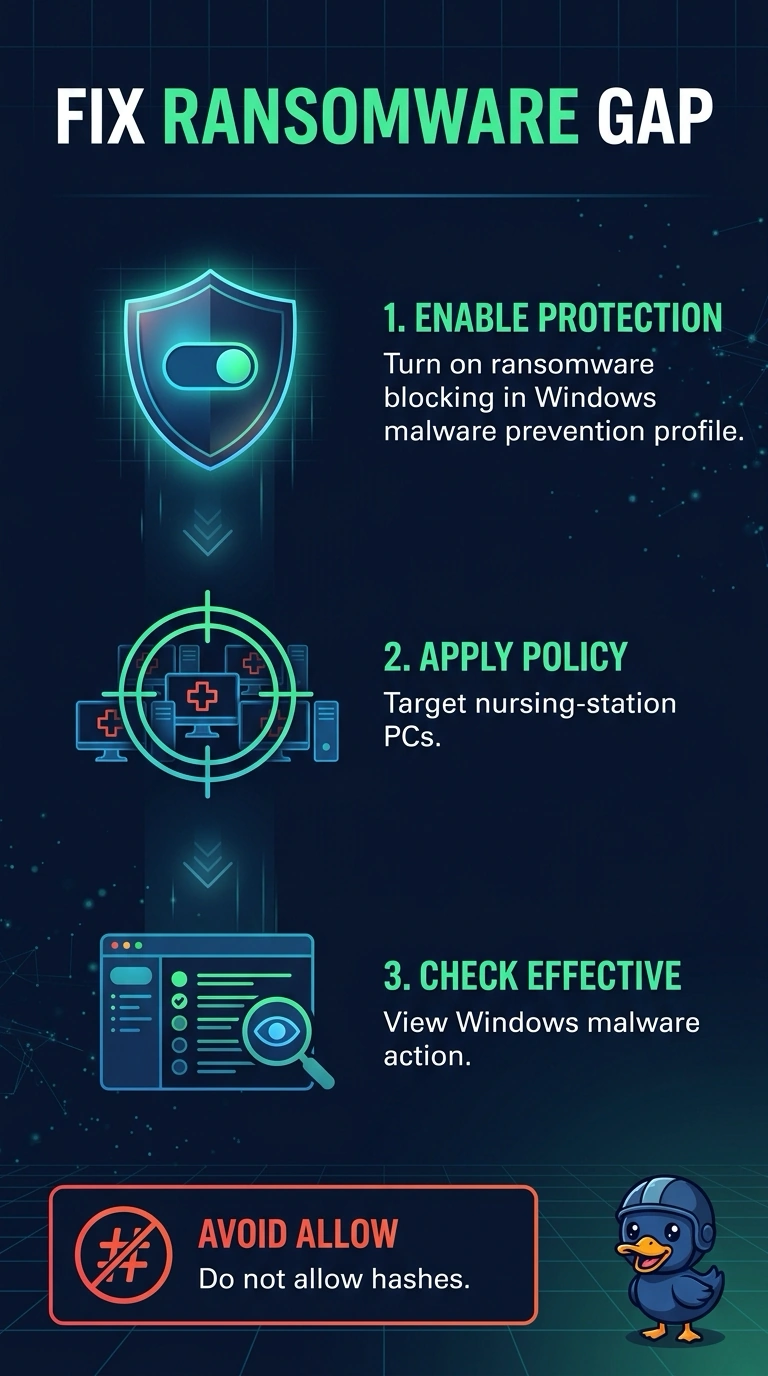
Short Explanation
Think of your extension profile as an add-on drawer, not the lock on the front door. You already have the agent on those PCs, so you need to enable ransomware protection in the Windows malware profile and apply it through the policy for them. Don't assume any assigned profile means you are protected — check the effective action.
Full Explanation
Ransomware blocking is a module action inside the Windows malware prevention profile, and protection depends on the effective profile delivered by the matching policy. Enabling ransomware protection in that prevention profile and applying it through the policy targeting those PCs puts the block on the nursing-station PCs where the agent and extension profile already exist. Agents receive default malware settings; absence of a custom prevention profile does not itself prove there is no prevention. Check effective module action, policy matching and health, not merely whether an extension profile is assigned. An extension profile adds a different capability and does not substitute for the malware prevention action. A global exception that allows ransomware hashes would open the behavior the operator wants blocked, and a global exception is broader than a device or group exception. An agentless disk scan reads the golden image at rest and can find dormant files, but it does not block ransomware executing on a live nursing-station PC. A Kubernetes admission controller can block a new deployment when the agent is present and prevention is configured, but nursing-station PCs are not that cluster control, so the controller does not meet the requirement.