
A children's hospital stages XDR agent upgrades in rings so clinical workstations move last. Leadership asks whether that rollout is enough to stop ransomware on those machines. What should the team verify to establish ransomware blocking after the rollout?
Select an answer to reveal the explanation.
Short Explanation
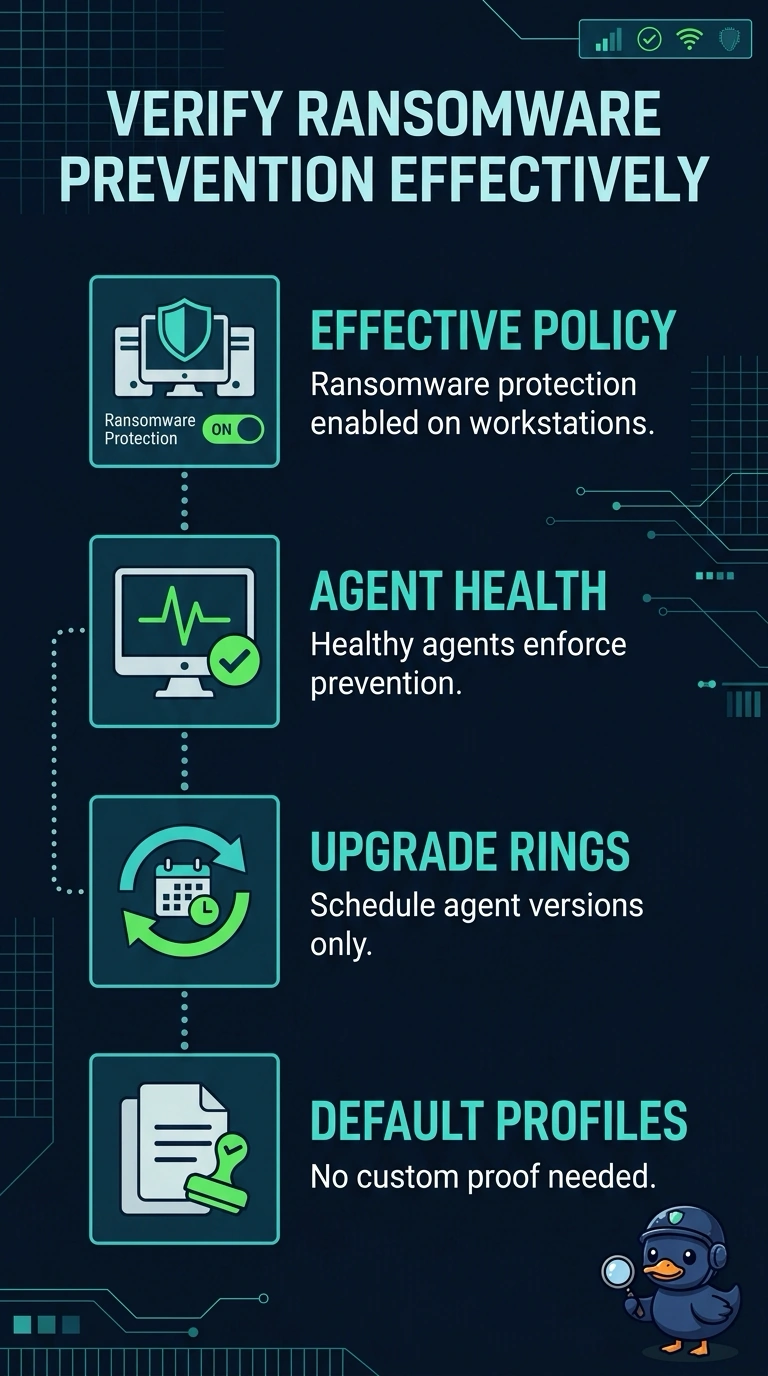
You can roll out the new agent in perfect order and still need to verify protection on the clinical workstations. Check that the effective Windows malware prevention profile targeting them enables ransomware protection, and that their agents are healthy enough to enforce it.
Full Explanation
Upgrade rings schedule agent versions; the effective policy, prevention action, and agent health determine whether ransomware is blocked. Verify that the effective Windows malware prevention profile in the policy targeting the clinical workstations has ransomware protection enabled and that the agents are healthy and enforcing it. Agents receive default malware profiles, so the absence of a separate custom group or profile does not prove that protection is missing; check the effective policy result rather than relying on the ring schedule or a custom assignment. A Broker VM in the clinical VLAN can cache upgrade packages and help connectivity and content distribution in a closed network, but it does not enable ransomware protection in endpoint policy. An agentless disk scan of the golden image can find known malicious artifacts at rest after patching, but it does not provide live behavioral ransomware prevention on a logged-in clinical PC. A Cloud Workload rule that inspects hospital lab registry images evaluates container images before deployment; it does not set Windows endpoint malware action for desktops. Exam caveat: an orderly rollout is not evidence of prevention. As a practical check, inspect the effective prevention action and agent health on the targeted workstations after rollout.