
A custom rule should flag Deployments whose spec drops a required label. The Kubernetes connector is already installed on the cluster. How does that rule evaluate the object?
Select an answer to reveal the explanation.
Short Explanation
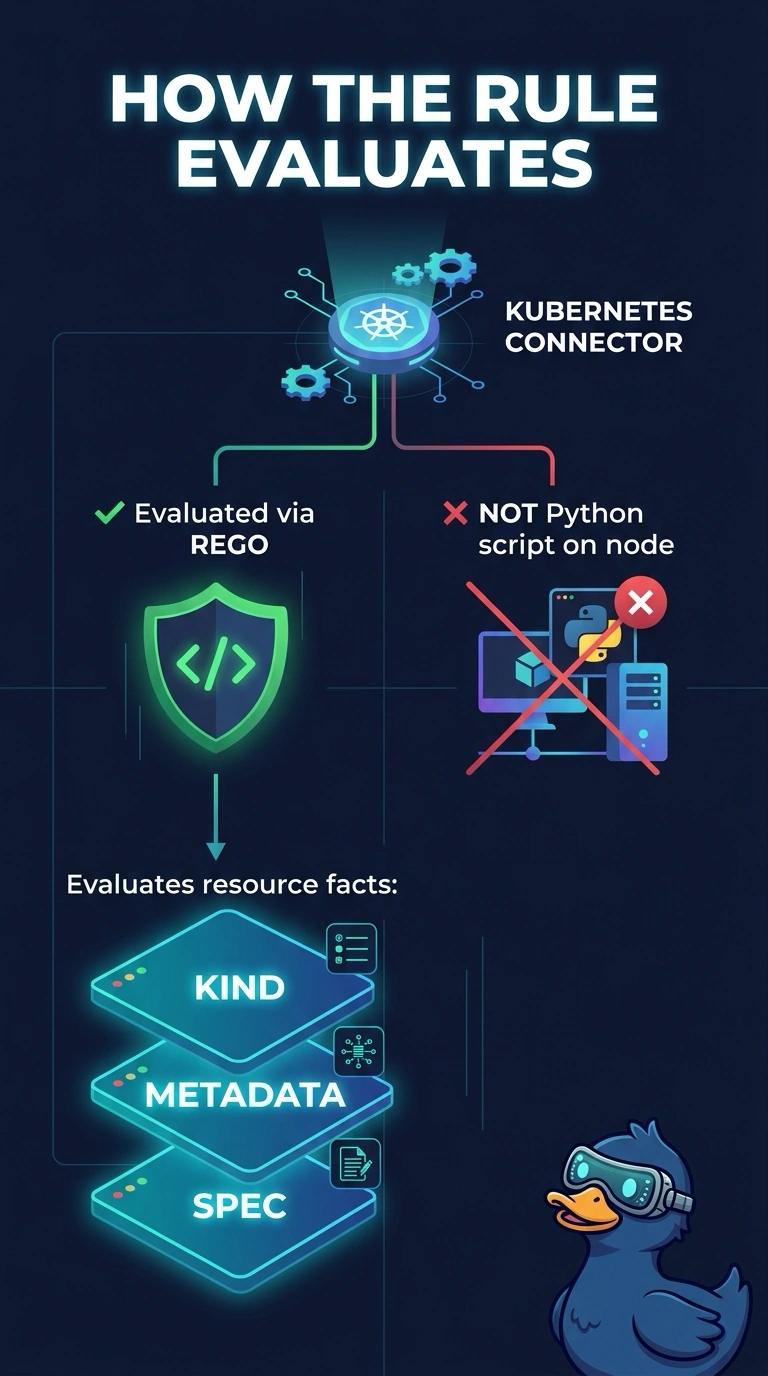
You can evaluate the live Deployment through the installed Kubernetes connector, using Rego to inspect kind, metadata, and spec, including spec.template.metadata.labels when the required label is a pod-template label. The rule reads the object’s fields; it doesn’t run Python in the pod, block admission, or score an image from a forwarded manifest.
Full Explanation
A Kubernetes connector rule evaluates the object’s kind, metadata, and spec. Because the connector is installed, the resource feed exists, and a missing required label is a field on the live Deployment that the rule can inspect at spec.template.metadata.labels when the required label is a pod-template label. The rule uses connector Rego, not Python from an XDR agent, and it does not execute inside the pod that owns the Deployment. Admission enforcement is a separately enabled capability of the Kubernetes Connector and an applicable prevention policy; this posture Rego evaluation does not itself reject admission. A Broker forwards files and logs, but it is not the Kubernetes connector. Agentless disk scanning evaluates an image rather than the live Deployment spec, so it cannot establish whether this object’s spec dropped the label. Exam caveat: the rule still does nothing until a Cloud Workload policy runs it, even when the connector feed is healthy. Practical check: point the rule at a Deployment known to be missing the label, confirm the match is on spec.template.metadata.labels, and verify that a Deployment retaining the label produces no issue.