
A plant analyst opens the compliance overview and the PCI tile is empty. An admin whose scope includes other plants sees PCI results for the same enabled standard. Why is the plant tile empty?
Select an answer to reveal the explanation.
Short Explanation
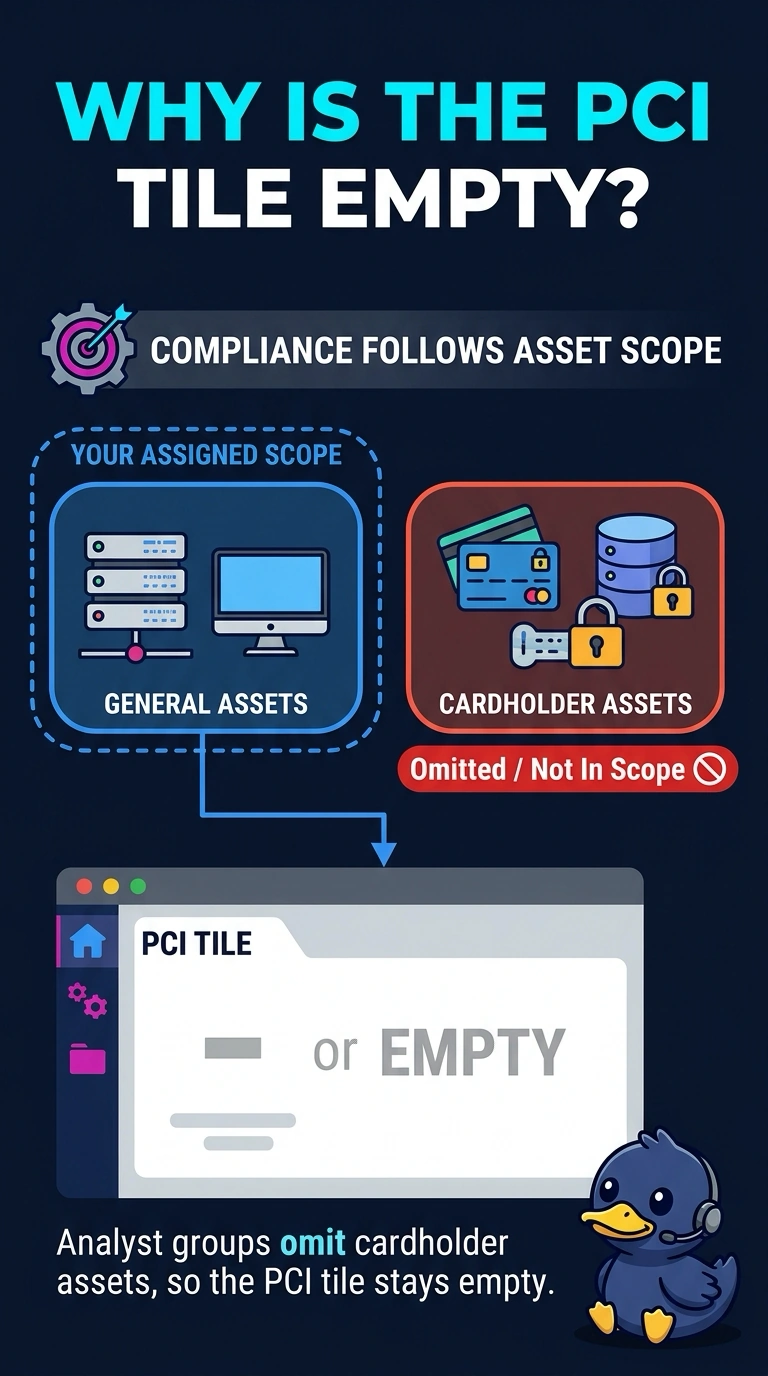
An empty trophy case does not mean the league canceled the season. You are looking through this analyst's asset scope, and the cardholder assets live outside it, so the PCI tile has nothing to show. The trap is rebuilding the standard, when the standard is already enabled for people whose scope includes those assets.
Full Explanation
Compliance results follow asset scope. The PCI standard is enabled, and an admin whose groups include the cardholder assets sees results, so the plant tile is empty because this analyst's asset groups omit those assets. Signing in does not replace an out-of-the-box standard with a private copy. Custom standards and built-in standards can both be active, and a sign-in does not swap them. Mapping a workload rule to a custom control only links a check to a control. It does not blank an overview until the next quarter, and it does not hide PCI from one user. Rebuilding PCI inside a personal scope is not how an enabled standard is viewed. The analyst needs the cardholder assets inside the dynamic groups used as scope. Exam caveat: a dashboard the role may open can also look empty for the same scope reason, which is a different screen from this compliance tile. Operational check: compare the analyst's dynamic asset groups with the admin's, confirm the cardholder accounts are missing from the analyst's groups, and refresh the overview after the scope includes them.