
An auditor wants a control the built-in catalog does not contain, backed by a custom workload rule, on a custom report. How should that control be added?
Select an answer to reveal the explanation.
Short Explanation
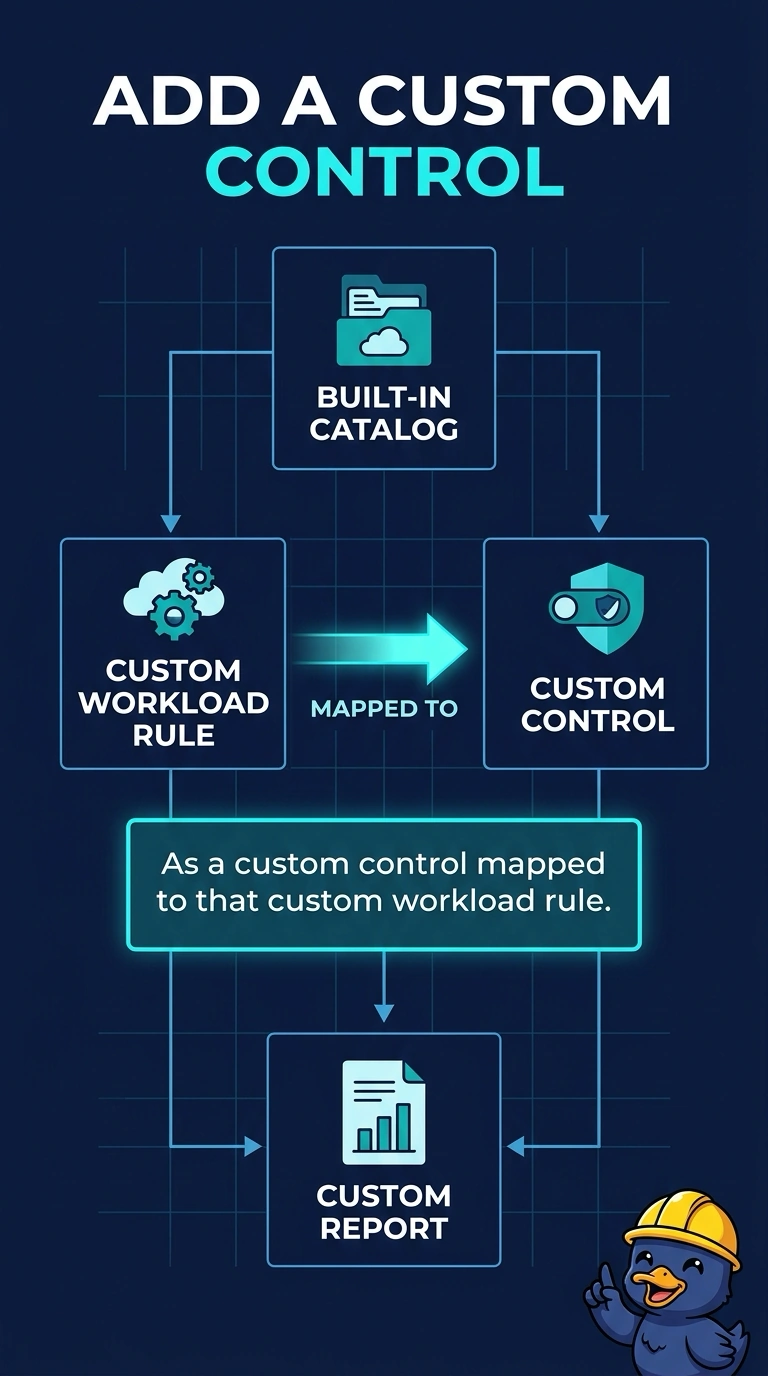
You can add the missing item to your assessment by creating a custom control and linking it to the custom workload rule you wrote. That mapping lets the control appear on your custom report. Renaming a raw findings export or deleting the built-in standards won’t add the control, and a global endpoint exception won’t create a compliance result.
Full Explanation
Custom controls can be included in compliance assessments and reports, and a custom workload rule can be mapped to a custom control. Because the auditor needs a control absent from the built-in catalog, backed by that rule and shown on a custom report, creating the custom control and mapping the rule to it is the appropriate approach. Renaming a raw findings export does not add a control or turn the export into a finished assessment; it bypasses the assessment process. Deleting the out-of-the-box standards removes existing assessments rather than adding the requested control, and those standards do not need to be removed to add a custom one. A global endpoint exception creates a broad prevention carve-out across endpoints; it does not create a compliance control or make the missing control pass in a report. Exam caveat: mapping the rule to the control does not remediate a finding. The report can still show a failing result until the workload meets the rule. Practical check: create the custom control, map the custom workload rule, run the assessment, and verify that the control appears on the custom report with a result from that rule.