
A custom workload rule is mapped to a custom compliance control, and that control still fails in the report. What has to change before the control can pass?
Select an answer to reveal the explanation.
Short Explanation
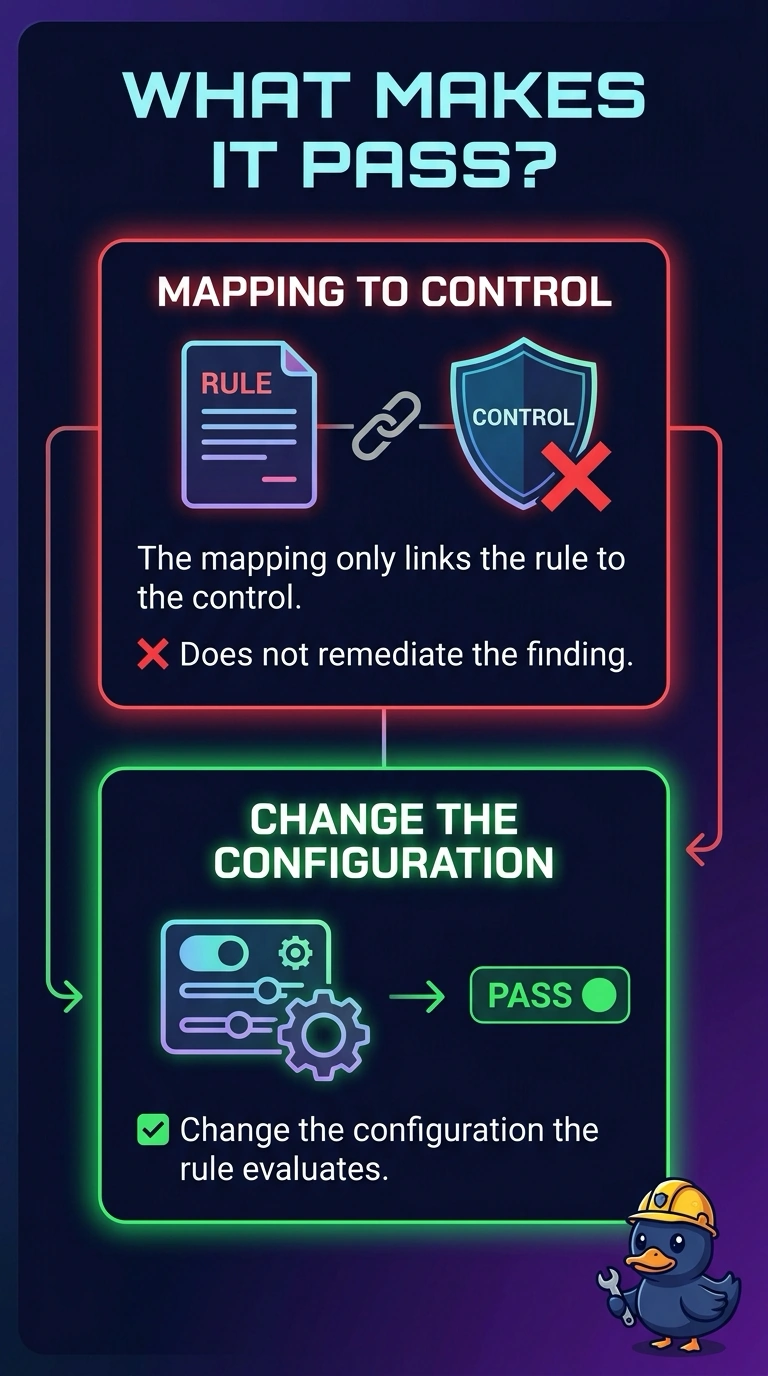
You’ve connected the rule to the control, but that mapping does not tighten the underlying configuration. The control can pass only after you change the configuration the rule evaluates and the finding clears. Re-exporting the report or disabling the custom standard won’t fix that configuration.
Full Explanation
A custom workload rule can be mapped to a custom control so the assessment knows which check feeds that control. The mapping does not change the asset or remediate a finding: the control keeps failing until you fix the configuration the rule evaluates and the finding clears. Exporting the report again only republishes the same result; saving a mapping is not a pass. Disabling the custom standard removes that standard from view, but it does not make built-in PCI inherit the mapping. PCI is a separate standard with its own controls. Reinstalling the Kubernetes connector restores a resource feed for connector rules, but it does not mark a failing control as passed: the report scores the control’s result, not whether the connector process is running. Exam caveat: the workload rule still does nothing until a Cloud Workload policy runs it, so a mapping without that policy has no result to clear. Practical check: fix one asset flagged by the rule, rerun the assessment, and confirm that the control flips only for the asset whose configuration changed.