
Both agentless disk scan and the XDR agent are licensed. One custom check must read files inside an image that has no agent. A second check must run on the live host. How should the scanners be chosen?
Select an answer to reveal the explanation.
Short Explanation
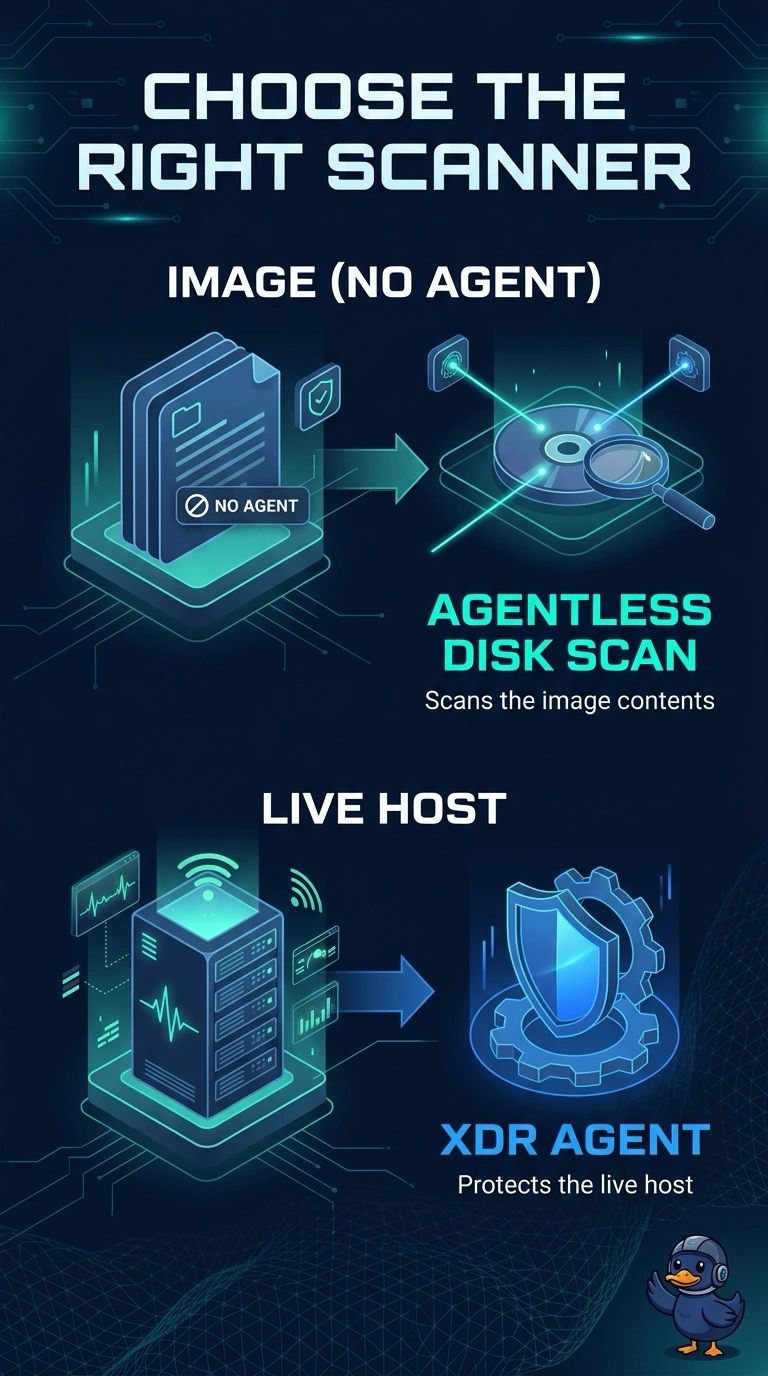
Think of two flashlights that point at different rooms. You would not use the hallway light to read a page in a closed box. Agentless disk scan reads the image that has no agent, and the XDR agent is the scanner that can run on the live host.
Full Explanation
Agentless disk scan and the XDR agent can both be licensed, and each sees a different artifact. Agentless disk scan evaluates Rego against image contents without an agent inside the image, so it is the scanner for the first check. The XDR agent runs on the live host, including Python custom rules, so it is the scanner for the second check. Choosing the agent for both checks assumes a license installs an agent inside every image. It does not. An image with no agent is exactly the case agentless disk scan is for. The Kubernetes Connector evaluates cluster objects with Rego in package panw.compliance using match, not deny. It is not a file reader for image layers and it is not a live-host process scanner. Agentless disk scan does not list live host processes, and Broker VM can run a supported Registry Scanner applet, but that does not replace the selected agentless-disk custom-rule scanner in this scenario. The broker bridges endpoint routing, log collection, and file forwarding, and third-party agents are not installed on it. Exam caveat: either rule still creates issues only after a Cloud Workload policy runs it. Picking the right scanner and leaving the rule off every policy produces an empty result. Operational check: set the image-file rule to agentless disk scan, set the live-host rule to the XDR agent, attach both to a Cloud Workload policy, and confirm each issue names the scanner that can see that artifact.