
A custom cloud workload rule is saved with the correct scanner and still creates no issues. It was never added to a Cloud Workload policy. Why is the result empty?
Select an answer to reveal the explanation.
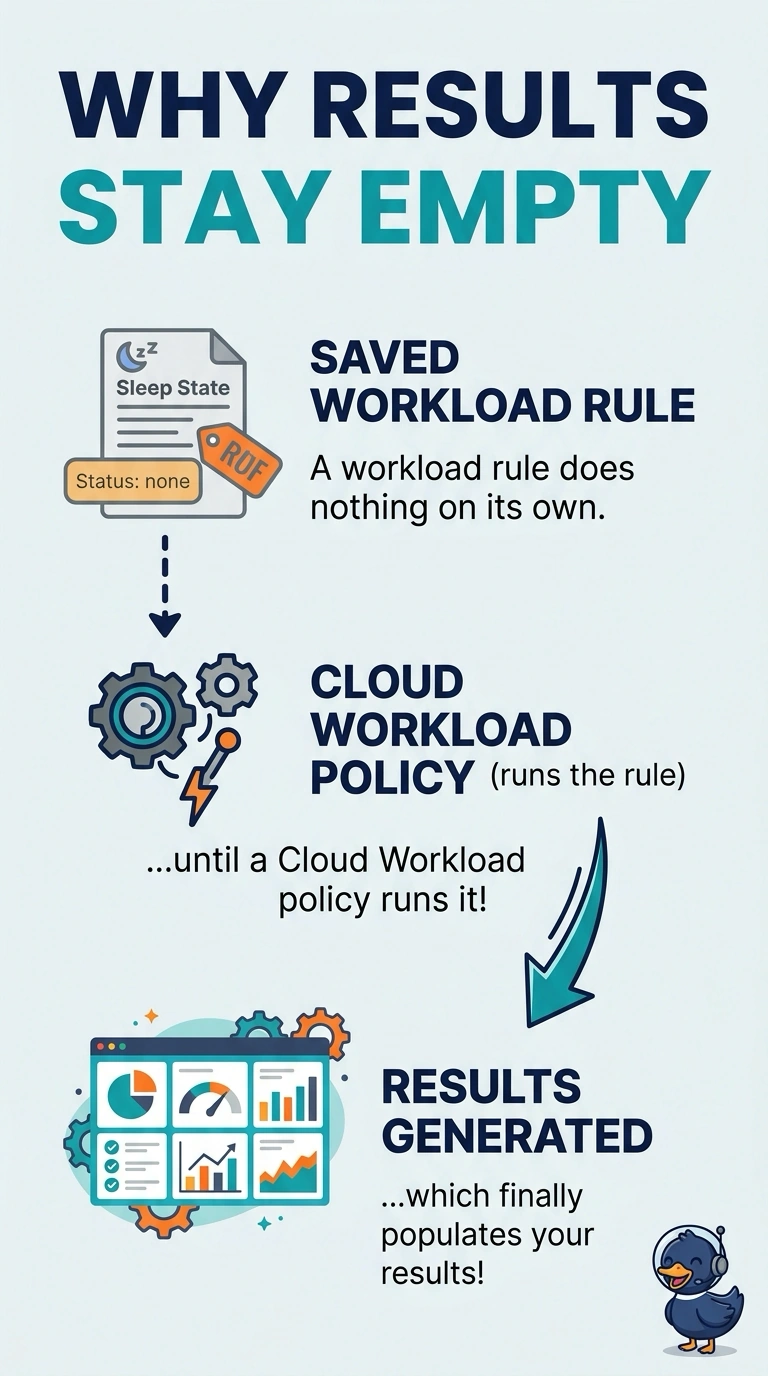
Short Explanation
You have the right scanner, but the saved rule is still waiting to be connected to a Cloud Workload policy. Until that policy runs it, the rule creates no issues, so an empty result is expected—not a sign that asset-group membership is blocking storage.
Full Explanation
A custom cloud workload rule names a scanner, but it does nothing until a Cloud Workload policy runs it. Your rule is saved with the correct scanner and is on no policy, so no issues are created; the missing policy attachment explains the empty result. Asset-group membership updates apply immediately to new or newly changed assets, while an edit can take hours to appear on assets that have not otherwise changed. That lag affects group display, not whether a rule can be stored, and it does not explain why a rule with no policy creates no issues. Connector rules use package panw.compliance and match, not deny, so a requirement to store only deny rules is the wrong concept; the rule is already saved, so storage is not the failure. Opening a compliance report shows an assessment; viewing one is not the same as creating a standard and does not execute a workload rule against a cluster. Exam caveat: a Kubernetes connector installed without a rule on a policy has the same issue, so do not reinstall the connector or agent before confirming the policy attachment. Practical check: add the rule to a Cloud Workload policy scoped to the right assets, run the policy, and confirm issues appear only after the attachment.