
A team writes a custom Rego check that inspects files inside a container image. No agent runs in that image. The rule was saved and was never placed on a Cloud Workload policy. What must be true before it can create issues?
Select an answer to reveal the explanation.
Short Explanation
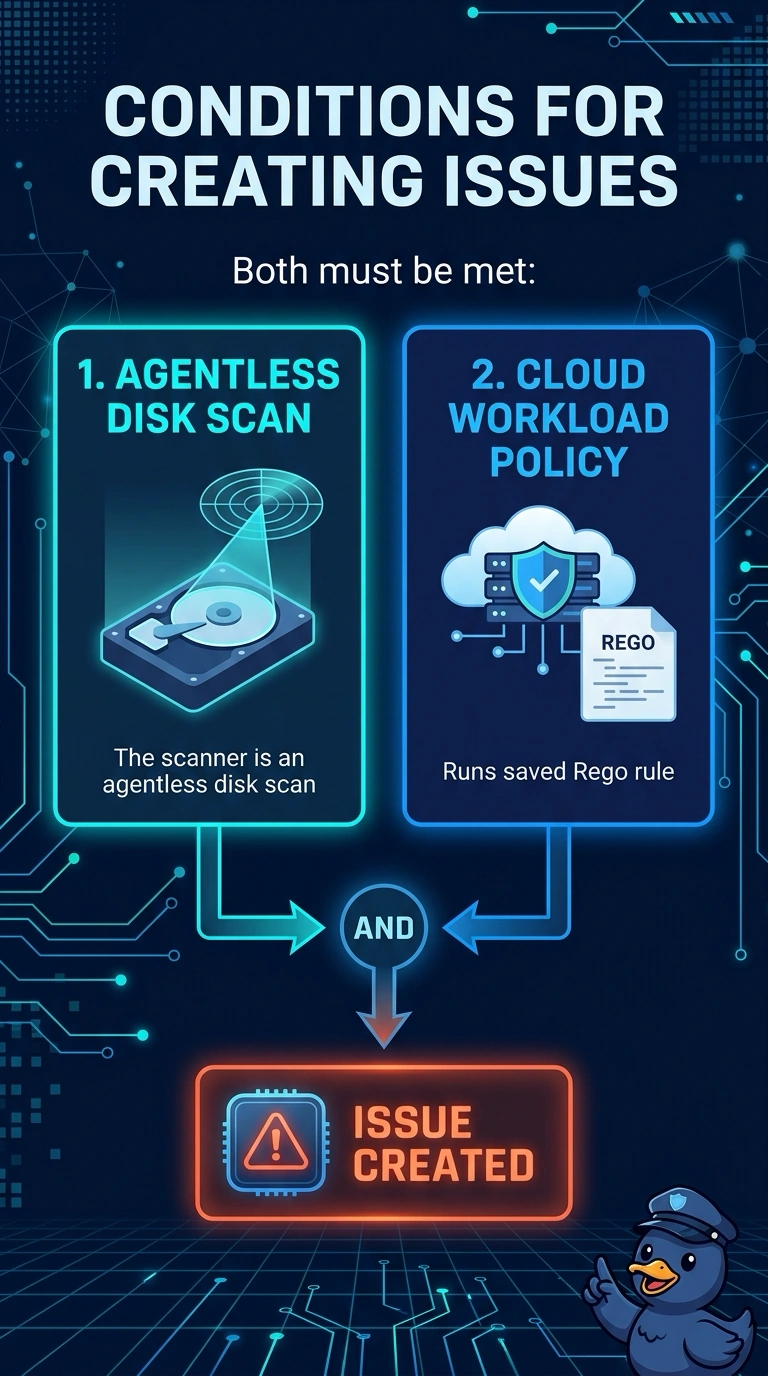
Think of the Rego file as a recipe that never reaches the kitchen. You wrote a check against files in an image with no agent inside it, which is agentless disk scan, and you still have to put that rule on a Cloud Workload policy. Saving the rule alone does not cook anything.
Full Explanation
Agentless disk scan is the scanner for a custom rule that evaluates Rego against an image when no agent runs inside it. A custom workload rule still does nothing until a Cloud Workload policy runs it. Both parts are required before this saved rule can create issues: the scanner type has to be agentless disk scan, and the rule has to be attached to a policy that runs it. Naming the XDR agent and deploying a Python script describes the live-host scanner. That agent is not inside this image, and a Python script is the agent rule shape, not Rego against image contents. Package panw.compliance and a deny statement belong to a misunderstanding of the Kubernetes Connector. Connector rules use that package and a match rule, not deny, and they evaluate cluster objects rather than files inside an image. Mapping the rule to a compliance report can align a custom workload rule with a custom control for assessment. Viewing or mapping a report does not execute the scan. Exam caveat: trusted-image, malware, secrets, and misconfiguration are different workload outcomes, so this Rego check should name the outcome it actually tests. Operational check: confirm the rule scanner is agentless disk scan, confirm a Cloud Workload policy includes the rule, then scan one image and look for an issue from that policy.