
A robotics lab must keep five virtual machines out of a cleanup automation. Those machines will not carry a tag the automation could match. Which group should hold them?
Select an answer to reveal the explanation.
Short Explanation
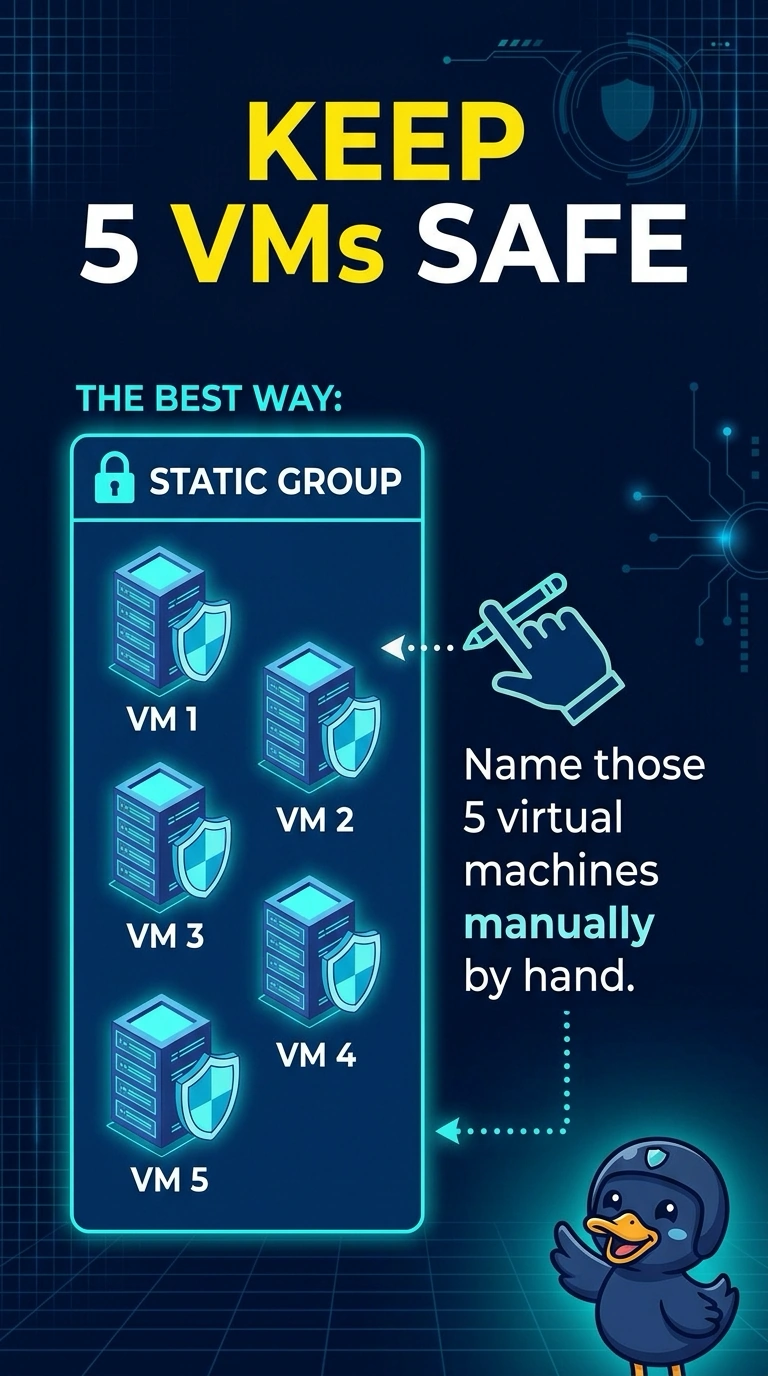
Think of a static group as a clipboard with five names written on it. You use that list because these machines will not match a tag, so a dynamic filter has nothing to catch. Using the same static list as an access scope is a different job, and it is not allowed.
Full Explanation
Static groups are a hand-picked list. The five lab machines will not match a tag, so a static group is the list that can exclude them from the cleanup automation. A dynamic group only picks up assets that match its filter. Waiting for a tag that will not exist means the exclusion never contains the machines. Scope-Based Access Control uses dynamic asset groups only. A static group of the same five machines cannot be an access scope, and access scope is not how an automation exclusion is defined. Those are different uses of groups. A workload policy that names no asset group does not become a precise exclusion. Cloud Workload rules do nothing until a policy runs them, and skipping every host is not the same as holding five machines out of one automation. Exam caveat: the static list will not grow when a sixth machine appears. Someone has to add it. Operational check: confirm the five machines are the static group's only members, point the cleanup exclusion at that group, and confirm a tagged production host is still eligible for cleanup.