
A hospice network wants Scope-Based Access Control so one business unit sees only its own assets. Which group can define that access scope?
Select an answer to reveal the explanation.
Short Explanation
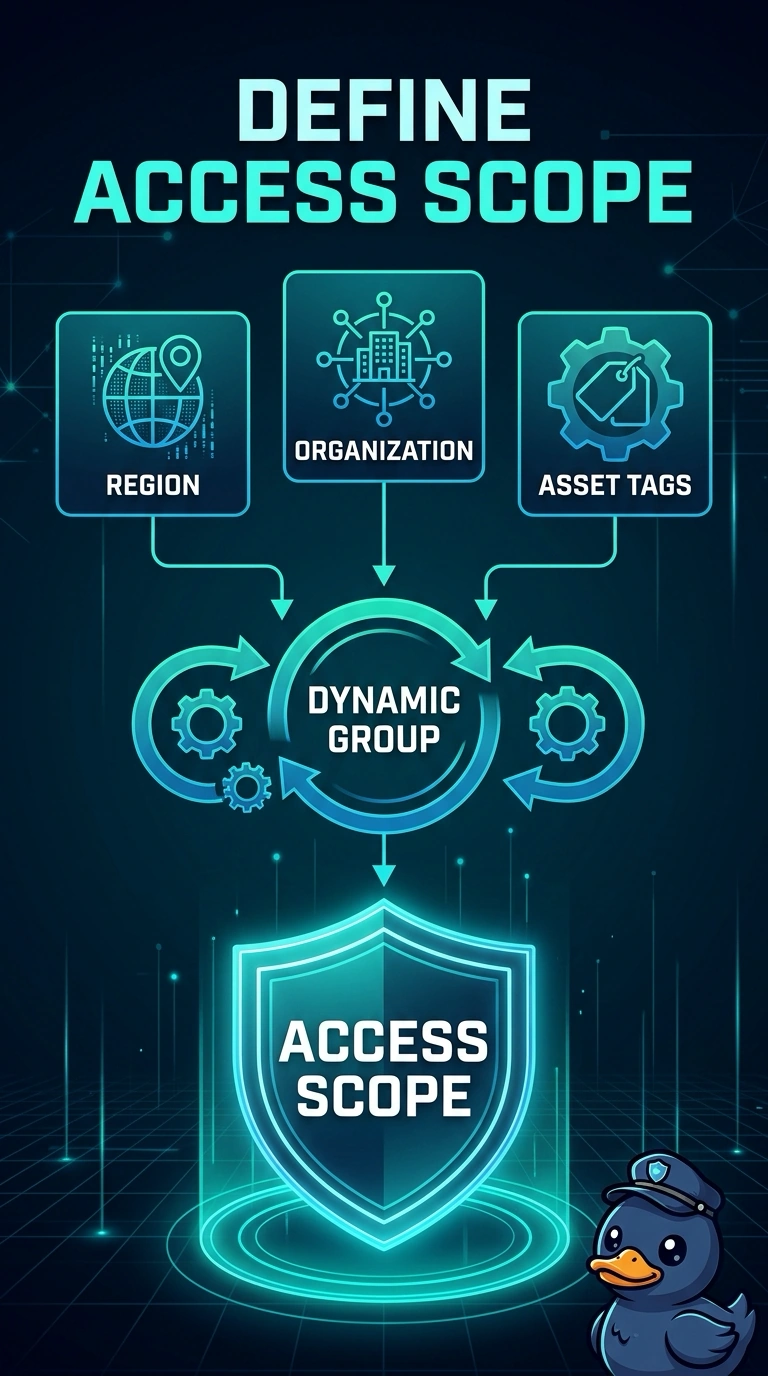
Think of access scope as a filter that has to stay true as new assets appear, not a clipboard of today's servers. You use a dynamic group on supported fields such as region, organization, and asset tags. A static list, or a hostname filter, cannot define that scope.
Full Explanation
Scope-Based Access Control uses dynamic asset groups only, and only on supported fields. Those fields include region, organization, and asset tags, along with others such as provider, business application, and resource group. A dynamic group filtered on region, organization, and asset tags can limit the hospice business unit to its own assets and will pick up future matches. A static group that hand-lists servers is a fixed list, and a static group cannot be an access scope. A dynamic group filtered only on hostname uses a field that is not a supported scope attribute, so that group cannot define access even though it is dynamic. A static hostname list fails both tests: static groups are not scopes, and hostname is not a supported scope field. Size of the business unit does not waive either rule. Exam caveat: a dashboard the role may open can still show empty widgets when this scope excludes the data, and that emptiness is the scope working. Operational check: build the dynamic group on region, organization, and tags, assign it as the unit's scope, and confirm a new tagged asset appears while a hostname-only group cannot be selected as a scope.