
A credit union security operations center wants a standup tile of critical cloud posture issues grouped by account, and the tile has to change as issues open and close. Which Cortex Cloud approach produces that tile?
Select an answer to reveal the explanation.
Short Explanation
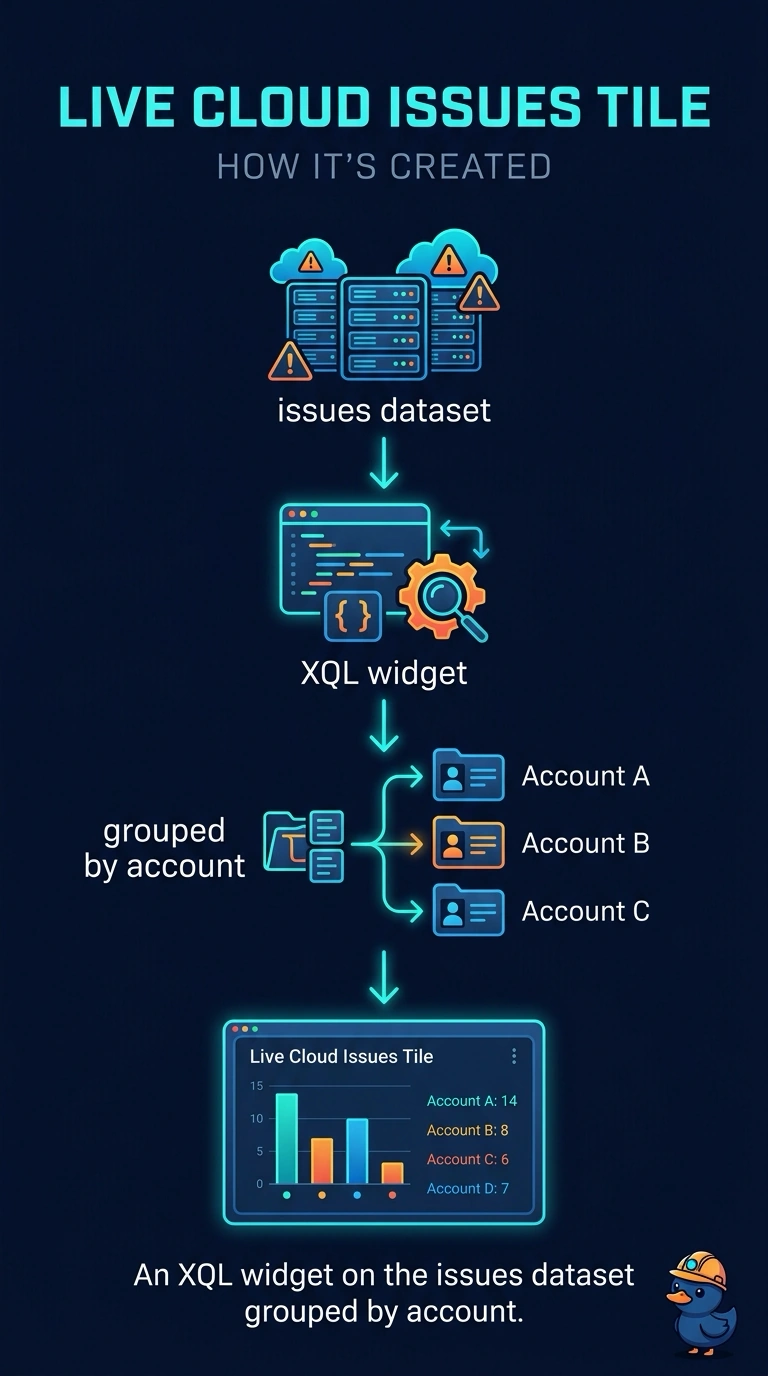
Think of the tile as a window onto the books, not a photo taped to the glass. You want critical posture issues by account, so you build an XQL widget on the issues dataset and let it run again. A screenshot or a one-time PDF only freezes whatever was true at export.
Full Explanation
Critical posture issues are rows in the issues dataset, and an XQL widget can group those rows by cloud account so the tile changes as issues open and close. That is a query over current data, which is what a live standup tile needs. A screenshot of yesterday's issue list only keeps the pixels from that capture, so any account that changed overnight stays wrong until someone takes another picture. A compliance PDF exported once is an assessment report, a different artifact from a count of critical issues by account, and it does not refresh when a new critical issue opens. A shared note of account names typed by hand is a reminder list, not a query, and it cannot show which accounts currently have critical issues. Exam caveat: an XQL widget on issues still follows the viewer's asset scope, so the same tile can be full for one analyst and empty for another. Operational check: open the widget, confirm the dataset is issues, group by account at critical severity, and match one account's count to the issues view for that account.