
A paper-mill analyst opens a shared Cortex Cloud dashboard and every XQL issue widget is blank, while a regional analyst looking at the same dashboard sees rows. What explains the blanks?
Select an answer to reveal the explanation.
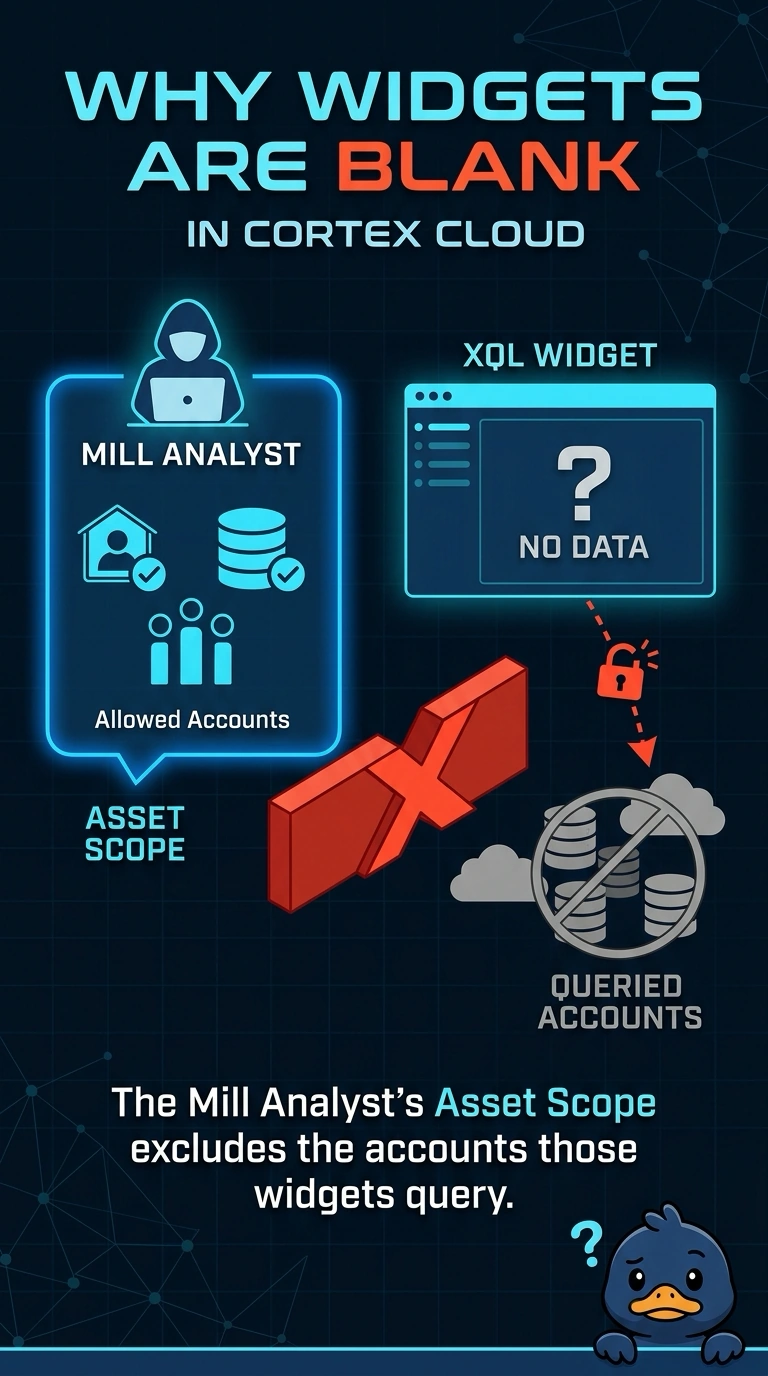
Short Explanation
Think of asset scope as a key that opens only your own wing of the building. You can share the dashboard and still see blank issue widgets when your scope excludes the accounts they query. Since the regional analyst sees rows from those same widgets, the query itself is not the problem.
Full Explanation
XQL widgets on issues follow Scope-Based Access Control. You and the regional analyst open the same dashboard, but only your widgets are blank, so the XQL text is running for the regional analyst. Your asset scope excludes the accounts those widgets query, so they return no rows for you. Invalid XQL would fail for every viewer, including the regional analyst who sees rows. A dashboard saved with empty queries would have nothing to draw for either analyst, not just you. If the issues dataset had been removed, the widgets would be empty for everyone until the dataset existed again, which conflicts with the regional analyst’s results. The shared dashboard is the same object for both analysts; scope is applied when each person runs its widgets. Exam caveat: being allowed to open a dashboard does not guarantee that its widgets can show data outside your scope, and blank widgets do not necessarily indicate a broken widget. Practical check: compare your dynamic asset-group scope with the regional analyst’s, confirm that your scope omits the accounts queried by the widgets, and add the proper scope before rewriting the XQL.