
A grid operator can open other dashboards, and the operator's asset scope includes the assets behind one colleague's dashboard, but that dashboard stays inaccessible. Which control is still limiting it?
Select an answer to reveal the explanation.
Short Explanation
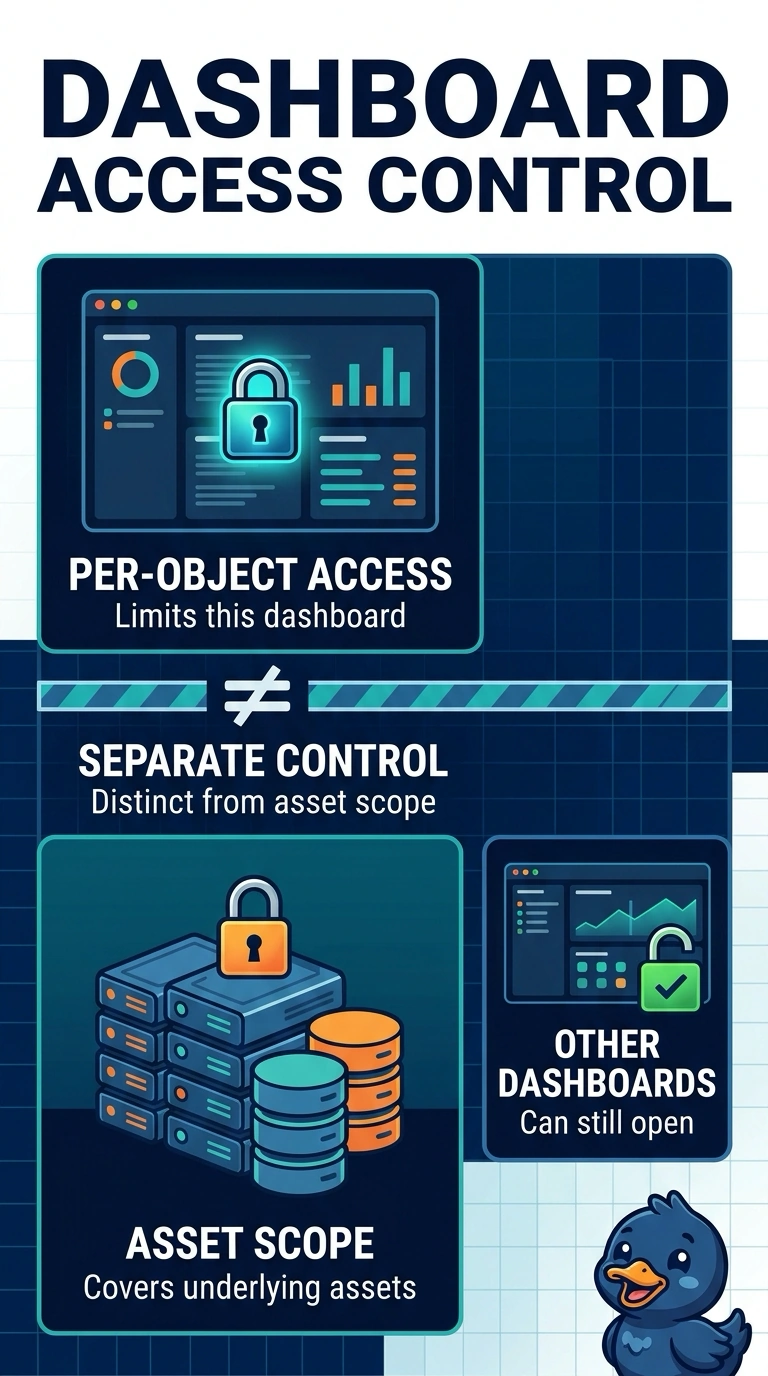
Think of a building pass that gets you onto the floor and a separate key for one office. You can open other dashboards, and your asset scope already includes the assets behind this one, so per-object access is still limiting it. Asset scope filters the data you can see; it does not unlock a dashboard you were never granted access to.
Full Explanation
Per-object access determines whether you can open a specific dashboard, while asset scope filters the data inside dashboards you can already open. You can open other dashboards, and your asset scope includes the assets behind the inaccessible dashboard, so per-object access on that dashboard is still the limiting control. Asset scope on the dynamic group that already includes those assets cannot explain why the dashboard itself will not open: the scope covers those assets and filters rows rather than denying access to the dashboard object. A missing runtime agent on the hosts named inside the widgets would leave those hosts without telemetry; it would not grant or deny your right to open the dashboard. An outpost left Pending stops that outpost's registration and scans; it does not lock one dashboard while other dashboards in the tenant remain accessible. Exam caveat: distinguish access to a dashboard from visibility of the assets and data shown within it. Practical check: confirm you can open another dashboard, verify that the asset scope includes the accounts behind the blocked dashboard, add yourself to that dashboard's access list, and reload it.