
A telecom analyst builds an XQL widget on a raw dataset that is not cases, issues, findings, or asset inventory. The raw dataset supports Dataset Rows scoping and the analyst role has dataset access. Changing asset scope does not change the rows. Which control limits those rows?
Select an answer to reveal the explanation.
Short Explanation
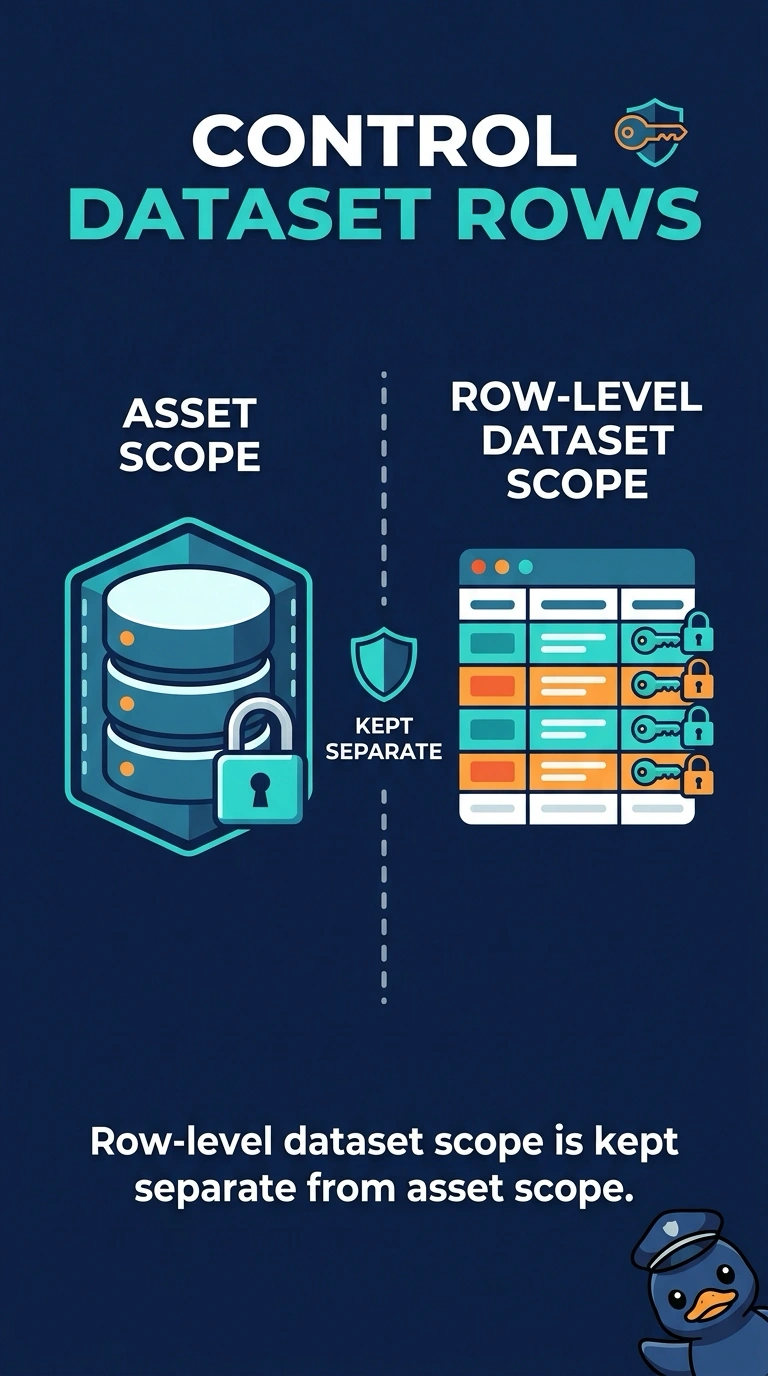
Think of asset scope as the badge for the cloud floor, not the badge for every filing cabinet. You are querying a raw dataset outside cases, issues, findings, and asset inventory, so row-level dataset scope is what limits the rows. Assuming every XQL widget follows asset scope is the trap.
Full Explanation
XQL widgets on cases, issues, findings, and asset inventory respect asset scope, while this telecom widget reads a different raw source that has already shown it ignores asset-scope changes. Because the stem specifies the raw dataset supports Dataset Rows scoping and the analyst role has dataset access, row-level dataset scope kept separate from asset scope is the control that limits those rows. Apply supported Dataset Rows scope for this raw source; dataset access permission, supported scoping areas and dataset-specific limitations must be verified. Asset-led scoping is documented for cases/issues/findings/asset_inventory and is not a universal raw-data filter. Scope-Based Access Control from a dynamic asset group defines asset scope, so it cannot explain rows that do not move with asset scope. Endpoint scope governs endpoint policy management, not filtering of this raw source. A static asset group cannot serve as an access scope, so selecting one cannot limit the widget. Exam caveat: fixing asset scope will change issue and asset-inventory widgets and still leave this supported raw-dataset widget untouched. Operational check: confirm the dataset, its supported scoping area, and the analyst's dataset access before adjusting row scope.