
An outpost month produces a large cloud bill, and leadership asks for a bigger Cortex license the same afternoon. What should be checked before that license is changed?
Select an answer to reveal the explanation.
Short Explanation
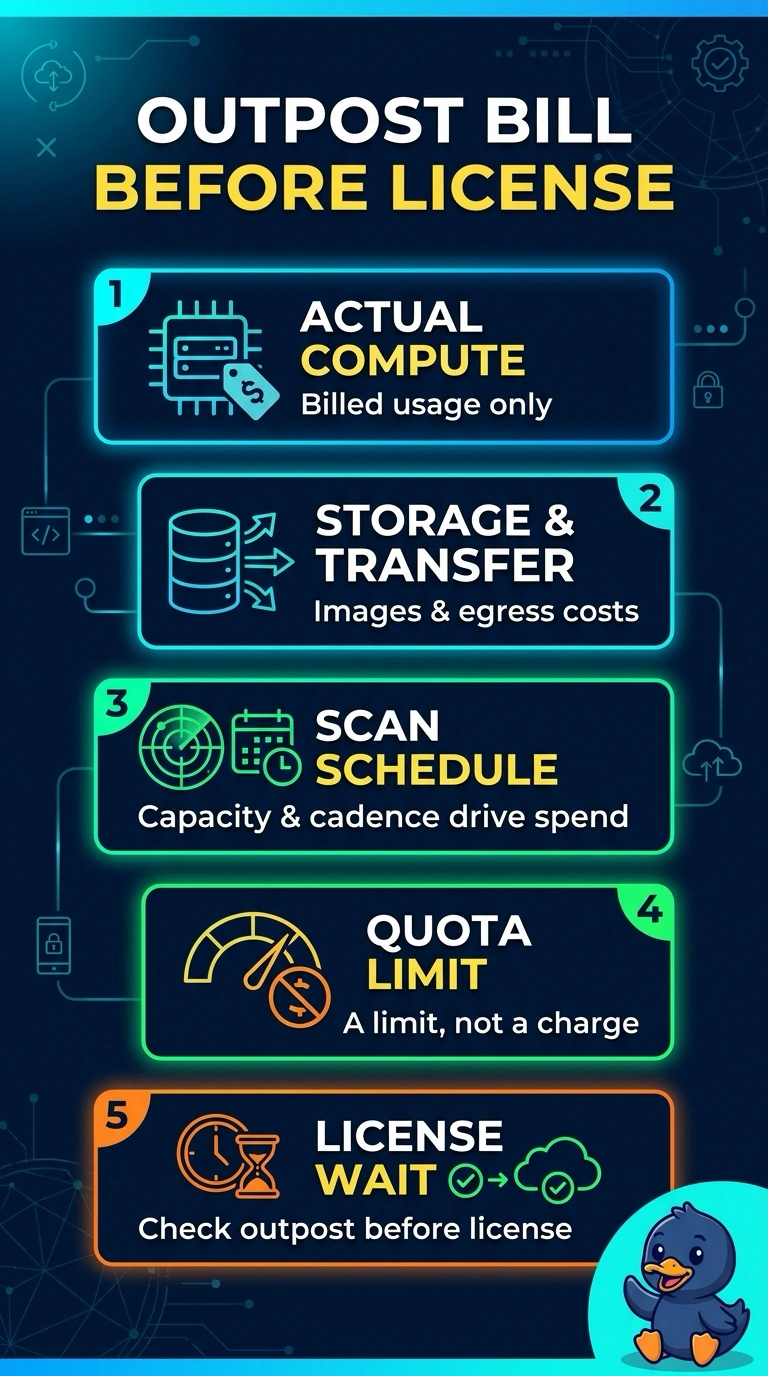
Check the meter on the outbuilding before you rent a bigger main office. The large bill is an outpost month, so you review actual customer-billed outpost compute, storage and transfer, and the configured scan capacity/schedule before you change the Cortex license. The trap is treating cloud-scan compute as if it were a fleet on your invoice.
Full Explanation
Outpost compute, storage and transfer are the customer's cost. A big outpost month is explained by looking at actual customer-billed outpost compute, storage and transfer, and the configured scan capacity/schedule. An unused increased quota is a service limit, not itself a charge; investigate actual resources or explicitly paid reservations. A larger Cortex license does not directly reduce outpost consumption, so wait until that customer compute is understood. Installing a third-party agent on the Broker VM is not allowed. The broker is a closed appliance, and its software has nothing to do with the outpost bill. Treating cloud-scan compute as customer scanner instances reverses the mode. Cloud-scan compute is mostly Palo Alto Networks' bill, and a cloud-scan tenant should not show that fleet. The IDE plugin needs the Application Security add-on, a CLI read permission, Python 3.9 through 3.12, and Node.js 22 or newer for SCA. A workstation runtime does not generate outpost compute. Exam caveat: a cadence that re-reads unchanged images wastes actual compute, so review the configured scan capacity/schedule before you call the license short. Operational check: total the outpost account's actual compute, storage and transfer for the month, and review the configured scan capacity/schedule against that spike before any license order is placed.