
A plant analyst can open a posture dashboard, and every widget is empty. An admin scoped to all plants sees data on that same dashboard. The analyst's role is allowed to open dashboards. Why are the widgets empty?
Select an answer to reveal the explanation.
Short Explanation
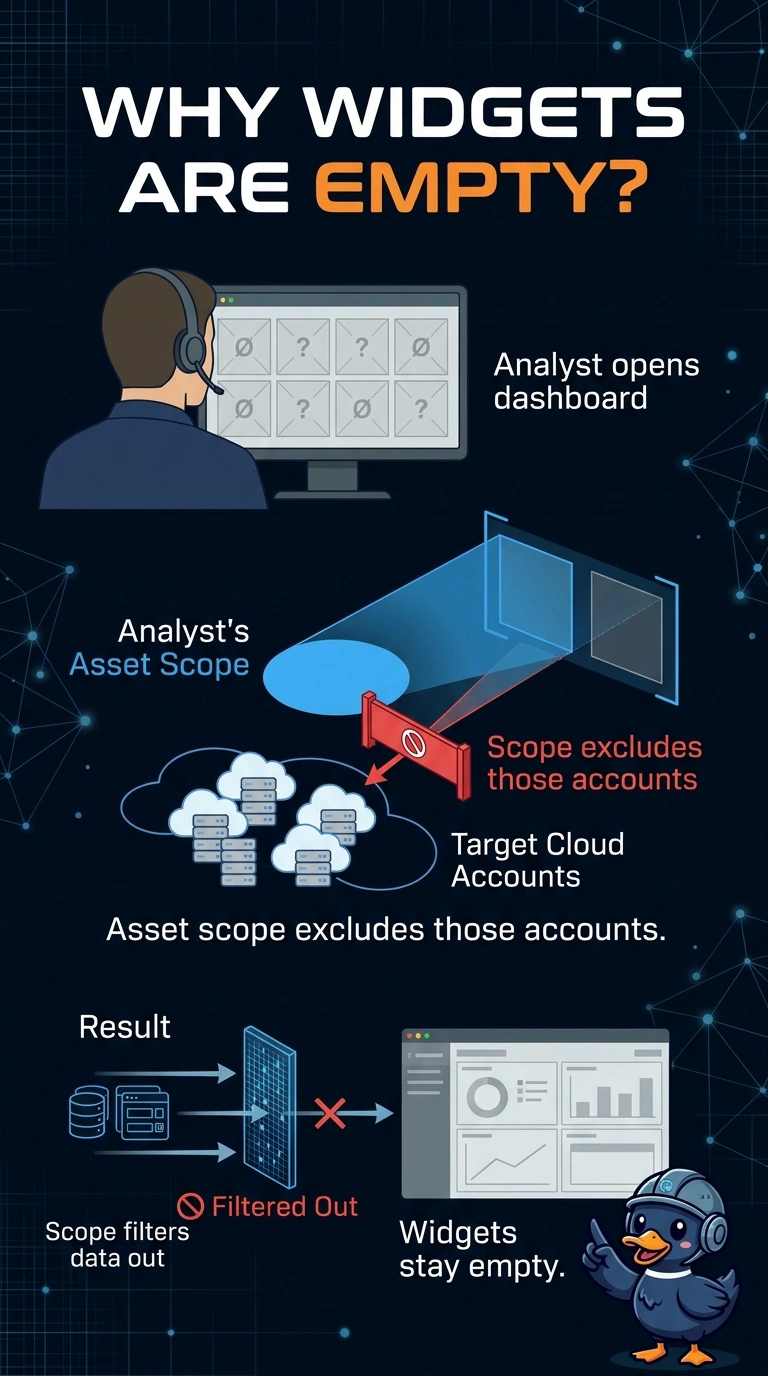
The door opens, and the room you are allowed to see is empty. Your role can open this dashboard, and the widgets follow asset scope, which leaves this analyst's plants out. The trap is calling the query broken when an admin with a wider scope sees the same dashboard full.
Full Explanation
RBAC decides which actions a role may take, including opening a dashboard. Scope-based access decides which assets that person may see. XQL widgets on cases, issues, findings, and asset inventory respect that asset scope, so a role that may open the dashboard still shows empty widgets when the scope excludes the accounts. Invalid queries would be empty for the admin as well, and the admin sees data on this same dashboard. Agent heartbeats on TCP 443 toward the regional traps hosts matter when an endpoint agent is silent. They do not blank a posture dashboard that still renders for another scope. A static group cannot be an SBAC scope. If someone attached one, it would not be the filter hiding these widgets. Dynamic asset groups are the scopes that do. Exam caveat: asset-group edits can take hours to show on assets that have not otherwise changed, so a scope fix may not fill the widgets in the same hour. Operational check: compare the analyst's dynamic groups with the admin's, confirm the plant accounts are outside the analyst's scope, and refresh the widgets after membership includes them.