
A county outpost never starts scans. Scanner instances do not boot, and the private subnet cannot reach the Cortex image-source account. What is missing?
Select an answer to reveal the explanation.
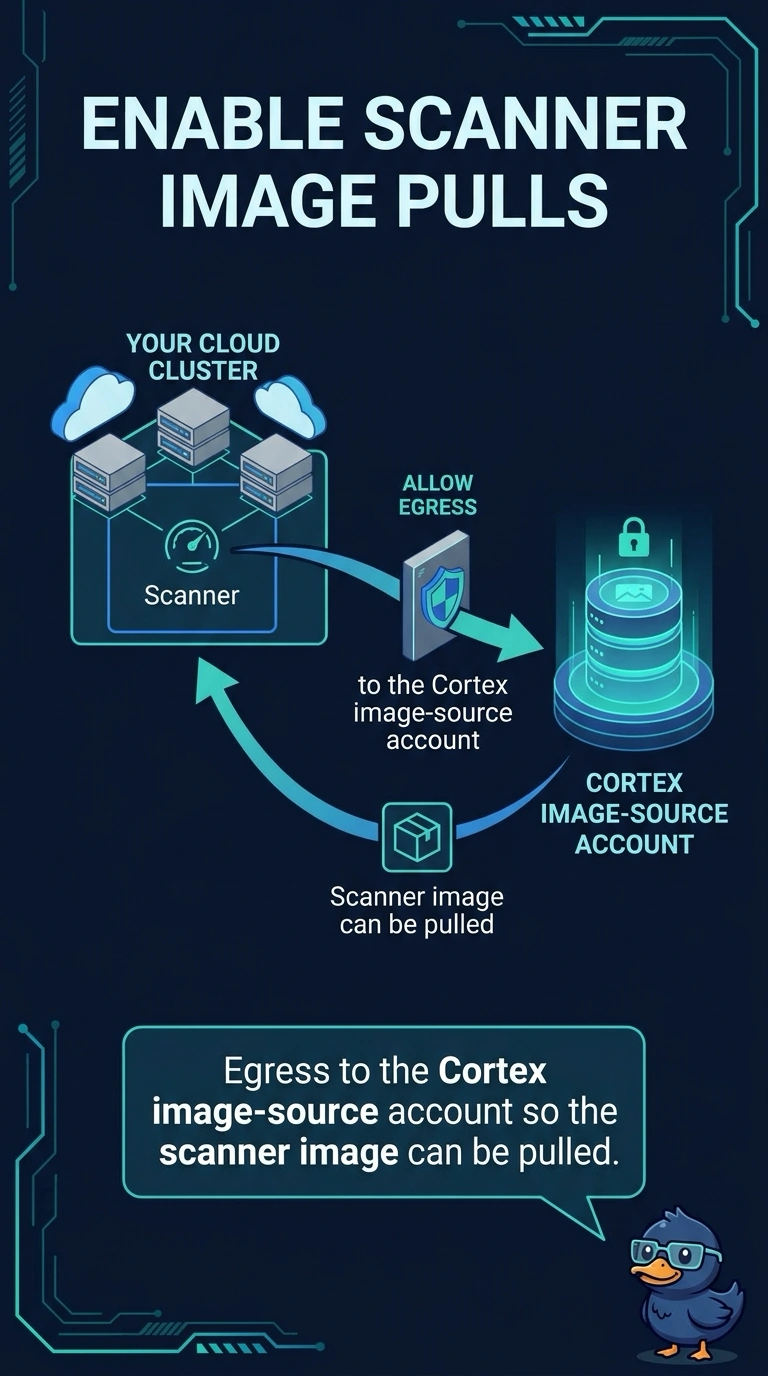
Short Explanation
Think of a locked garage with the truck waiting outside: you need egress to the Cortex image-source account to bring the scanner image in. Without that image, your scanner instances cannot boot; an inbound TCP 443 path from the internet does not pull it.
Full Explanation
Outpost scanner virtual machines boot from a Cortex-owned image, so they need egress to the Cortex image-source account to pull that image. Without this outbound path, the instances cannot boot and scans never start. Allow the documented image-source and trust paths for your selected provider and region, then inspect instance launch errors. An inbound TCP 443 path from the internet does not provide the missing image: the failure is an outbound image pull, not a need for Cortex to call scanners. A Broker VM is a separate appliance for agents, logs, and files; it is not installed on scanner instances as a third-party logging agent and cannot supply their boot image. A second outpost in the same account does not give the first outpost image access; an account is intended to have one dedicated outpost. Exam caveat: access to a tenant console does not replace egress to the image-source account—the required path is specifically to the image source. Practical check: from the scanner subnet, verify egress to that account, then confirm that an instance boots from the image and the outpost can start a scan.