
Museum Broker VMs using their documented default NTP servers show clock skew, and token checks then fail. Name resolution works. Which path should the firewall allow for time sync?
Select an answer to reveal the explanation.
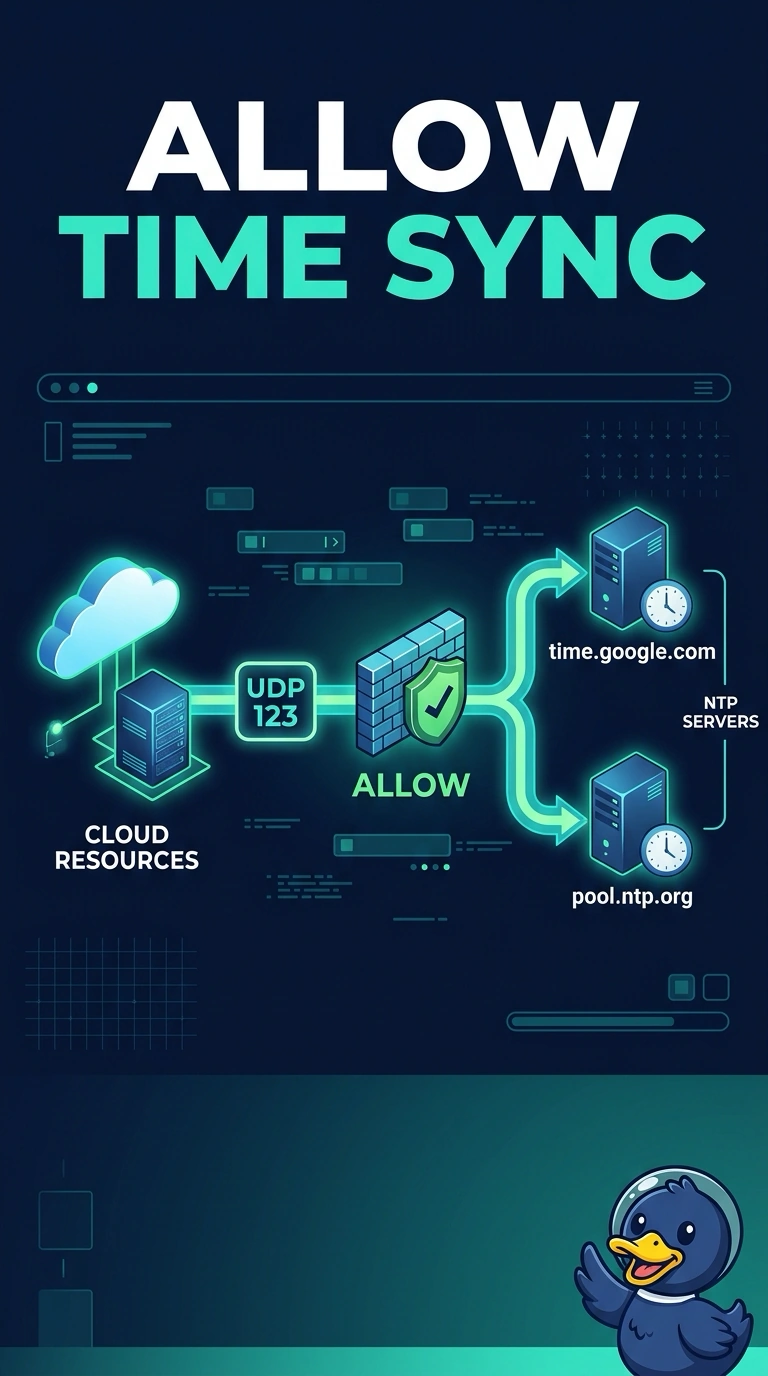
Short Explanation
You are failing token checks after clock skew, like a clock five minutes fast making every ticket look forged, and allowing only the tenant console on TCP 443 still leaves the clocks wrong. Broker VM defaults are time.google.com and pool.ntp.org over UDP 123; administrators may instead configure approved alternative NTP servers. Permit the actually configured time sources and verify synchronization before retrying registration/authentication.
Full Explanation
Broker VM defaults are time.google.com and pool.ntp.org over UDP 123; administrators may instead configure approved alternative NTP servers. Permit the actually configured time sources and verify synchronization before retrying registration/authentication. Clock skew makes token checks fail even when name resolution works, so the firewall path for time is that UDP service, not the tenant's TCP console port. Outbound TCP 443 to the regional console name is how people and some management traffic reach the tenant. It is not the time source, and opening it does not set the Broker VM clock. Outbound TCP 443 to the heartbeat name and the EDR upload name is the agent path for check-in and upload. Those names do not serve NTP, so allowing them does not clear skew on Broker VMs using their documented default NTP servers. Inbound TCP 443 from the internet into the Broker VM subnet is the wrong direction. Broker VMs sit in private subnets and are not waiting for inbound connections for time. The documented Broker defaults do not establish universal outpost-scanner requirements. Operationally, confirm the clock offset drops and a new token check succeeds.