
A railroad analyst must open policy screens and must see only one region's assets. The cases and issues requirement is cases and issues accessible under the applicable Assets, Cases and Issues and Endpoint scoping configuration. Which controls do that?
Select an answer to reveal the explanation.
Short Explanation
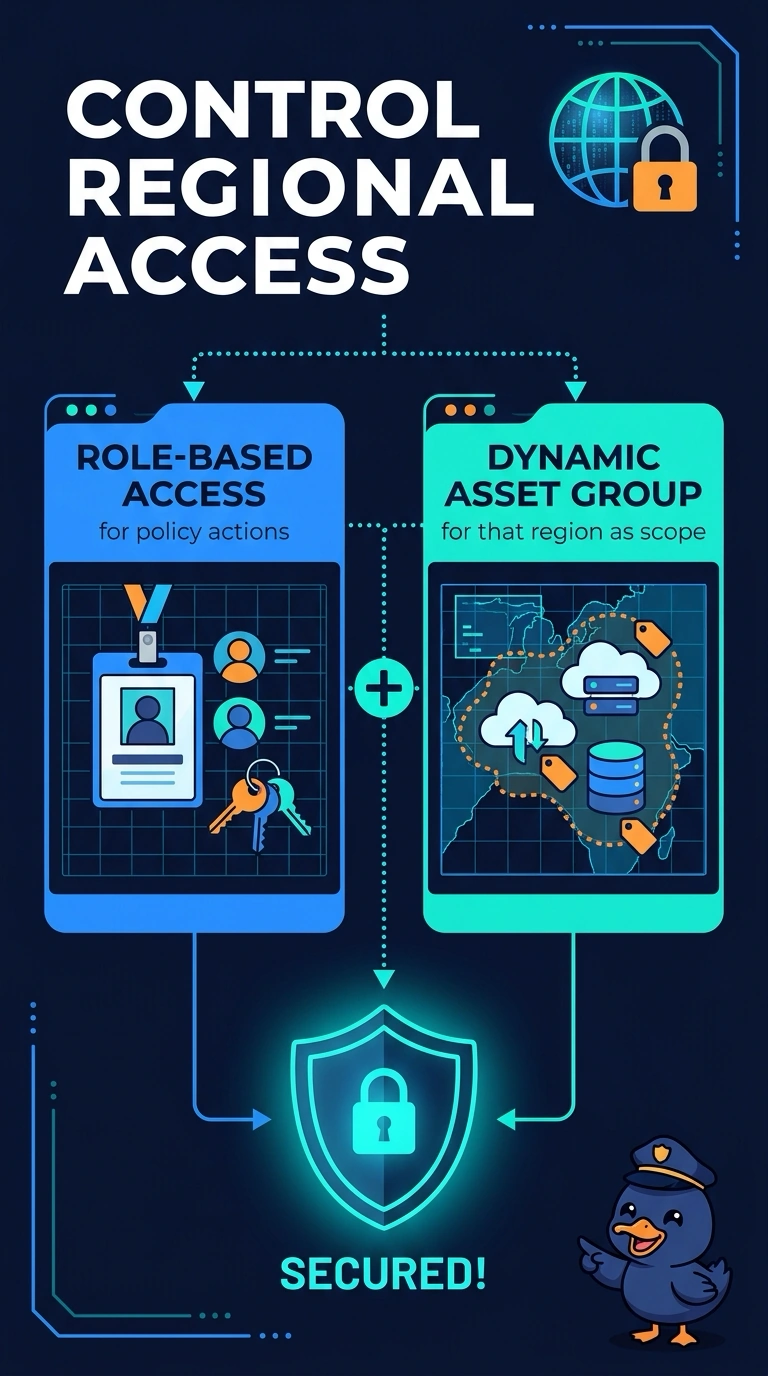
Think of a key that opens the policy room and a guest list that decides which cabinets you may open. You grant the screens with role-based access and you limit the view with a dynamic asset group on region for assets, plus cases and issues accessible under the applicable Assets, Cases and Issues and Endpoint scoping configuration. A static list cannot be that scope, and a hostname filter is not a supported scope field.
Full Explanation
Role-based access control decides which actions a role may take, including opening policy screens. Scope-Based Access Control decides which assets that person may see, plus cases and issues accessible under the applicable Assets, Cases and Issues and Endpoint scoping configuration, and it uses dynamic asset groups only. Region is a supported scope field, so a dynamic group limited to that region is the scope that hides the other regions. An accessible multi-asset case can list out-of-scope items without allowing their details; asset scope is not a promise that every listed case member belongs to the region. A static list of five servers cannot be an access scope, even if those servers happen to sit in the region. An API key carries a role and is not a shared user password. Sharing one key does not give the analyst a regional asset view, and it is the wrong credential for a person. A group built on hostname cannot be used for access scope, because hostname is not one of the supported scope fields. Exam caveat: a dashboard the role may open can still show empty widgets when the scope excludes the data, which is the scope working, not a broken query. Operational check: sign in as the analyst, confirm policy screens open, and confirm assets from another region do not appear while cases and issues follow the applicable scoping configuration.