
An architect wants one shared outpost to serve two AWS accounts and plans to home that outpost in both accounts at once. Both accounts already run application workloads. Which placement matches the outpost rules?
Select an answer to reveal the explanation.
Short Explanation
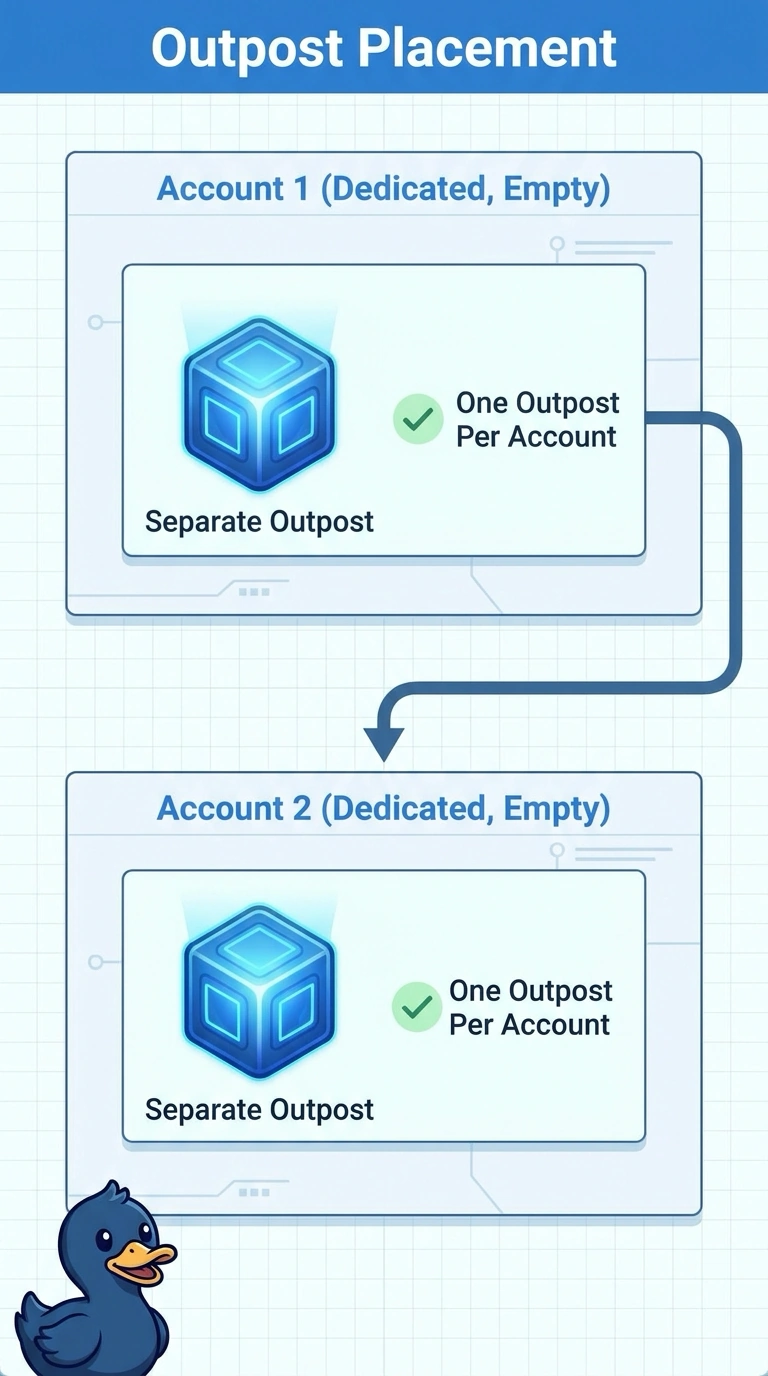
Think of an outpost as a workshop that needs its own empty account—you can’t give one outpost two homes or place it in either busy application account. You’ll match the rule with one separate outpost in its own dedicated empty account.
Full Explanation
The matching placement is a separate outpost in its own dedicated, empty AWS account, with one outpost per account. An outpost cannot be homed in two AWS accounts at once, and an account that already runs application workloads does not meet the dedicated-empty-account rule. Registering one shared outpost into both AWS accounts therefore gives a single deployment two homes and violates the account boundary. Using both application accounts as the outpost home because their VPCs already exist also fails: existing VPCs do not make those workload accounts eligible dedicated accounts. Placing one outpost in the busiest application account and reusing it unchanged for the second account fails for the same reason—the first account is not empty—and because the proposed hosting account contains application workloads. A correctly hosted dedicated outpost may scan multiple authorized target accounts; each target account need not host its own outpost. Exam caveat: the presence of application workloads is a reason to avoid those accounts as outpost homes, not a reason to share one outpost between them. Practical check: map each outpost to its own dedicated account, verify that account has no application workloads, and confirm no account is listed as the home for multiple outposts.