
A robotics lab's only cloud is OCI. The team wants an outpost so they can own the scanner fleet for agentless disk scanning. What does onboarding on OCI actually support?
Select an answer to reveal the explanation.
Short Explanation
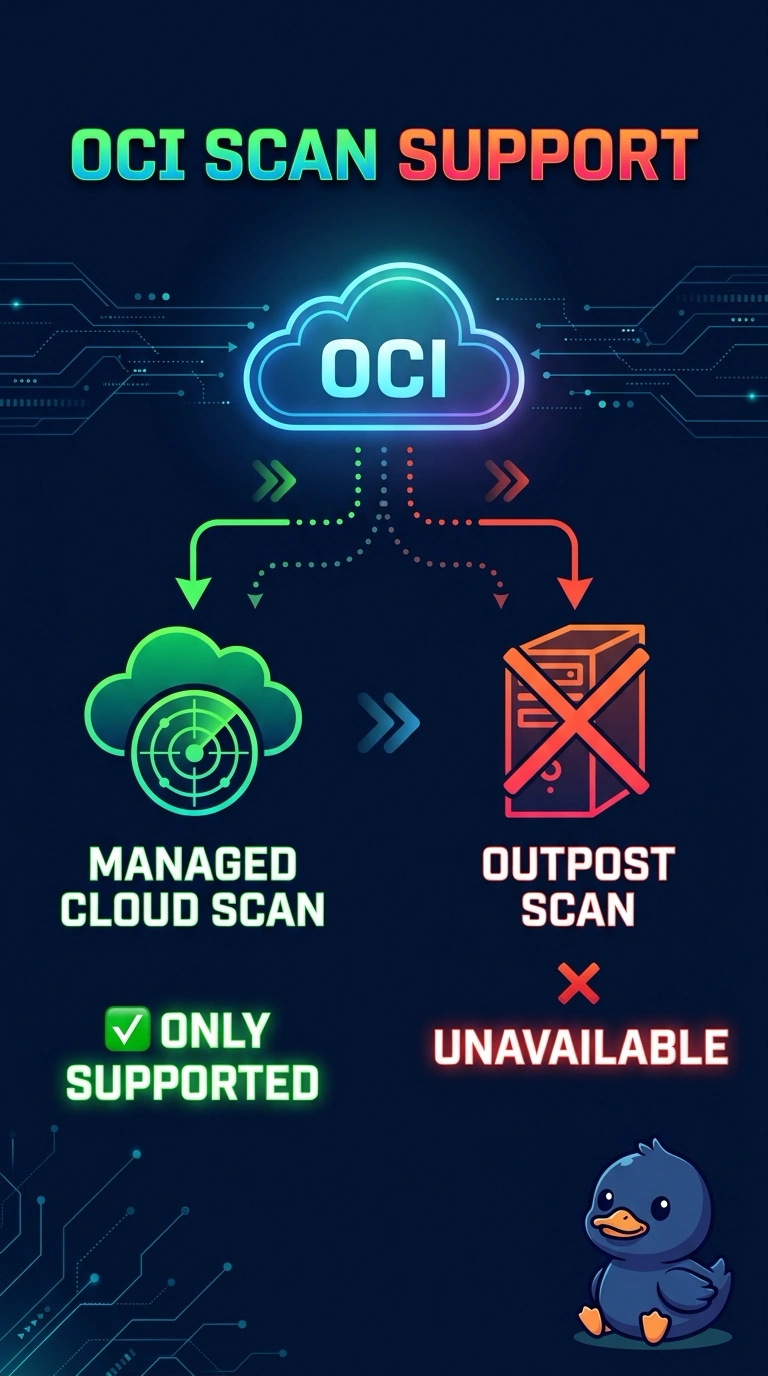
Think of asking OCI for an outpost as ordering a door the building was never given. You can onboard the lab, and the supported mode is managed cloud scan only. The trap is planning a customer-owned scanner fleet the way you would on AWS.
Full Explanation
ADS supports Outpost Scan on AWS, Azure and GCP; on OCI and Alibaba Cloud it supports only Cloud Scan. An outpost is not offered on OCI for agentless disk scanning, so the robotics lab cannot own a scanner fleet there no matter how strongly the team wants that boundary. The plan is managed cloud scan. A standard outpost template belongs to clouds where outpost scan exists, in a dedicated account, subscription, or project. Applying that idea to an OCI compartment invents a mode the onboarding does not have for agentless disk scanning. Choosing cloud scan or outpost per compartment is the AWS, Azure, or GCP decision when those clouds are in use. It is not an OCI choice for agentless disk scanning. A Broker VM bridges on-premises networks and on-premises data sources. It is not a substitute for cloud-account onboarding and it does not become the OCI scan mode. Exam caveat: cloud scan means Palo Alto Networks runs the scanners and carries most of that compute. The lab should not expect a scanner fleet on its OCI bill from this mode. Operational check: confirm the OCI tenancy is planned as managed cloud scan and that no outpost template is in the design.