
A SaaS company's platform team wants the cloud onboarding identity to hold full administrator rights so the stack cannot fail a permission check. What identity should be used instead?
Select an answer to reveal the explanation.
Short Explanation
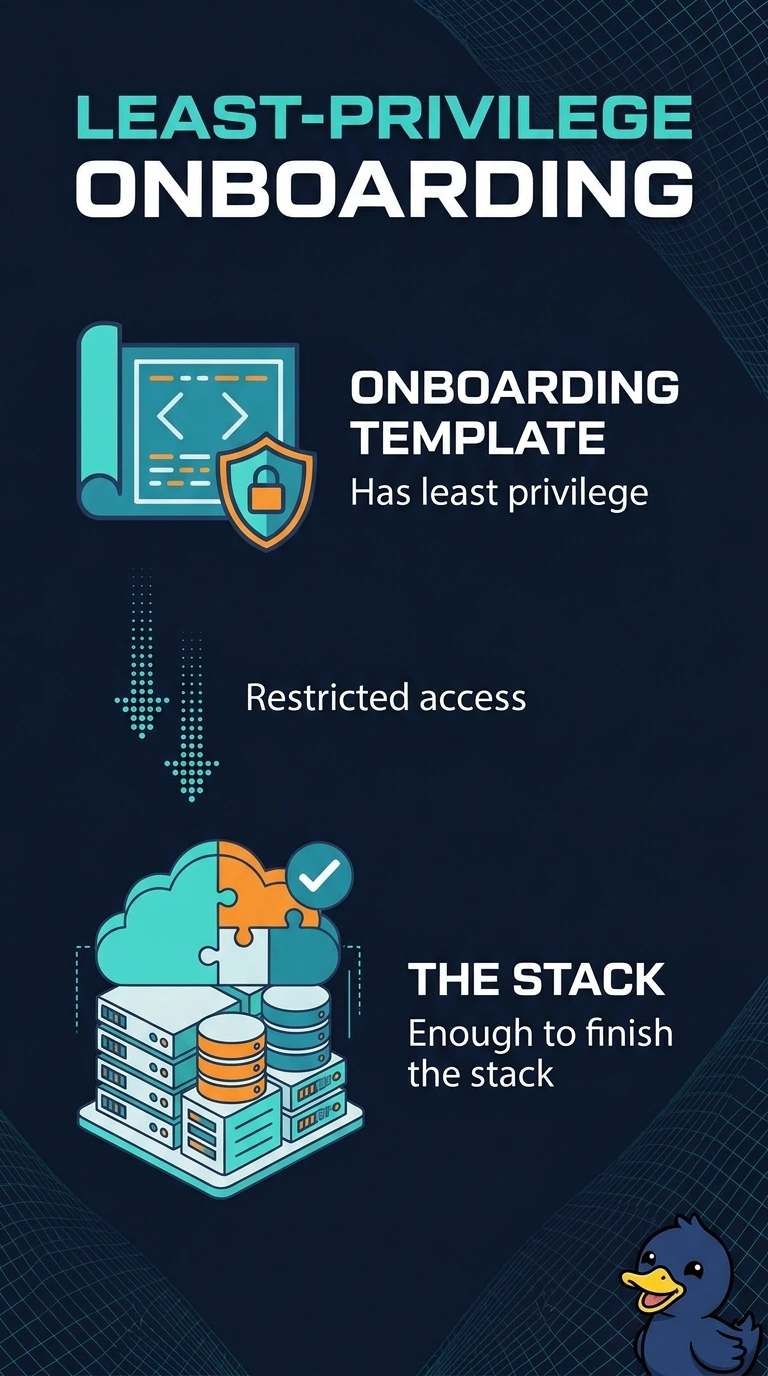
Think of full administrator rights as handing over the building’s master key just to hang one shelf. You want least privilege: the onboarding template’s identity should have enough permission to finish the stack, but no more. A read-only auditor cannot build it, while shared administrator credentials create unnecessary risk.
Full Explanation
Use the onboarding template’s least-privilege identity, with enough permissions to complete the stack rather than full administrator rights. Use the provider's documented deployment identity and runtime trust/credential workflow. Federated outpost trust is documented, but authentication is provider/integration-specific; do not claim every supported cloud onboarding uses federation without secrets. Full administrator rights may let the stack succeed, but they violate least privilege. A read-only auditor role can list resources but cannot create the onboarding resources, so the stack fails or rolls back when it reaches a missing permission. A long-lived administrator key shared by the platform team and pasted into a wiki is a shared secret, not the documented deployment identity, and grants excessive access separate from ongoing collector permissions. An API key should carry its own role and be rotatable; a key with no role cannot perform the onboarding actions, and reusing one across operators repeats the shared-password pattern the platform should avoid. Exam caveat: a stack rollback can result from a missing permission, a bad parameter, or an organization-control conflict, so least privilege must still cover every action the template requires. Practical check: deploy with the template identity, confirm the stack completes, and verify it is neither full administrator nor read-only.