
A plant security lead wants a third-party endpoint agent installed on the Broker VM so the appliance is monitored like a Windows server. What should the team do?
Select an answer to reveal the explanation.
Short Explanation
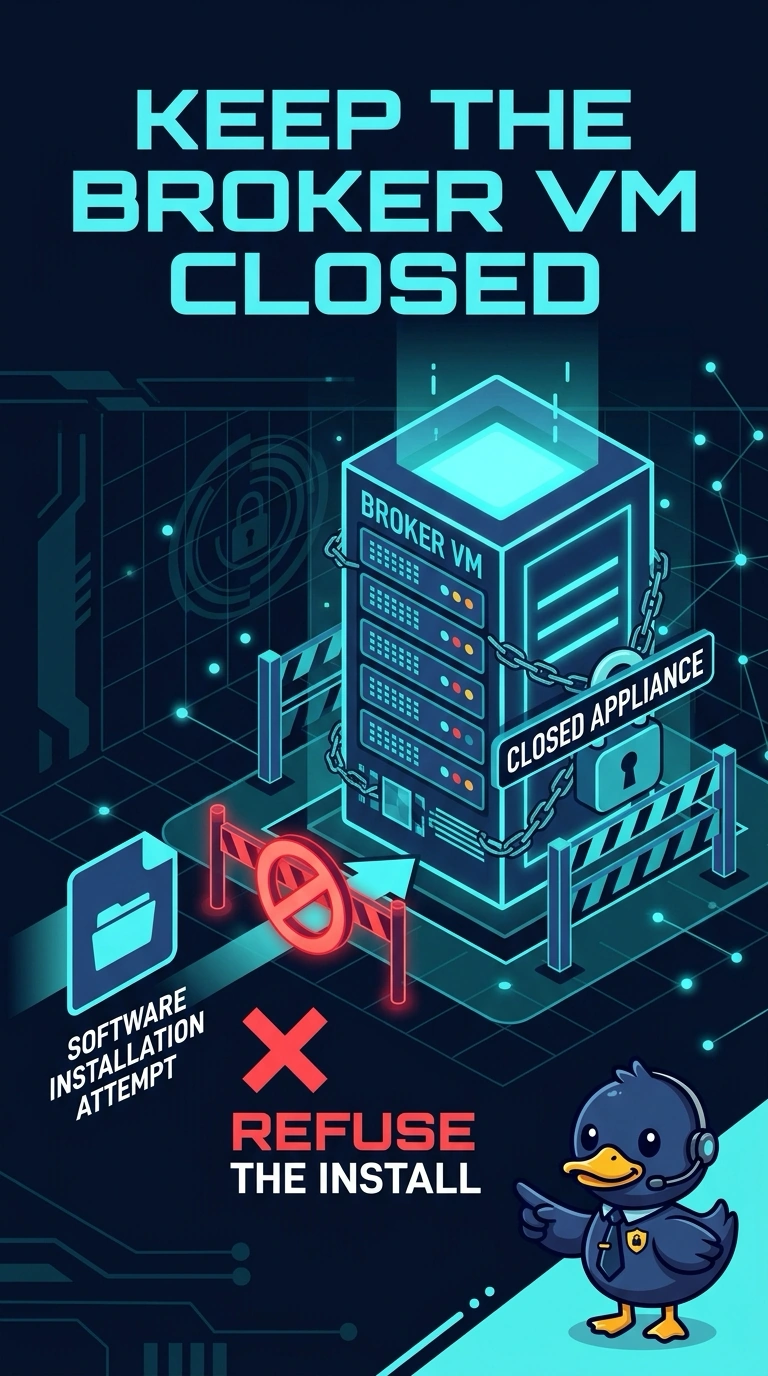
You would not drill a new lock into a sealed equipment cabinet. The Broker VM is a closed appliance, and you refuse a third-party endpoint agent on it. The trap is treating the broker like a Windows server, or moving the agent onto an outpost scanner image that is not yours to modify.
Full Explanation
The Broker VM is a closed, hardened appliance. It bridges the customer network for endpoint routing, log collection, and file forwarding, and it updates from Cortex. Third-party agents are not installed on it. Refusing the install is the correct response to a request to monitor it like a general-purpose server. A global exception would assume the agent is allowed on the box. Exceptions carve a prevention finding out of an endpoint profile, and they do not open the broker to extra software. Outpost scanner virtual machines boot from a Cortex-owned image. They are ephemeral scan workers, not a place to standardize a third-party agent, and replacing the broker with a scanner removes the plant bridge. Office 365 is a SaaS data source onboarded for DSPM on cloud scan. That onboarding does not convert the broker into a monitored server and does not authorize software on the appliance. Exam caveat: the XDR agent belongs on the endpoints the broker is bridging, not on the broker itself. Operational check: confirm the broker has no extra agent package, confirm it still updates from Cortex, and confirm plant endpoints check in through the bridge.