
Native SAST code-weakness scanning is turned off because documented Veracode SAST ingestion is used. Several repositories never appear in Veracode's coverage. When is that turn-off valid?
Select an answer to reveal the explanation.
Short Explanation
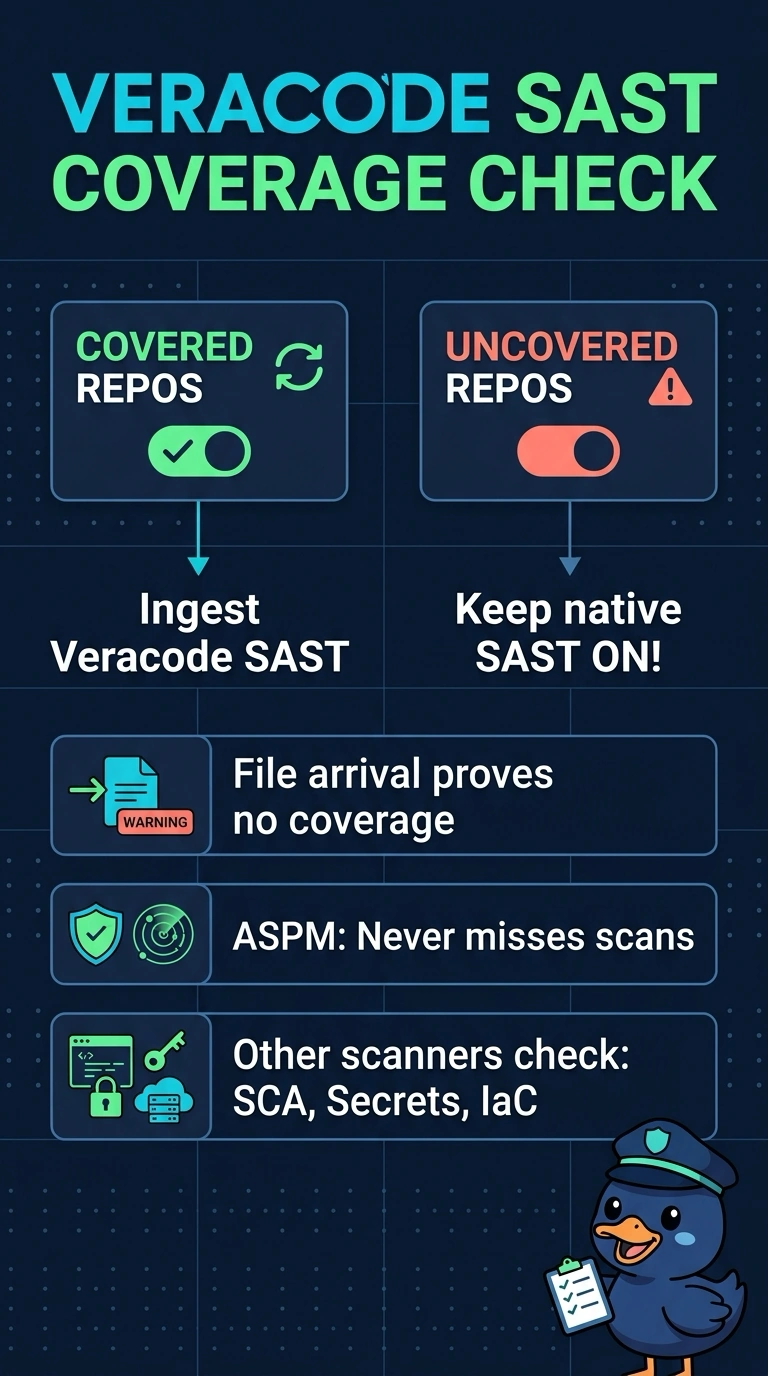
You can turn off native SAST code-weakness scanning only where documented Veracode SAST ingestion actually covers the repository, or you will lose SAST coverage there. A file reaching your tenant, ASPM starting scans, or a matching vendor name does not prove Veracode reached each repository. Keep native SAST scanning on where Veracode has not reached, and use the coverage view to check.
Full Explanation
Ingesting Veracode SAST through the documented integration can replace native SAST code-weakness scanning only for repositories Veracode actually covers. Coverage shows which repositories the scanner reached; repositories outside that set lose SAST code-weakness findings if native SAST scanning stays off, so keep native SAST scanning on for them. A Veracode SAST file reaching the tenant at least once does not establish coverage for every repository: it shows that a file arrived, not that Veracode scanned each repository. ASPM does not start Veracode or native SAST code-weakness scans when native scanning is disabled, so turning it off cannot make ASPM provide the missing coverage. A SAST vendor name matching a business application can help group findings by urgency after findings exist, but it does not prove that the repositories were scanned. SCA, secret and IaC coverage remain separate and must be assessed independently. Practical check: review coverage, identify repositories Veracode has not reached, re-enable native SAST code-weakness scanning for those repositories, and confirm findings return there while covered repositories continue using the ingested feed.