
A third-party SARIF feed covers SAST code-weakness findings only. After it is ingested, every native code scanner is turned off, and secret findings in those repositories disappear. What coverage is still required?
Select an answer to reveal the explanation.
Short Explanation
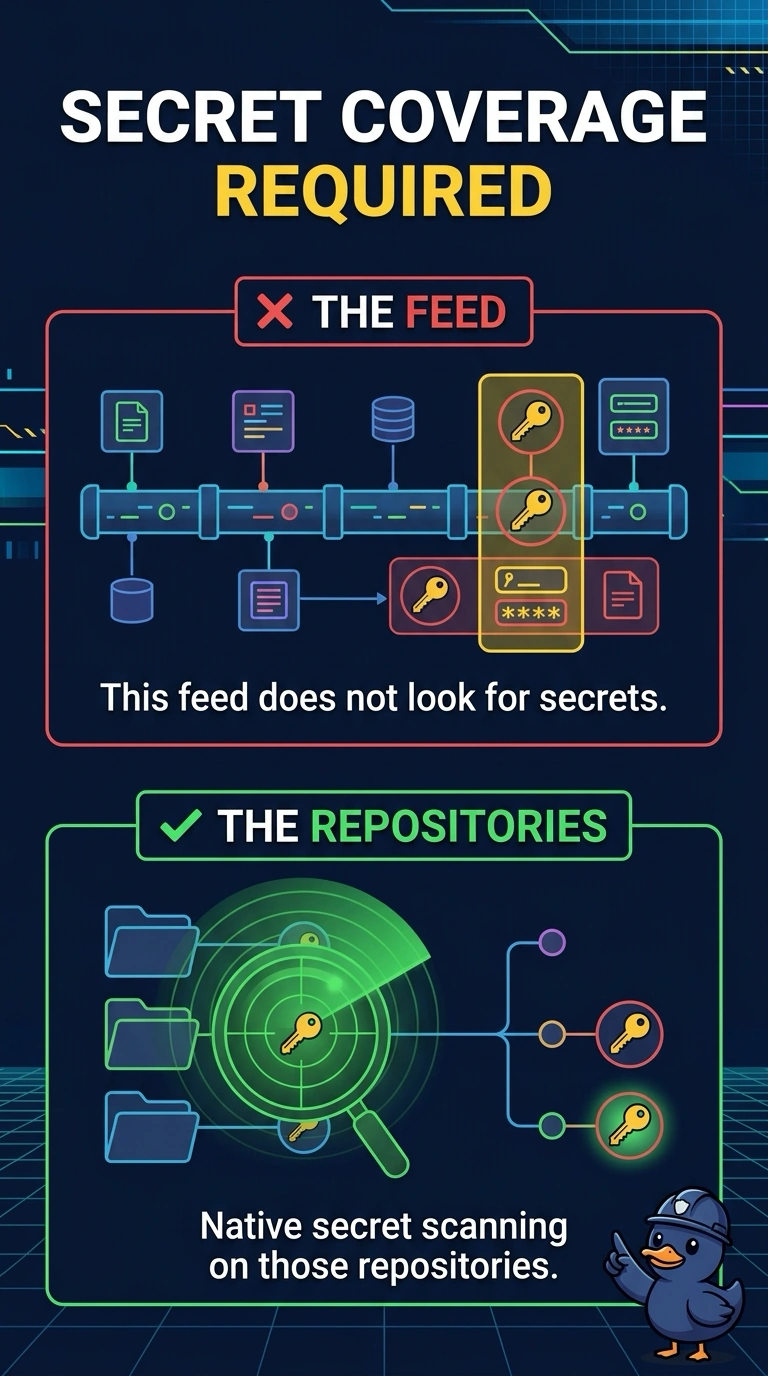
You’re right to check what the feed actually covers: this SARIF contains SAST code-weakness findings only, so it doesn’t replace native secret scanning. Re-enable native secret scanning on those repositories to restore secret coverage; the key is not to treat a feed as a substitute for scanners it never ran.
Full Explanation
Ingesting SARIF does not automatically replace native secret, IaC, or SAST code-weakness scanning; it provides only the coverage represented in the uploaded findings. This feed covers SAST code-weakness findings only, so native secret scanning is still required, and turning off native scanners explains why secret findings disappeared. Assuming the SARIF feed replaces native secret, IaC, and SAST coverage together fails because it does not contain all three kinds of findings. A cloud-workload malware rule is focused on workloads, not repository secrets, so it cannot replace the native secret scanner. Uploading the same SAST code-weakness SARIF under another vendor name creates another copy of those findings, not secret coverage; scoring urgency does not change what the findings represent. Exam caveat: evaluate scanner coverage by finding type rather than by whether a SARIF file was ingested. Practical check: review coverage for an affected repository, confirm that no secret scanner is reaching it, re-enable native secret scanning, and verify that a known test secret appears as a finding again.