
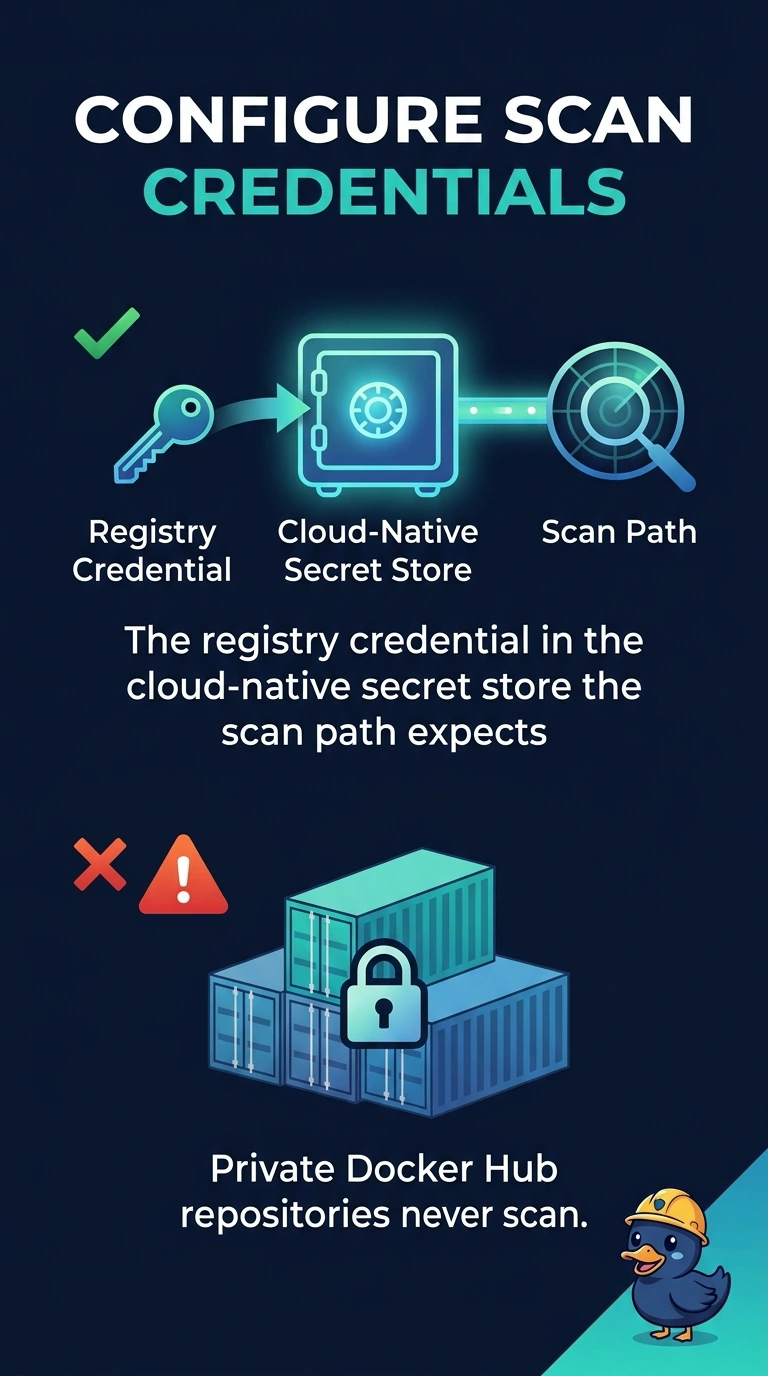
Private Docker Hub repositories never scan. A developer password sits in a notebook, and the secret store the scan path expects is empty. The team uses Outpost scan mode. What should they configure?
Select an answer to reveal the explanation.
Short Explanation
Think of a warehouse key left in a notebook instead of the lockbox the night shift actually opens. Put the Docker Hub credential in the cloud-native secret store the scan path expects. You need the expected secret store populated; neither a control-plane agent nor a notebook password provides that integration.
Full Explanation
Private Docker Hub repositories require the registry credential to be available in the cloud-native secret store expected by the Outpost scan path. A developer’s notebook copy does not provide credentials to the scan, so the secret store must contain the credential for the image pull to succeed. An XDR agent is placed on workloads the team runs; it is not installed on the Docker Hub control plane, and it does not authenticate a registry pull. A source-control webhook delivers git or CI events, but those events do not supply authentication for pulling an image from a private registry. A Broker VM is a separate supported private-registry scan mode configured through its registry connector; storing the password inside a third-party agent configuration file is not that mode’s documented credential workflow, and it does not require installing third-party software. The correct configuration is the registry credential in the cloud-native secret store that this scan path expects. Exam caveat: creating or connecting the registry entry while leaving its expected secret store empty still prevents the private image pull. Practical check: populate the expected secret store, remove the notebook copy, and confirm that a private Docker Hub repository completes an image scan.