
A software company keeps application code in a GitHub SaaS organization and wants pipeline findings in Cortex. An engineer proposes the existing AWS read-only role as the GitHub connection. How should that organization be onboarded?
Select an answer to reveal the explanation.
Short Explanation
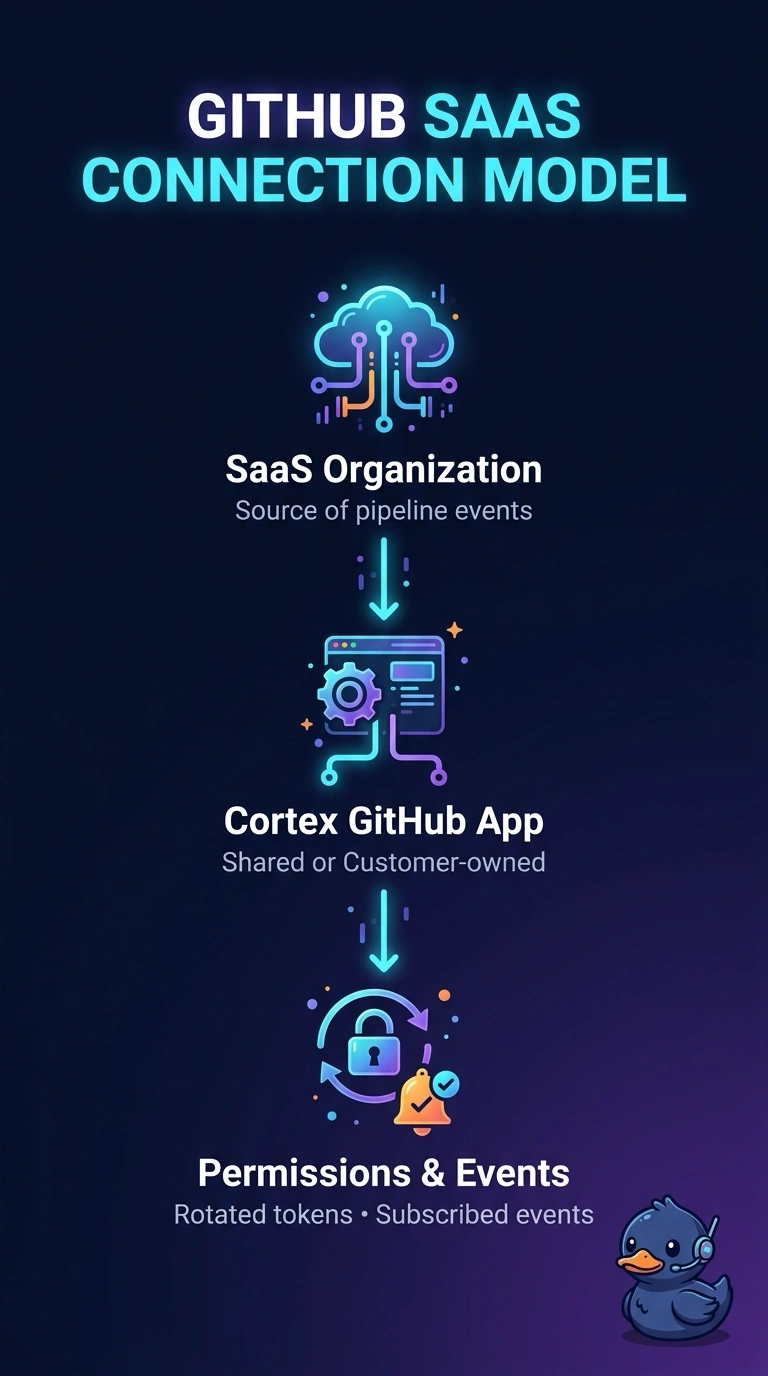
Think of GitHub as its own front door for you, not a side room of the AWS account. GitHub SaaS onboarding uses a GitHub App with automatically rotated installation tokens; follow the selected ownership model. GitHub Enterprise on-premises and other development systems have separate documented authentication workflows.
Full Explanation
GitHub SaaS onboarding uses a GitHub App with automatically rotated installation tokens; follow the selected ownership model. GitHub Enterprise on-premises and other development systems have separate documented authentication workflows. Installing the shared Cortex GitHub App or an approved customer-owned GitHub App creates the application-pipeline connection with its required permissions and subscribed events, which is how repository and pipeline events arrive in Cortex. That connection does not by itself scan a cloud account, and a cloud-account role does not replace it. The AWS read-only role that reads the production audit trail is a cloud onboarding identity for cloud visibility; it is not the credential GitHub SaaS uses and can never establish the App installation. An outpost template belongs in a dedicated cloud account for private connectivity; GitHub organization settings are not an AWS account, and deploying that template there does not create the pipeline connection. A registry credential in the cloud-native secret store connects an image registry for workload scanning; connecting a registry is not the same as onboarding the git organization, and skipping the application-pipeline connection leaves code events with nowhere to land. Confirm the installation shows expected permissions and subscribed events.