
GitHub Cloud was onboarded using the documented GitHub App, and repository scan results are arriving. No business application exists to group those repositories. What does that connection still leave for the team?
Select an answer to reveal the explanation.
Short Explanation
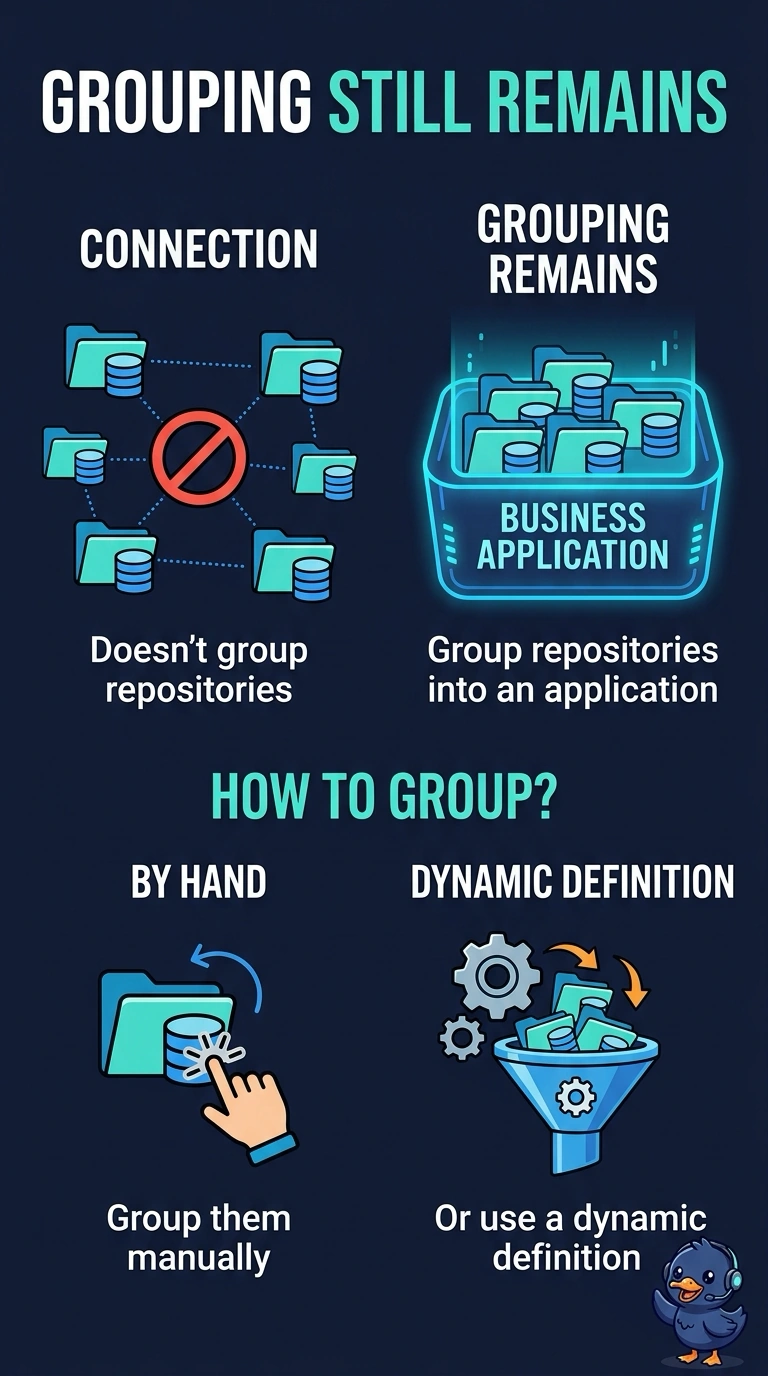
Think of the GitHub Cloud connection as the mail arriving and the business application as the folder you still have to label. You are receiving repository results, and nothing in that connection files them under a business application. Someone still has to group the repositories, manually or with a dynamic definition.
Full Explanation
Onboarding GitHub Cloud using the documented GitHub App brings application-pipeline events and lets scans land. It does not create business applications. Application security groups findings on business applications that are defined manually or dynamically. The team still has to group these repositories that way. GitHub Cloud and GitHub Enterprise on-prem have different authentication workflows; neither automatically defines the intended business-application membership. Expecting one business application per repository from the GitHub connection invents an automatic object the integration does not build. An outpost deployment promotes nothing about a repository into a cloud account. An outpost is a dedicated-account scan deployment, and the pipeline connection does not scan a cloud account by itself. A cloud configuration rule evaluates live cloud posture. It does not build a business application from a repository public address, and a repository is not a cloud exposure finding. Exam caveat: code-to-cloud linkage can relate a repository finding to a deployed asset later. That link still is not a business application until the application grouping exists. Operational check: define the business application, manually or with a dynamic rule over the repositories, and confirm the arriving findings attach to it.