
A city cloud team wants Cortex to scan Lambda functions in the payments account. A colleague offers to add an applet on the plant Broker VM instead of changing account onboarding. Which action actually turns on serverless function scanning?
Select an answer to reveal the explanation.
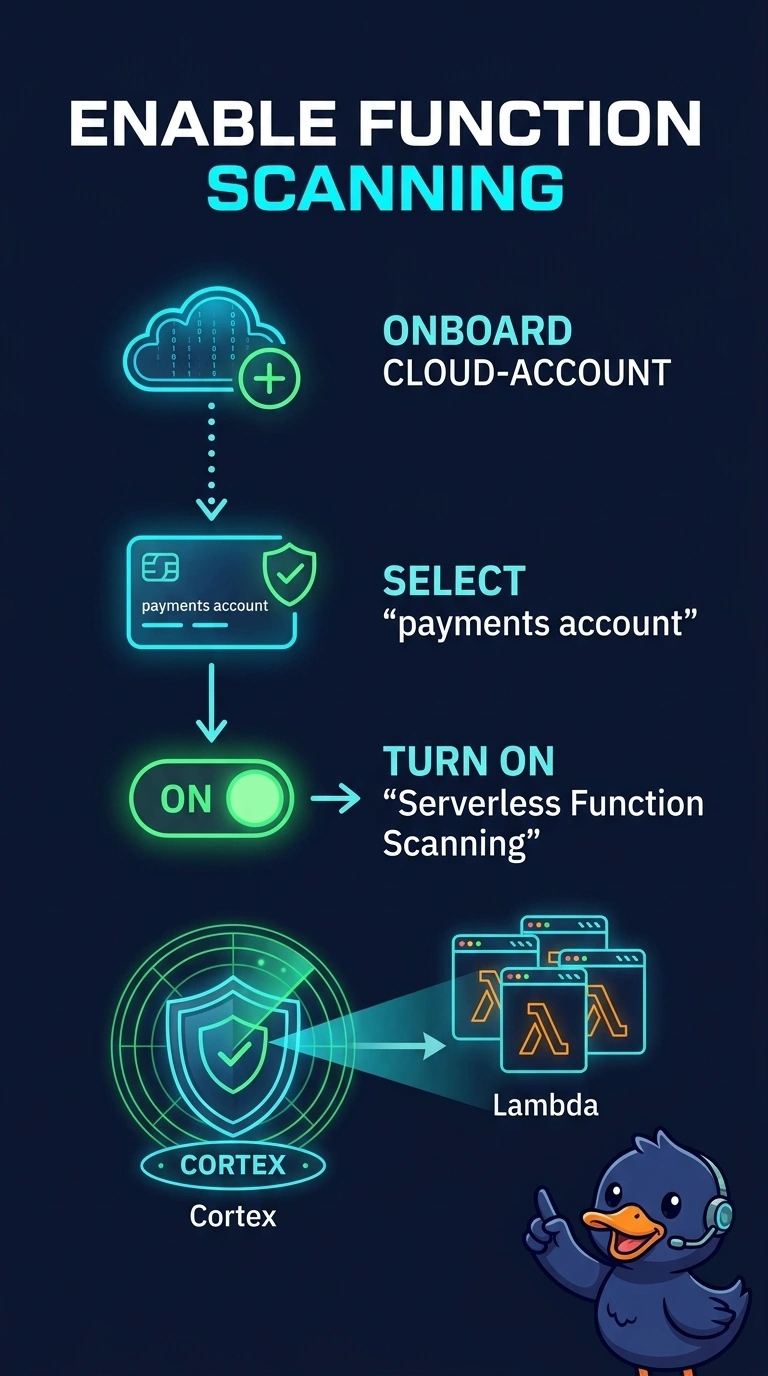
Short Explanation
Think of the Broker VM as a locked gatehouse, not a workshop where you bolt on new scanners. Turn on serverless function scanning in the payments account’s cloud onboarding; that is the switch. Adding an applet to the plant Broker VM, registering it as a runtime path, or listing function names in a static asset group will not enable Lambda scanning.
Full Explanation
Serverless function scanning is enabled through cloud-account onboarding, so to scan Lambda functions in the payments account, turn on that capability in the account integration. Function coverage follows that integration. Installing a dedicated function-scanning applet on the plant Broker VM does not work: the broker is a closed, hardened bridge for endpoint routing, log collection, and file forwarding. It updates from Cortex, third-party agents are not installed on it, and it is not a replacement for cloud scanning. Registering the Broker VM as the runtime path also confuses a network bridge with the cloud-account integration that enables function scanning. Adding function names to a static asset group used only for access scope does not start a scanner; listing assets is not the same as enabling scanning. Exam caveat: enabling this capability in the payments account is what creates function-scanning coverage; the broker’s routing role and an access-scope list do not substitute for that account setting. Practical check: open the payments account integration, confirm serverless scanning is enabled, and look for function results after the next scan rather than for a new process on the broker.