
A mutual insurer must run data security posture management on Azure blob stores and keep scanned content inside the customer boundary. Which scan mode fits that subscription?
Select an answer to reveal the explanation.
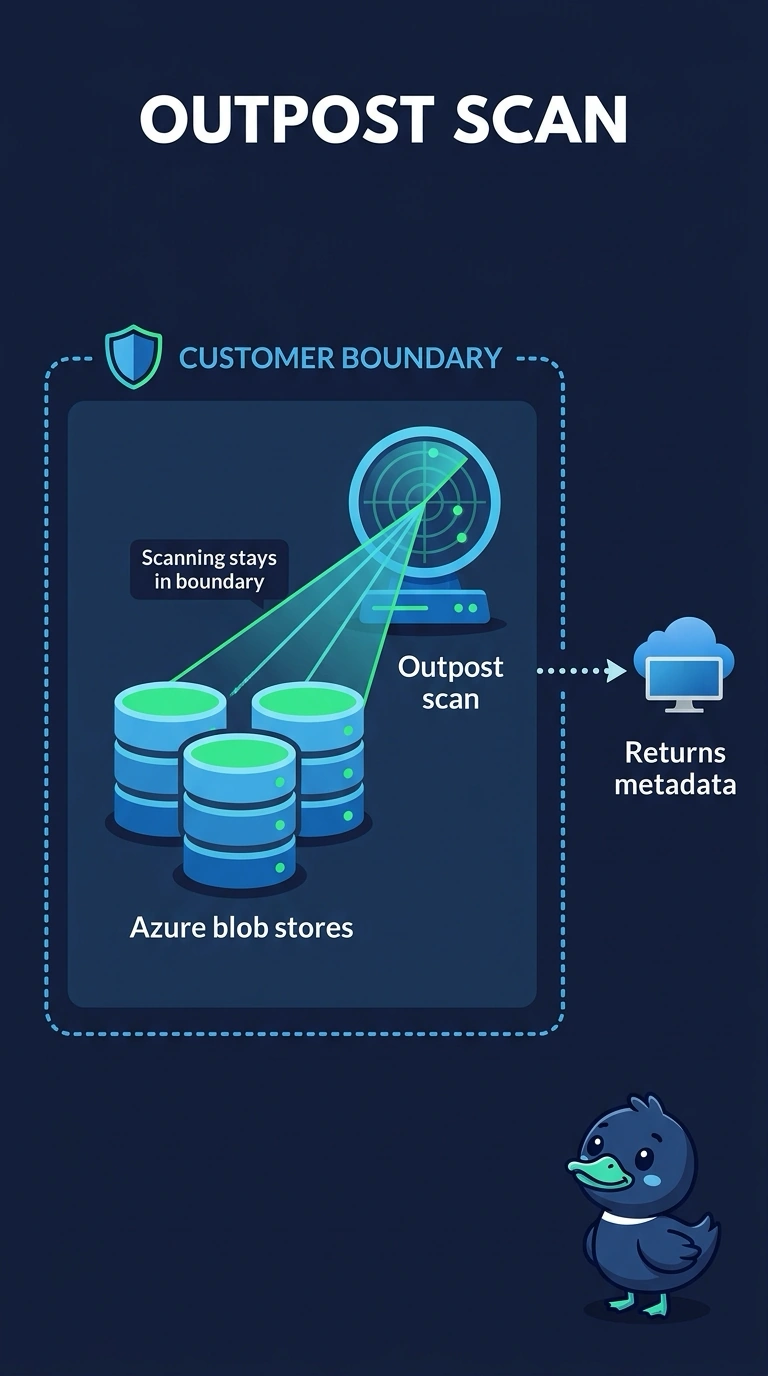
Short Explanation
Think of cloud scan as handing the folder to someone else's desk, even if they shred the copy afterward. You need blob inspection that stays inside the insurer's boundary, so this subscription uses outpost scan and returns metadata. Deleting the data after a cloud scan does not keep the contents on your side of the line.
Full Explanation
Outpost scan is the mode for data residency or a boundary the customer must own. Data security posture management on an outpost sends metadata only, so the blob contents stay in the customer boundary instead of being read inside Palo Alto Networks accounts. Cloud scan can see customer data inside those accounts and deletes it after the scan, which breaks the requirement even though the copy is not kept. A second tenant on cloud scan that copies blobs elsewhere still moves content out of the subscription for classification. Office 365 data security posture management is a SaaS data-source path, it is cloud scan only, and it does not classify Azure blob stores. Exam caveat: SaaS sources such as Office 365 cannot be forced onto an outpost, but this blob requirement is an Azure subscription and can use one. Operational check: confirm the subscription's scan mode is outpost, confirm the outpost account is dedicated, and confirm data findings arrive as metadata without a cloud-scan copy of the blobs.